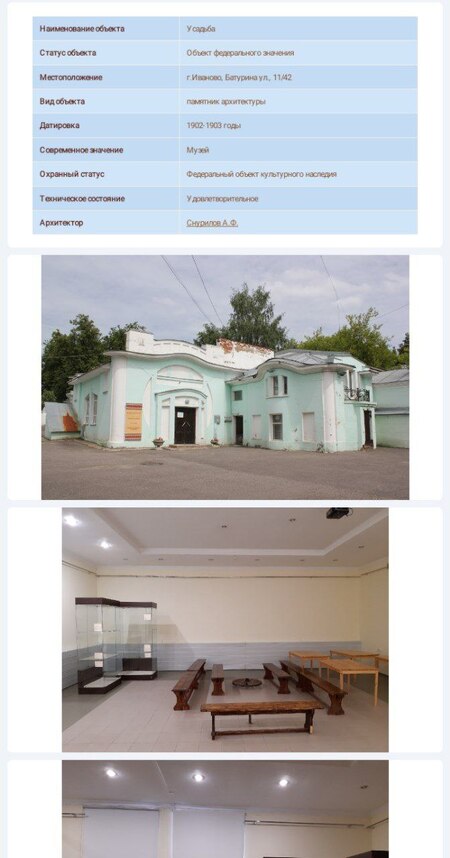
Государственное бюджетное учреждение Ивановской области «Ивановский государственный историко-краеведческий музей имени Д. Г. Бурылина» Отдел «Музей ивановского ситца»
Иваново (Ивановская область), www.igikm.ru/
MY ACTIVITY: Студент-магистрант, практикант; Художник-оформитель выставочного пространства
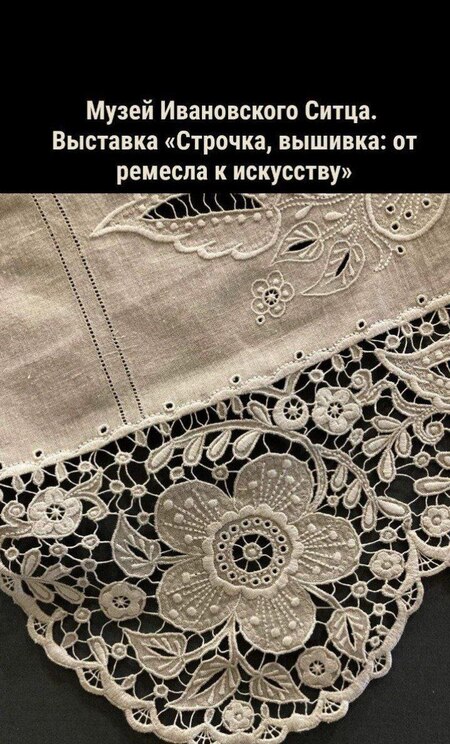
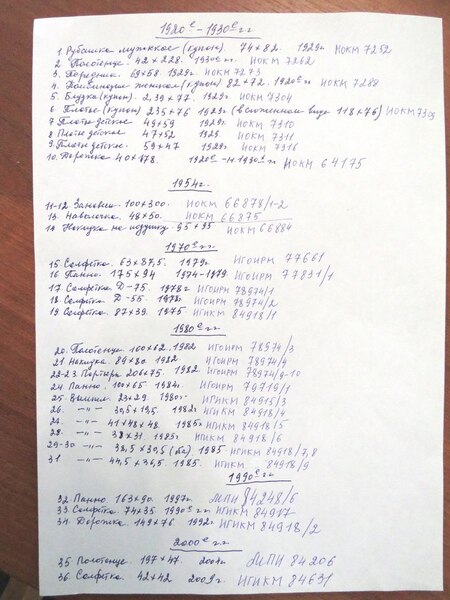
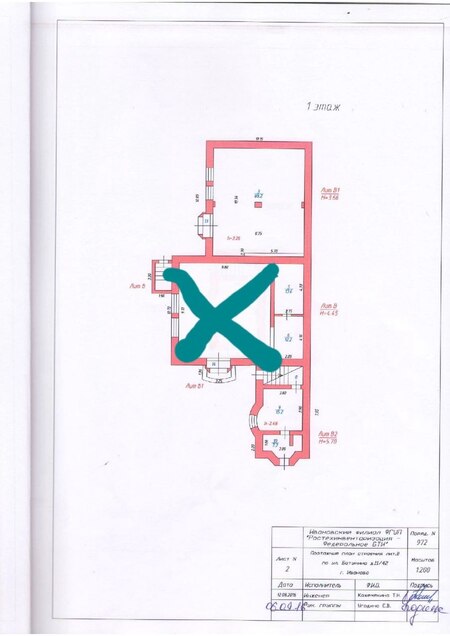
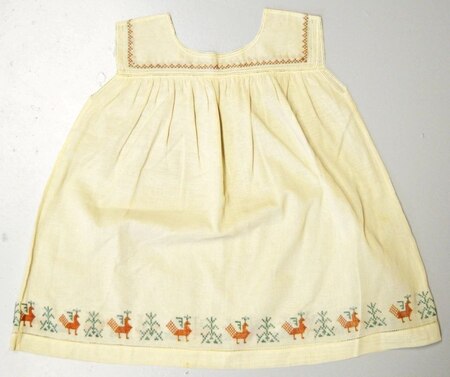
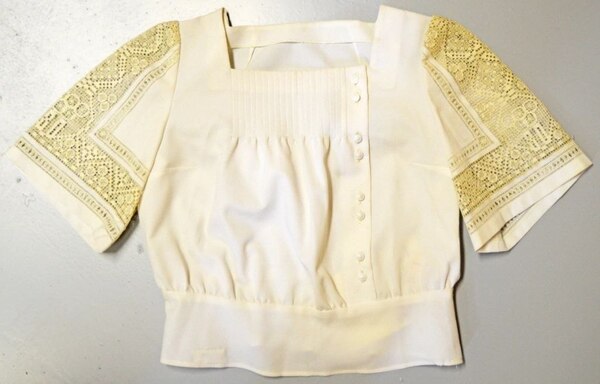
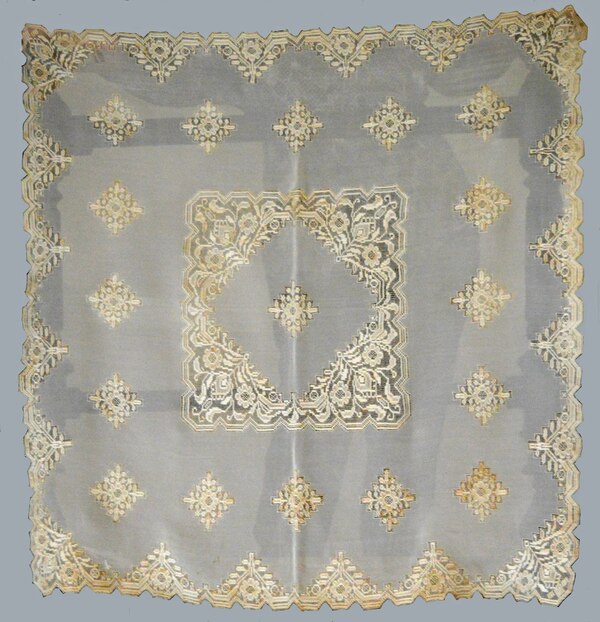
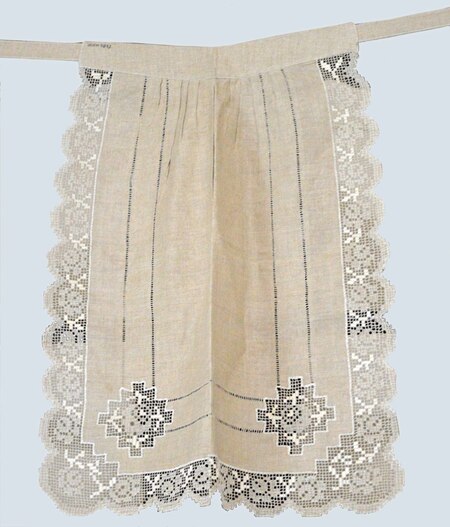
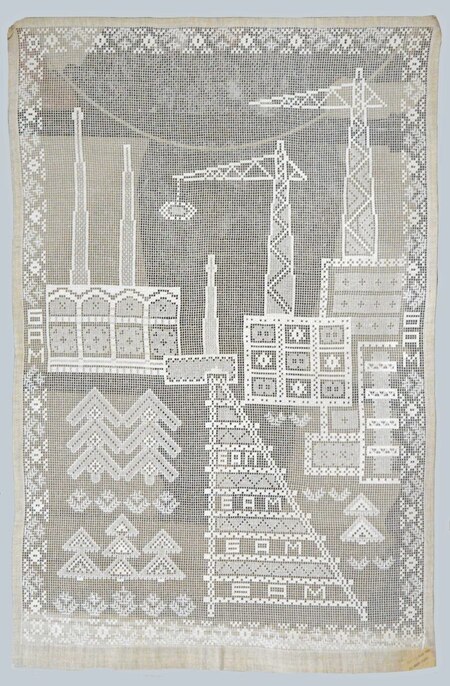
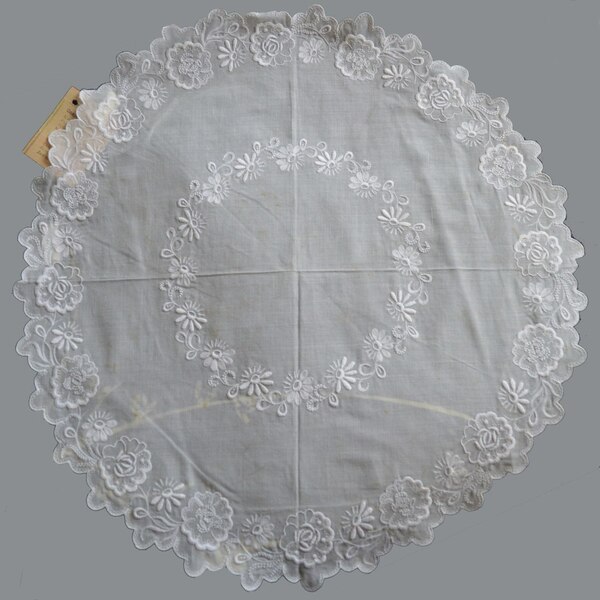
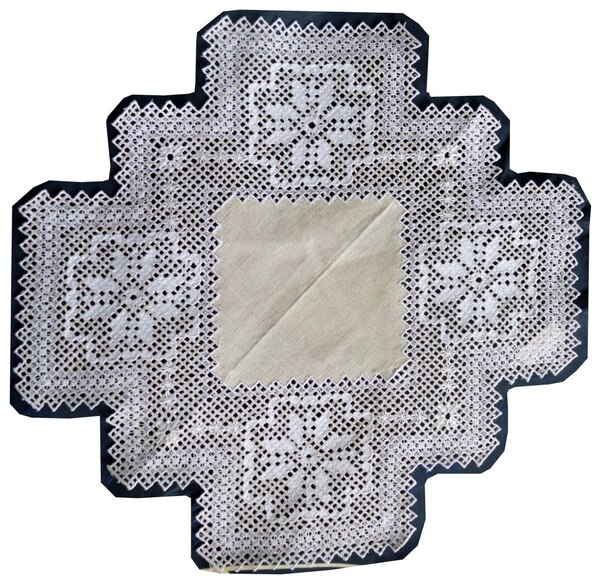
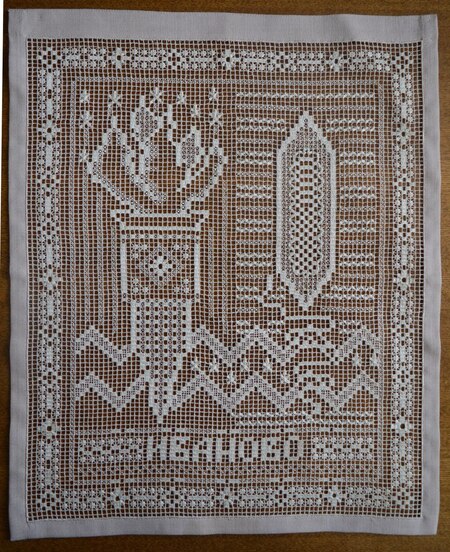
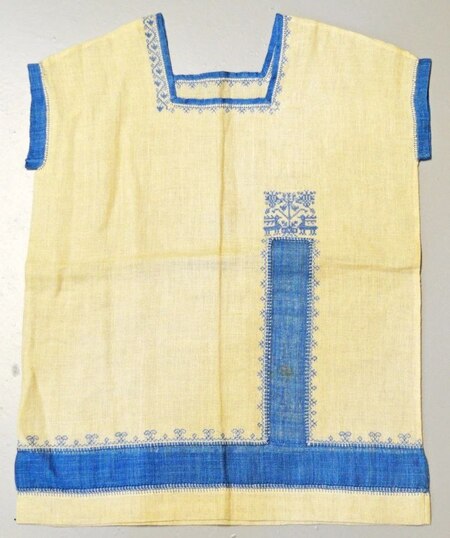
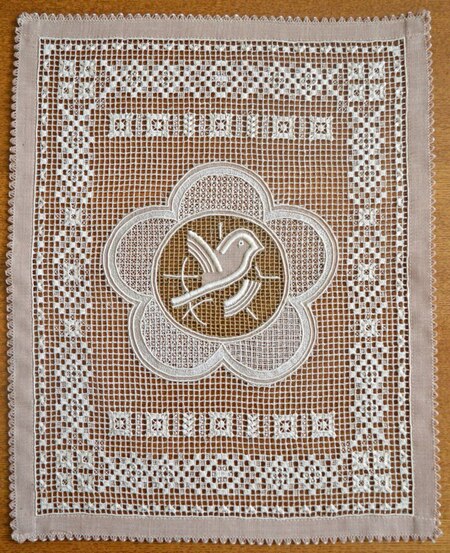
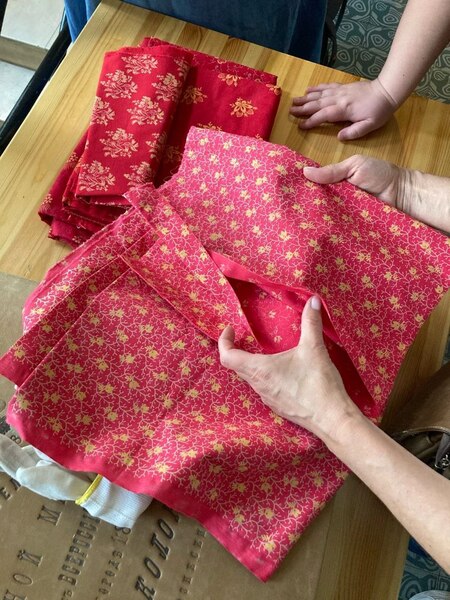
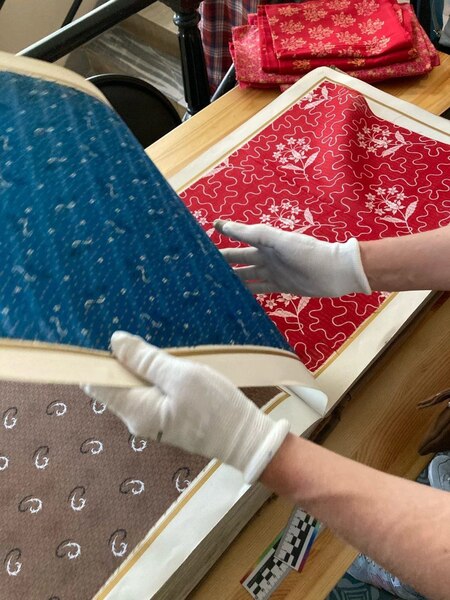
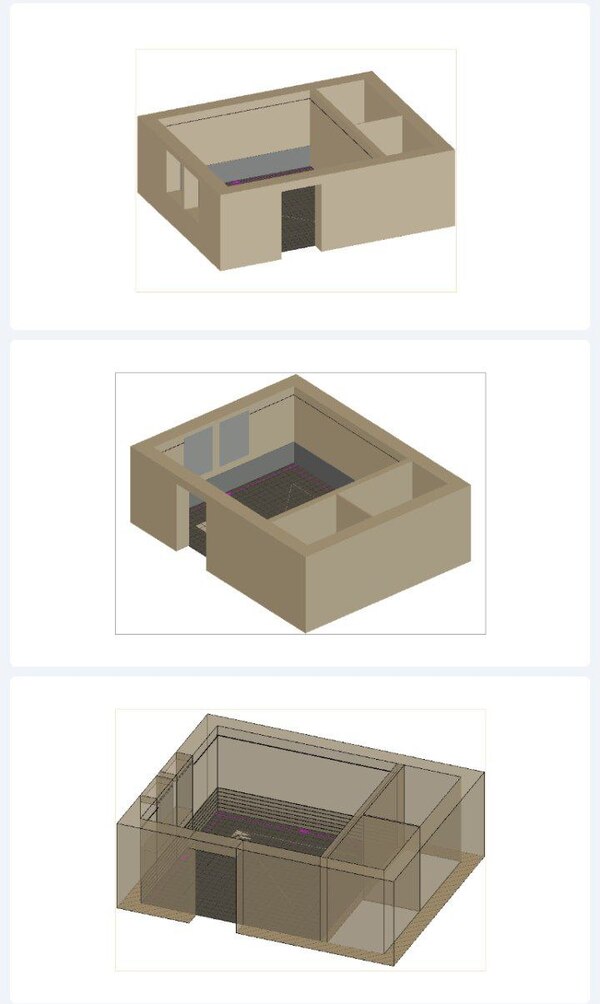
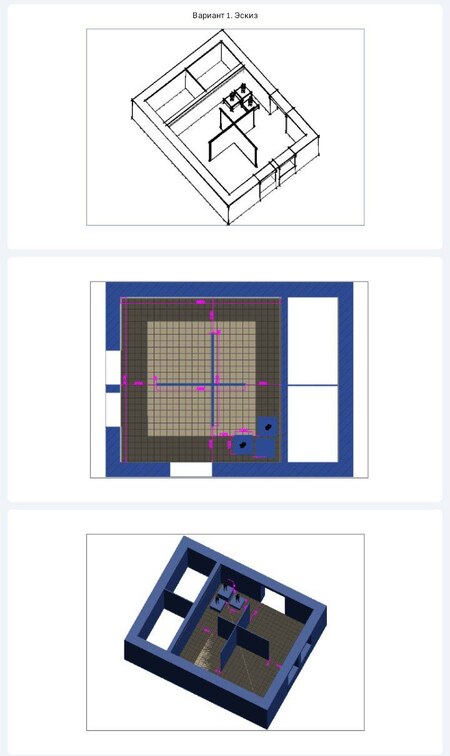
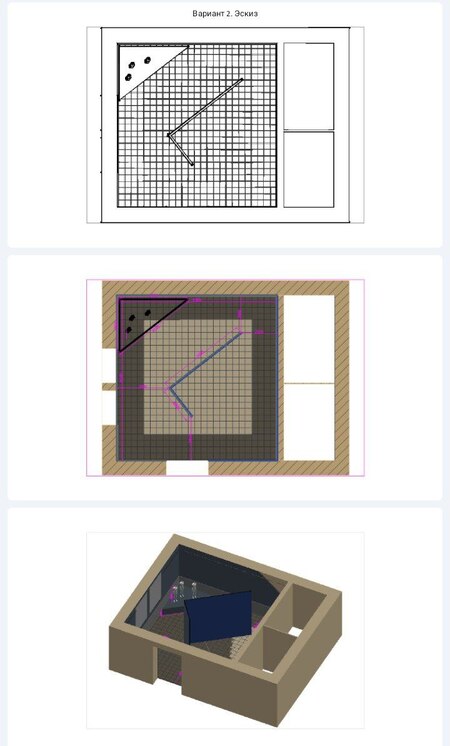
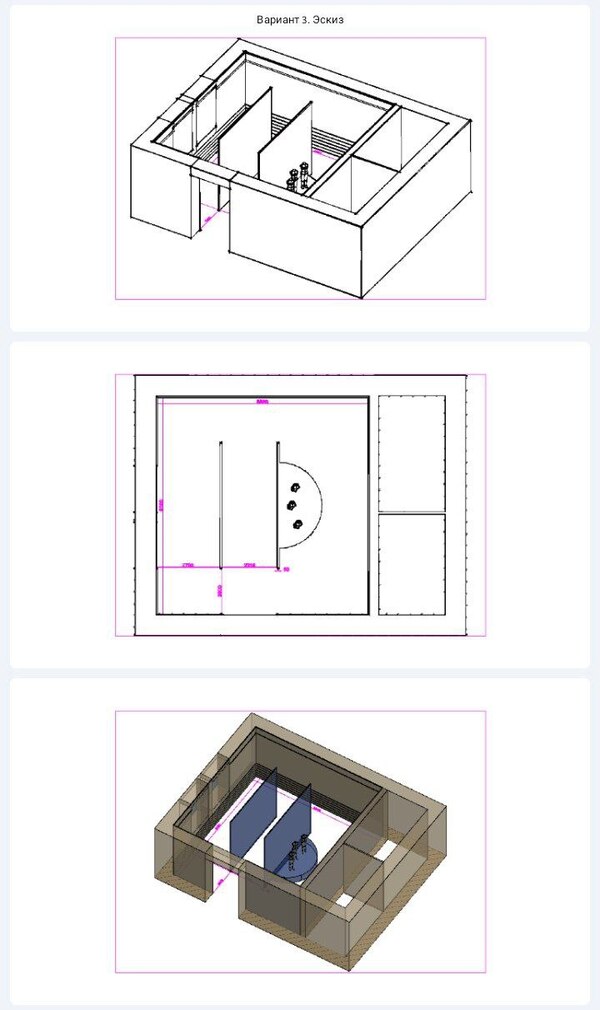
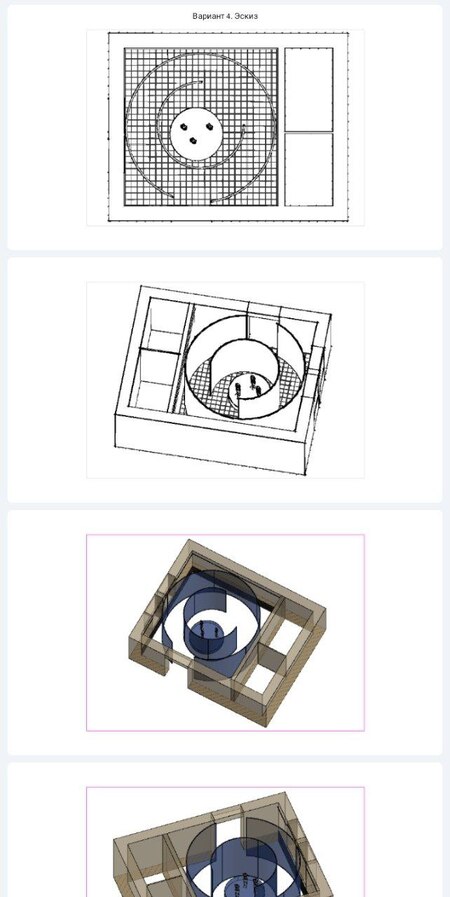
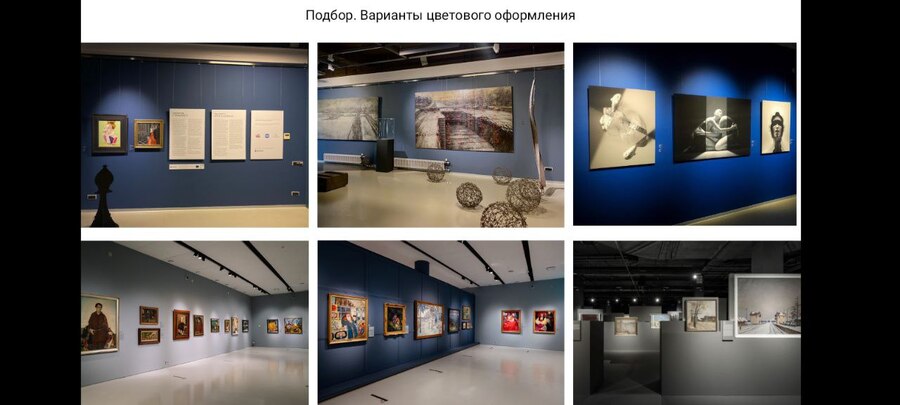
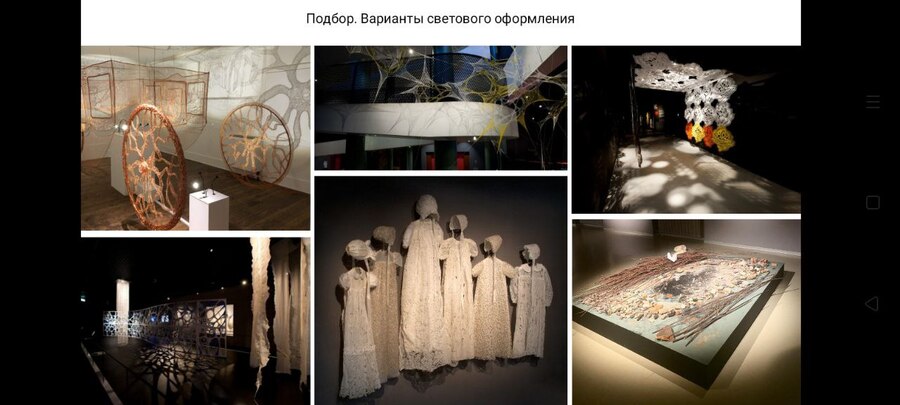
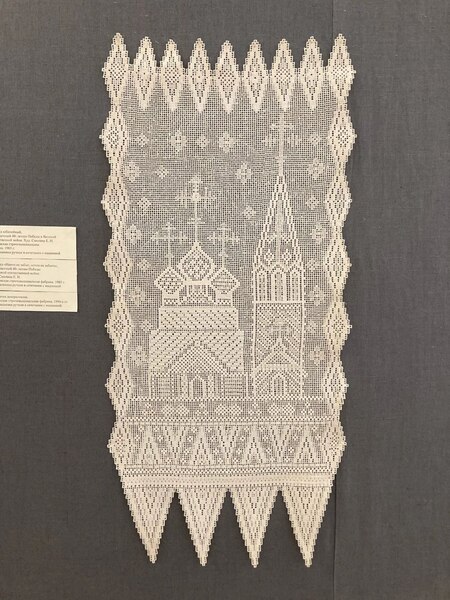
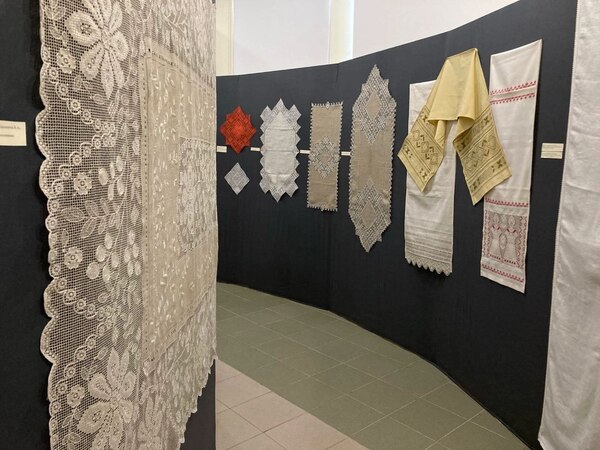
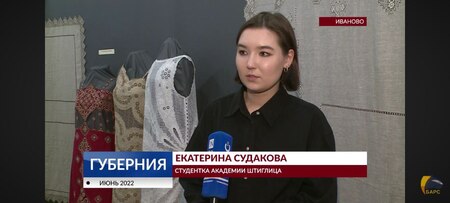
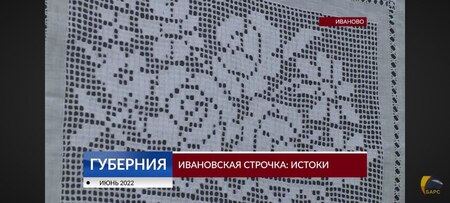
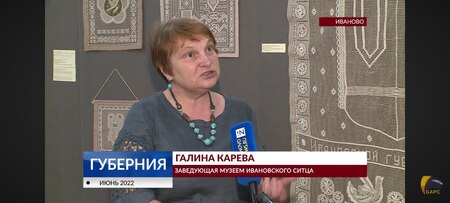
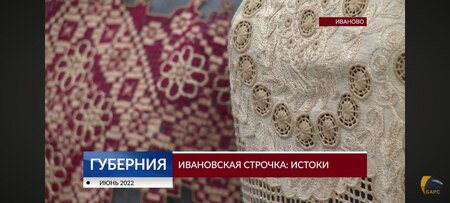
Помощь в организации оформления выставочного пространства Выставка «Строчка, вышивка: от ремесла к искусству» с 10 июня по 19 июля 2022 разработка 3D макета-идеи выставочного пространства, выполнение плана учебной производственной практики, работа в фондах и хранилище
Музей ивановского ситца. Выставка Строчка, вышивка: от ремесла к искусству
Екатерина Судакова разработала 3D-макет выставочного пространства для музея ивановского ситца в Иваново. Проект включал оформление выставки «Строчка, вышивка: от ремесла к искусству», которая проходила с 10 июня по 19 июля 2022 года.
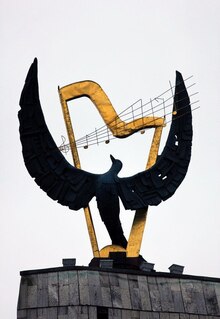
Екатерина Судакова создала декорации для спектаклей в Московском государственном академическом детском музыкальном театре имени Н.И. Сац. Она участвовала в оформлении сценографии для мини-оперы «Сказка о глупом мышонке» и других спектаклей в период с ноября 2023 по июнь 2024 года.
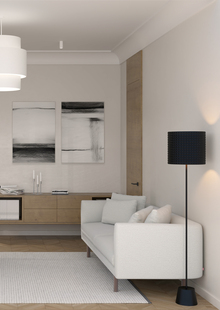
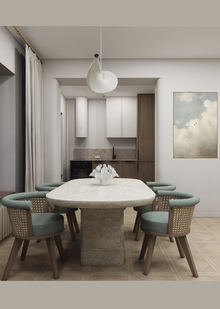
Светлана Останина создала дизайн-проект двухкомнатной квартиры для творческой девушки. Интерьер выполнен в светлых тонах с использованием натуральных природных материалов.
The HSE Art and Design School spans 4 campuses, offering 9 bachelor's programs and approximately 40 specialized tracks. To apply, you must not only submit your documents on time but also upload your creative project—if required by your chosen program.
We use cookies to improve the operation of the HSE website and to enhance its usability. More detailed information on the use of cookies can be fou...
Show more
Press space bar to start a drag.
When dragging you can use the arrow keys to move the item around and escape to cancel.
Some screen readers may require you to be in focus mode or to use your pass through key
Press space bar to start a drag.
When dragging you can use the arrow keys to move the item around and escape to cancel.
Some screen readers may require you to be in focus mode or to use your pass through key
Press space bar to start a drag.
When dragging you can use the arrow keys to move the item around and escape to cancel.
Some screen readers may require you to be in focus mode or to use your pass through key
Press space bar to start a drag.
When dragging you can use the arrow keys to move the item around and escape to cancel.
Some screen readers may require you to be in focus mode or to use your pass through key
Press space bar to start a drag.
When dragging you can use the arrow keys to move the item around and escape to cancel.
Some screen readers may require you to be in focus mode or to use your pass through key
Press space bar to start a drag.
When dragging you can use the arrow keys to move the item around and escape to cancel.
Some screen readers may require you to be in focus mode or to use your pass through key
Press space bar to start a drag.
When dragging you can use the arrow keys to move the item around and escape to cancel.
Some screen readers may require you to be in focus mode or to use your pass through key
Press space bar to start a drag.
When dragging you can use the arrow keys to move the item around and escape to cancel.
Some screen readers may require you to be in focus mode or to use your pass through key
Press space bar to start a drag.
When dragging you can use the arrow keys to move the item around and escape to cancel.
Some screen readers may require you to be in focus mode or to use your pass through key
Press space bar to start a drag.
When dragging you can use the arrow keys to move the item around and escape to cancel.
Some screen readers may require you to be in focus mode or to use your pass through key
Press space bar to start a drag.
When dragging you can use the arrow keys to move the item around and escape to cancel.
Some screen readers may require you to be in focus mode or to use your pass through key
Press space bar to start a drag.
When dragging you can use the arrow keys to move the item around and escape to cancel.
Some screen readers may require you to be in focus mode or to use your pass through key
Press space bar to start a drag.
When dragging you can use the arrow keys to move the item around and escape to cancel.
Some screen readers may require you to be in focus mode or to use your pass through key