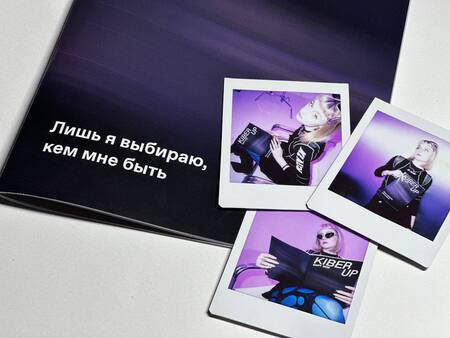
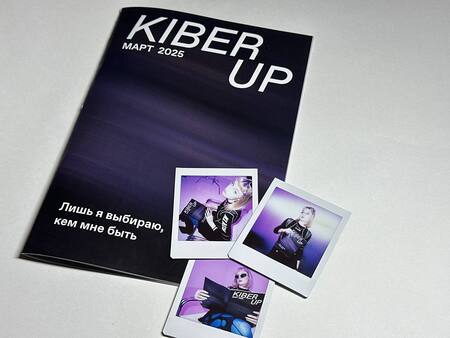
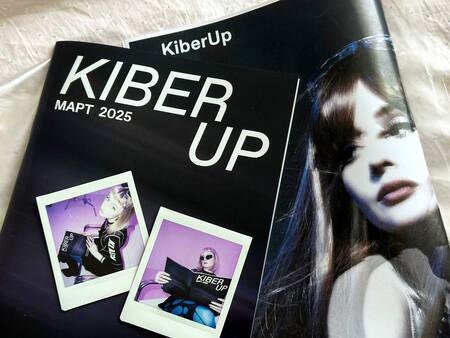
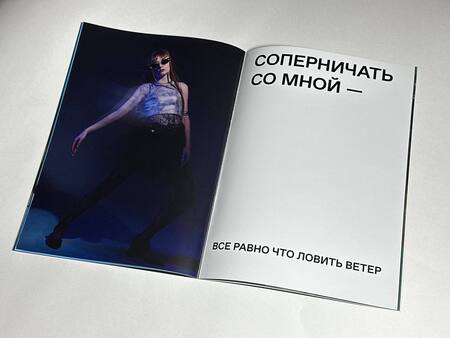
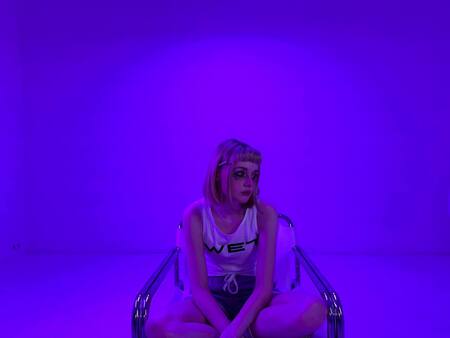
KiberUp — технологии, которые сегодня кажутся фантастикой. С помощью микро-чипа человек получит ускоренную реацию, что сделает его быстрей и решительней.
Original size 1280x960
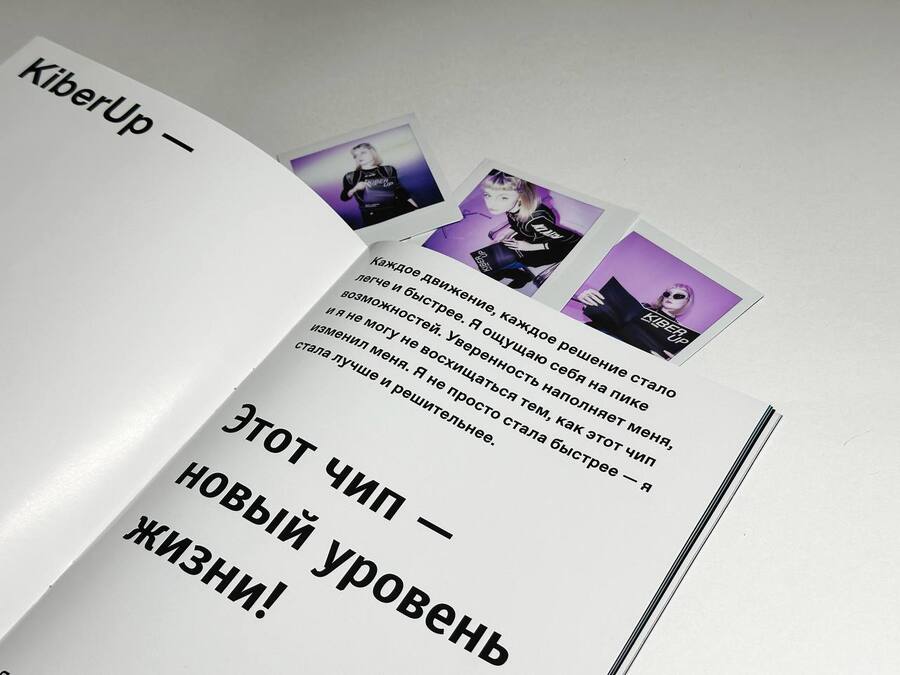
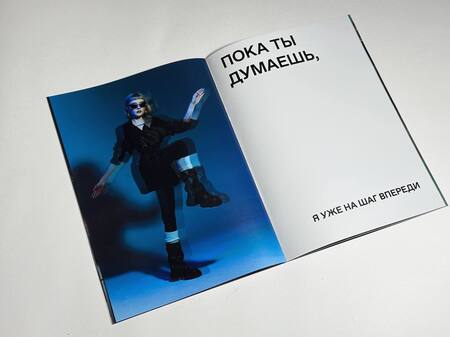
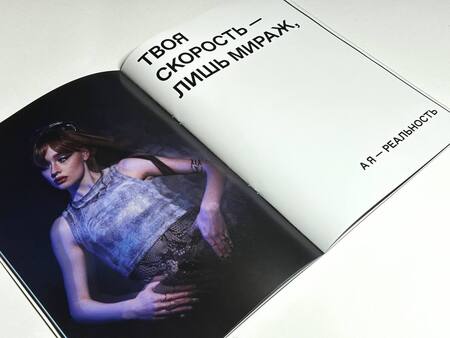
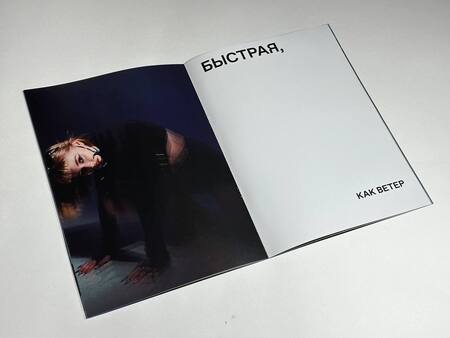
Повествование в журнале ведется от лица молодой девушки, которая прошла процедуру по вживлению чипа и делится своими впечатлениями с аудититорией.
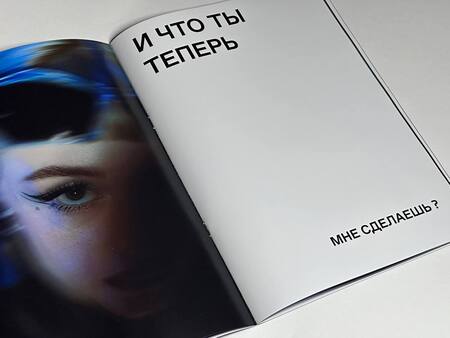
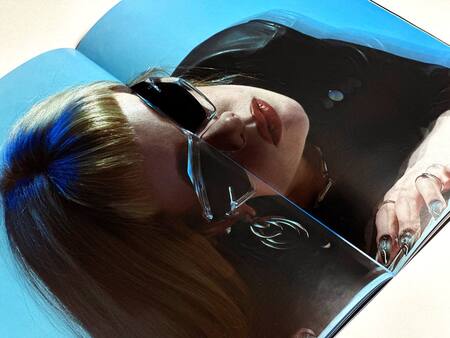
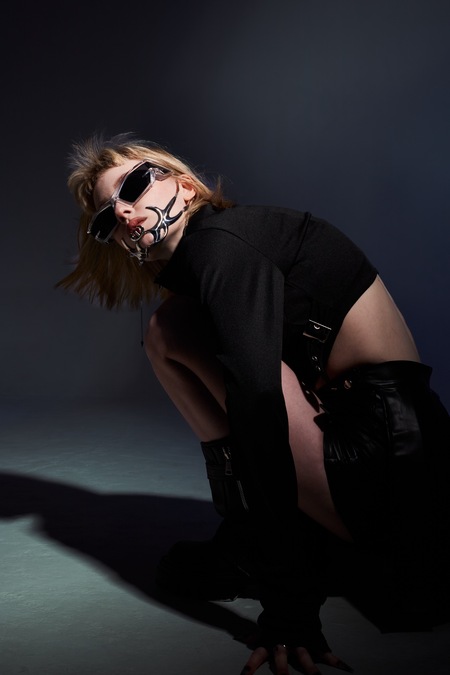
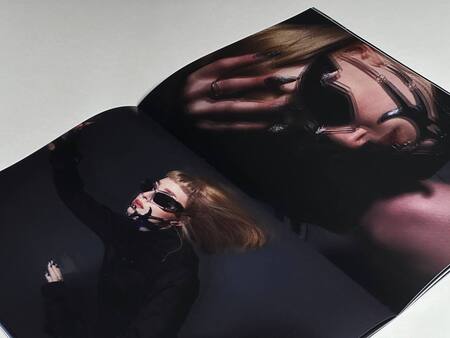
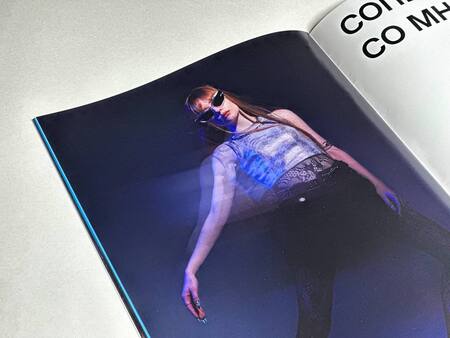
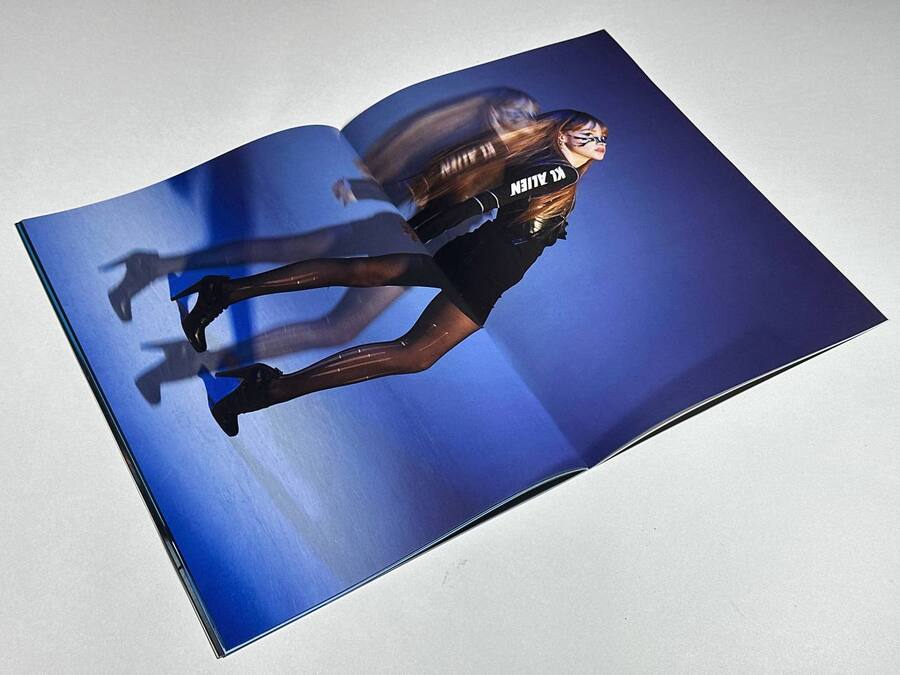
Динамичные и живые фотографии отражают ошеломительный эффект от чипа.
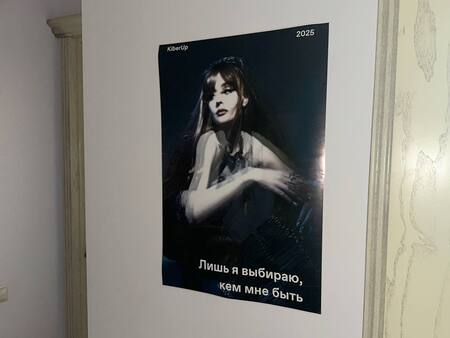
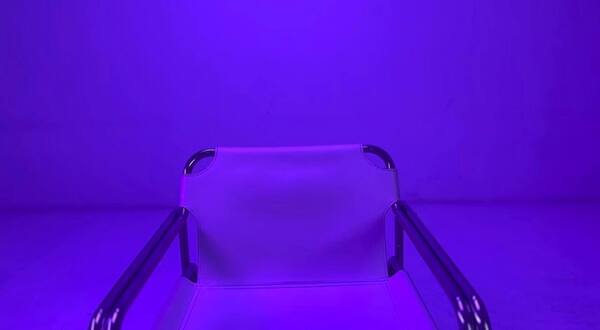
К журналу прилагается постер формата А2.
Каждое движение, каждое решение стало легче и быстрее.
Сейчас самое время перестать сомневаться в бренде «KiberUp».
Милана Исата создала зин для бренда «KiberUp», описывающий технологию вживления микро-чипа и её эффекты на человека. Проект включает динамичные фотографии, повествование от лица девушки и прилагаемый постер формата А2.
We use cookies to improve the operation of the HSE website and to enhance its usability. More detailed information on the use of cookies can be fou...
Show more
Press space bar to start a drag.
When dragging you can use the arrow keys to move the item around and escape to cancel.
Some screen readers may require you to be in focus mode or to use your pass through key
Press space bar to start a drag.
When dragging you can use the arrow keys to move the item around and escape to cancel.
Some screen readers may require you to be in focus mode or to use your pass through key
Press space bar to start a drag.
When dragging you can use the arrow keys to move the item around and escape to cancel.
Some screen readers may require you to be in focus mode or to use your pass through key
Press space bar to start a drag.
When dragging you can use the arrow keys to move the item around and escape to cancel.
Some screen readers may require you to be in focus mode or to use your pass through key
Press space bar to start a drag.
When dragging you can use the arrow keys to move the item around and escape to cancel.
Some screen readers may require you to be in focus mode or to use your pass through key
Press space bar to start a drag.
When dragging you can use the arrow keys to move the item around and escape to cancel.
Some screen readers may require you to be in focus mode or to use your pass through key
Press space bar to start a drag.
When dragging you can use the arrow keys to move the item around and escape to cancel.
Some screen readers may require you to be in focus mode or to use your pass through key
Press space bar to start a drag.
When dragging you can use the arrow keys to move the item around and escape to cancel.
Some screen readers may require you to be in focus mode or to use your pass through key
Press space bar to start a drag.
When dragging you can use the arrow keys to move the item around and escape to cancel.
Some screen readers may require you to be in focus mode or to use your pass through key
Press space bar to start a drag.
When dragging you can use the arrow keys to move the item around and escape to cancel.
Some screen readers may require you to be in focus mode or to use your pass through key
Press space bar to start a drag.
When dragging you can use the arrow keys to move the item around and escape to cancel.
Some screen readers may require you to be in focus mode or to use your pass through key