«The pillow book»
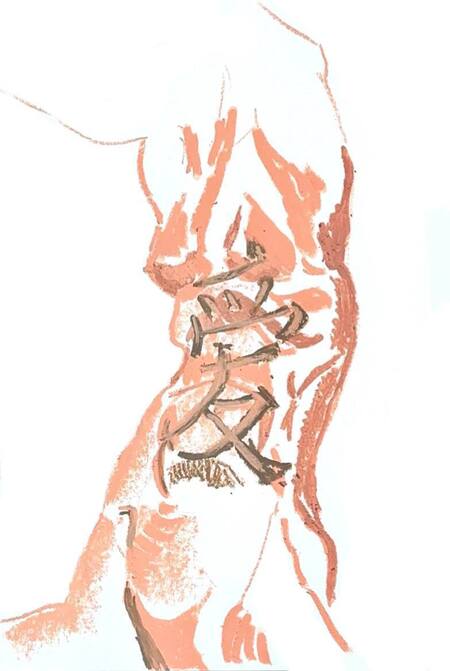
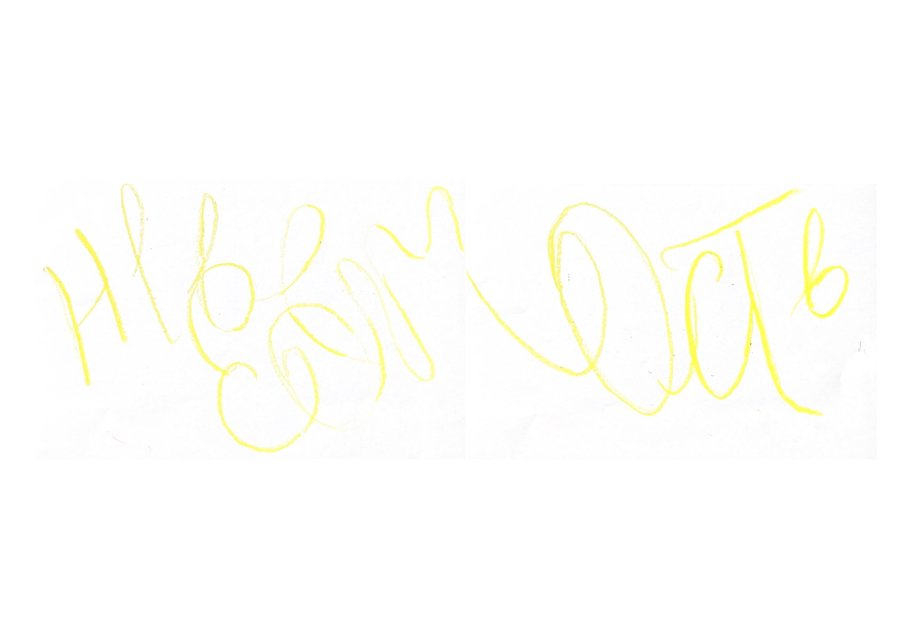
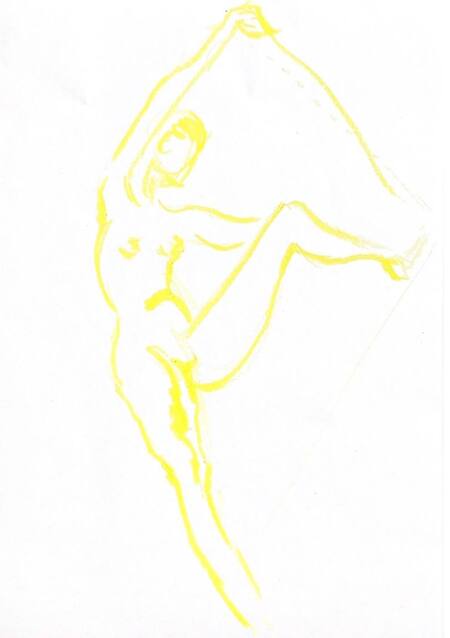
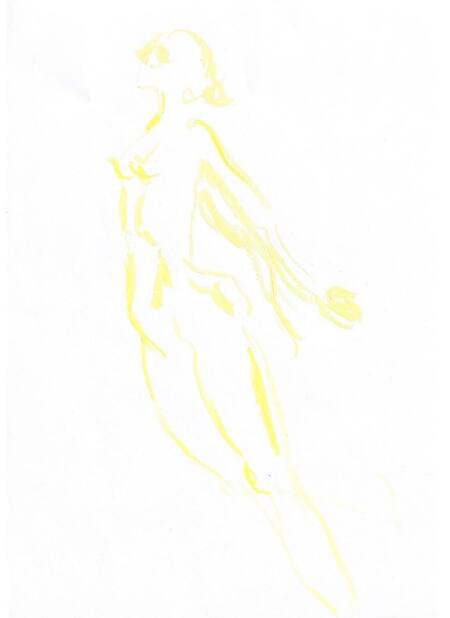
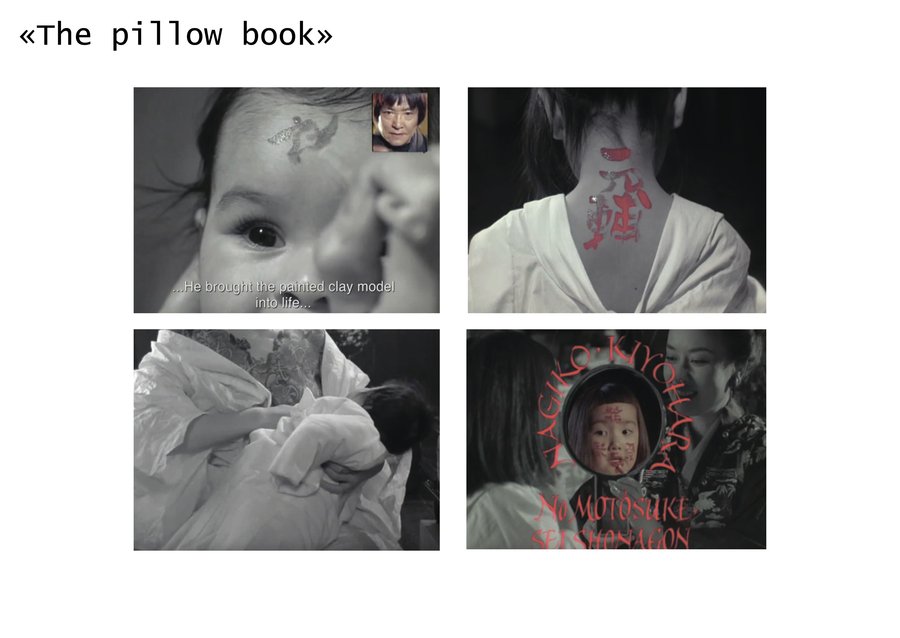
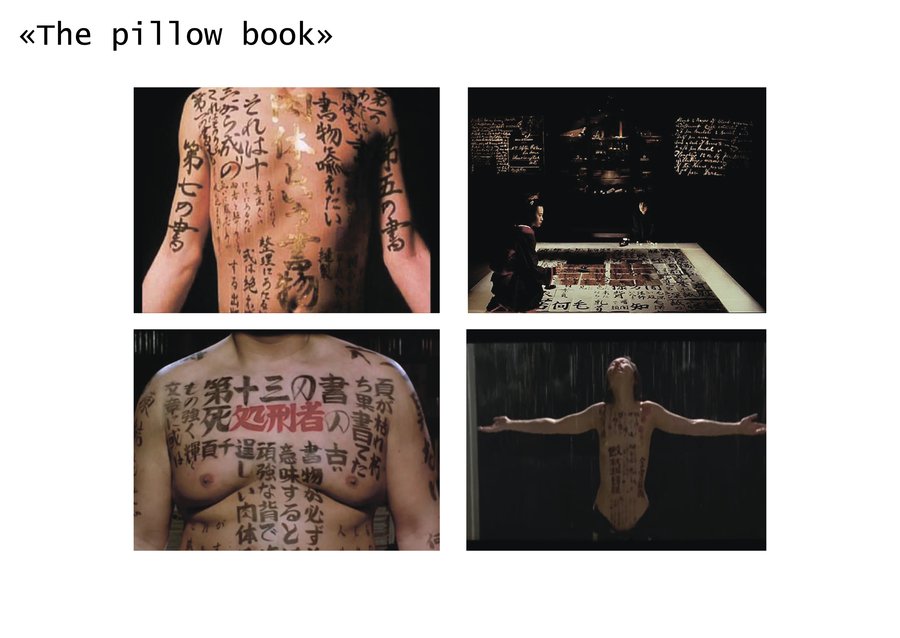
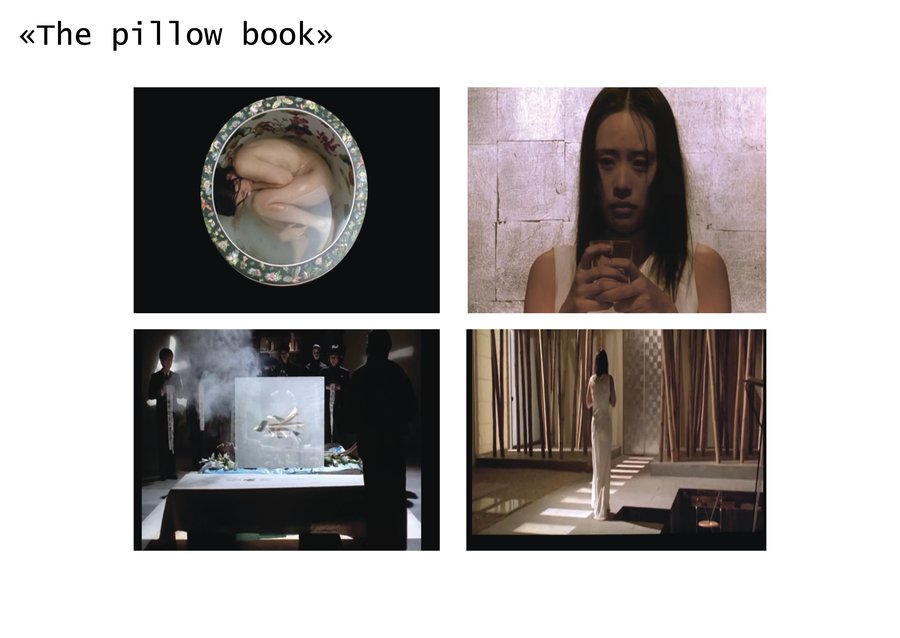
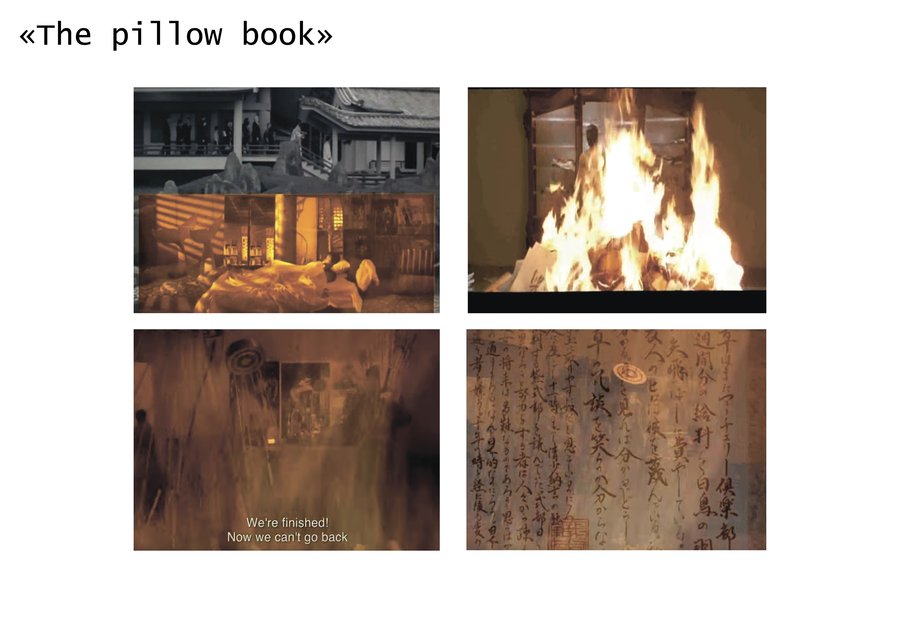
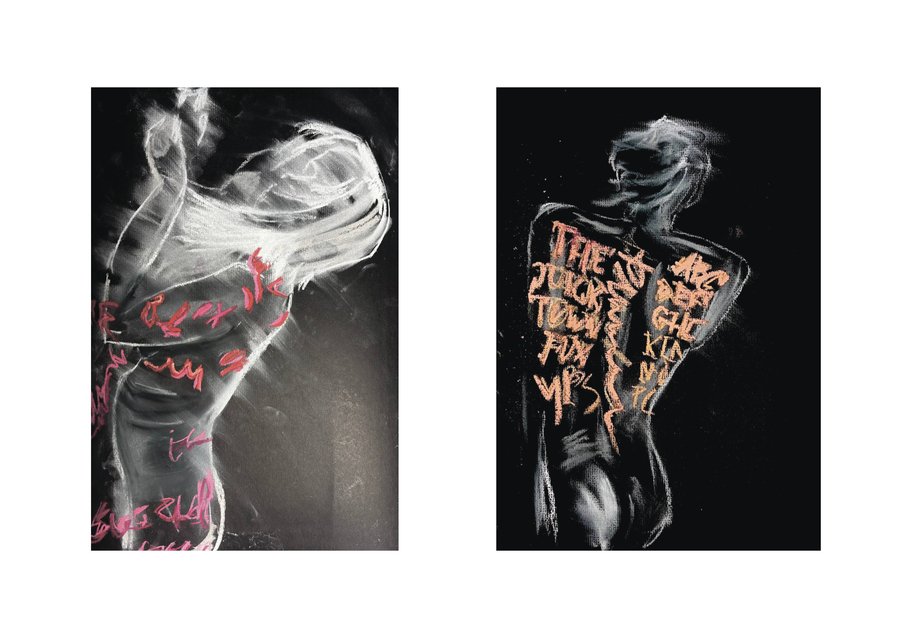
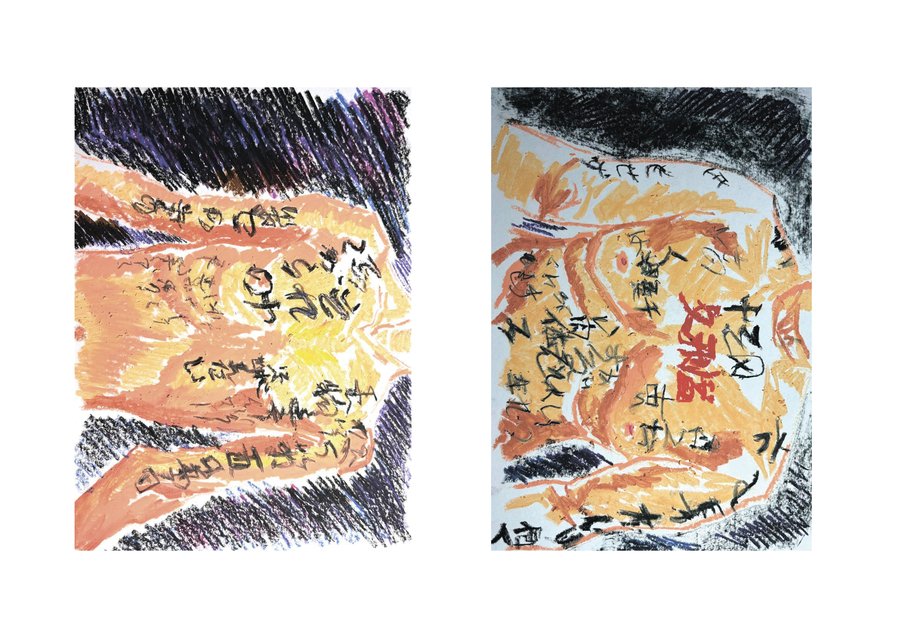
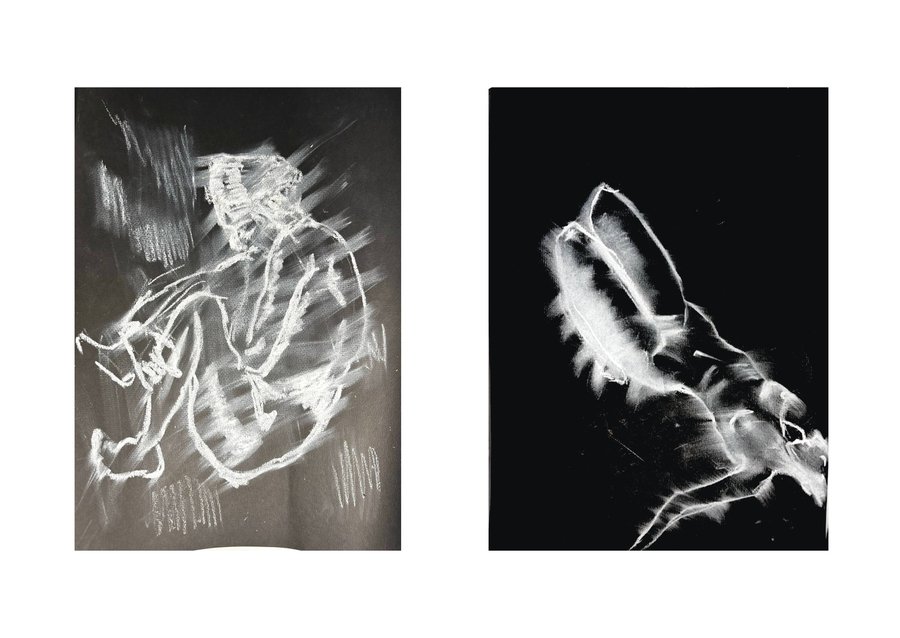
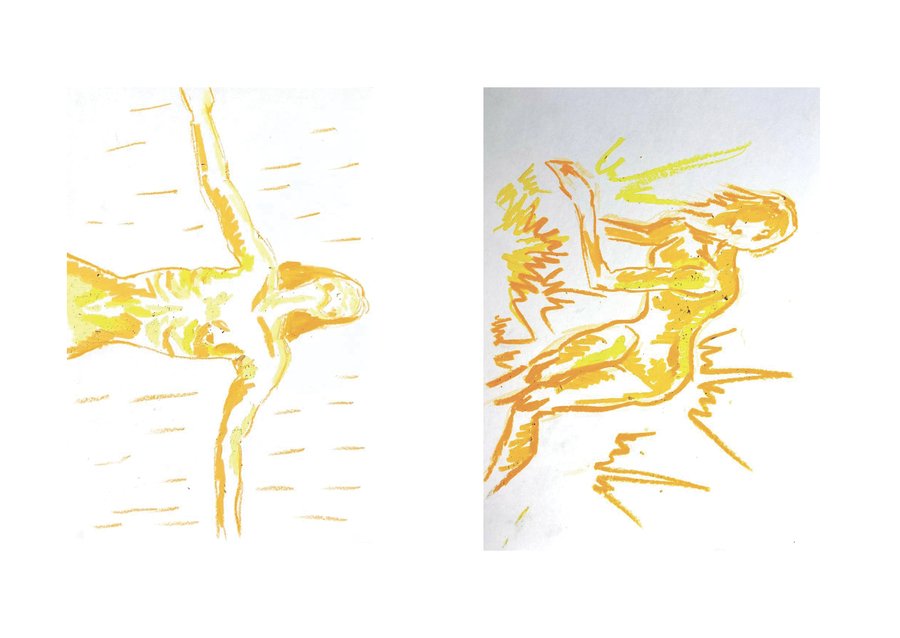
Фильм рассказывает о двадцати восьми годах из жизни очарованной древнейшим искусством каллиграфии современной японской девушки Нагико, уехавшей от жестокого мужа в Гонконг, где она пережила с англичанином-переводчиком историю любви. Действие фильма перемежается вставками с зарисовками из придворной и личной жизни Сей-Сёнагон, основанных на фрагментах «Записок у изголовья».
«Записки у изголовья» — это фильм, содержащий размышления о каллиграфии и иероглифе — идеальном языке, в котором изображение и текст едины. Гринуэй создал своё произведение, объединив две тысячи лет каллиграфических знаков, сто лет киноязыка и десять лет компьютерных визуальных новаций.
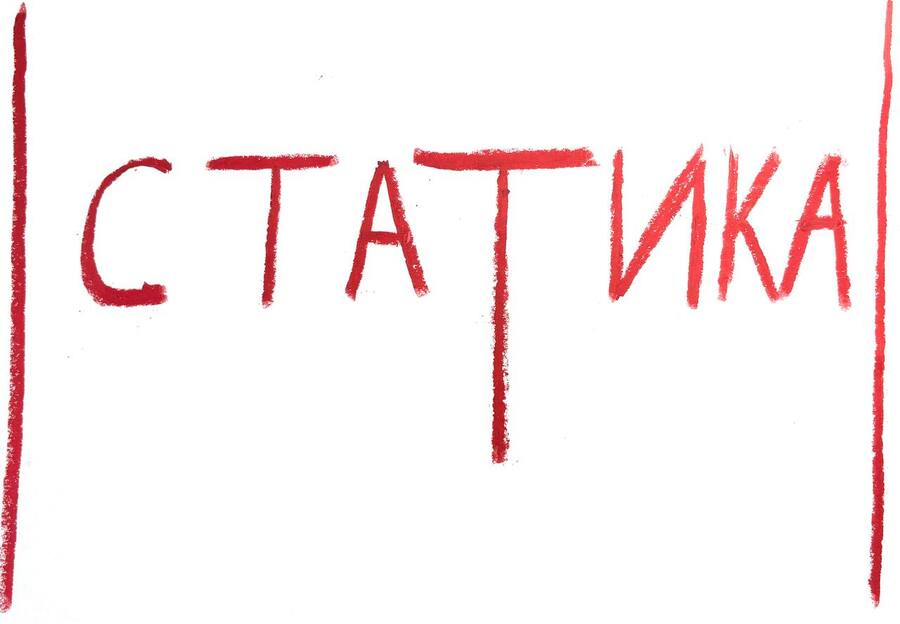
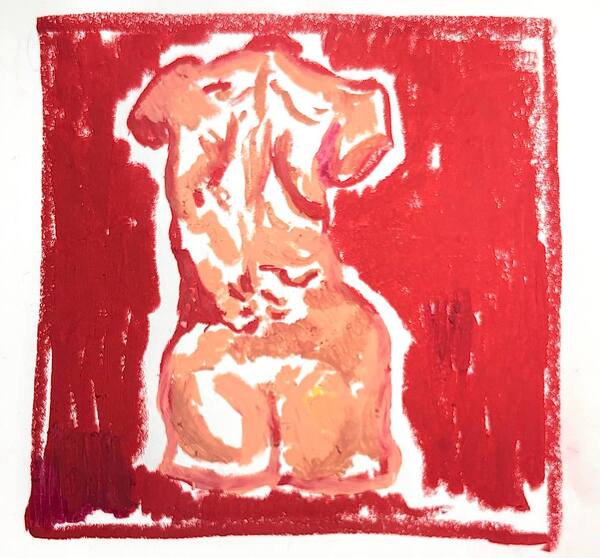
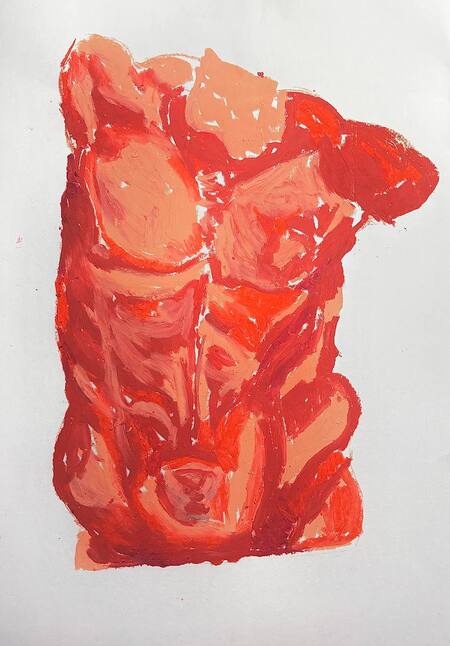
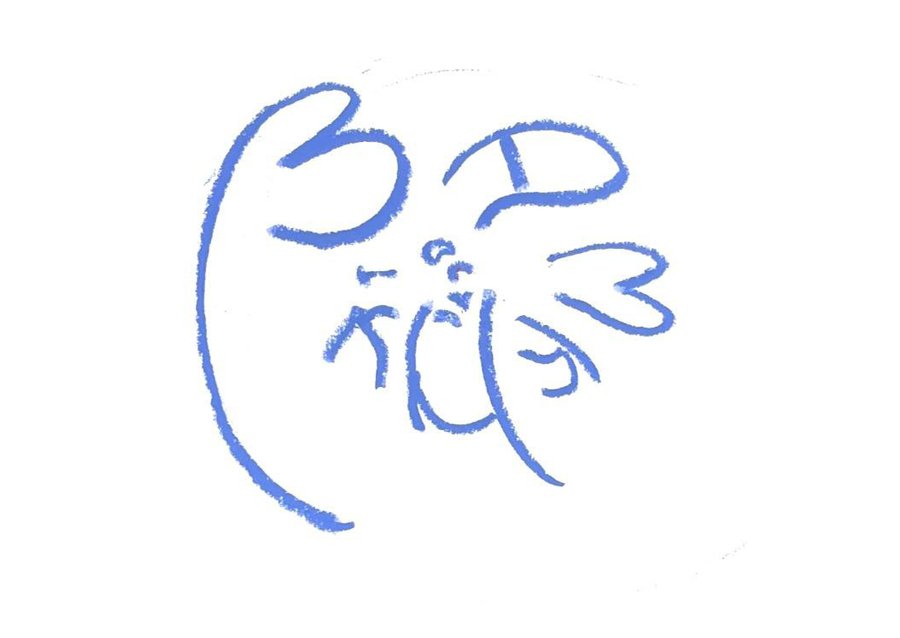
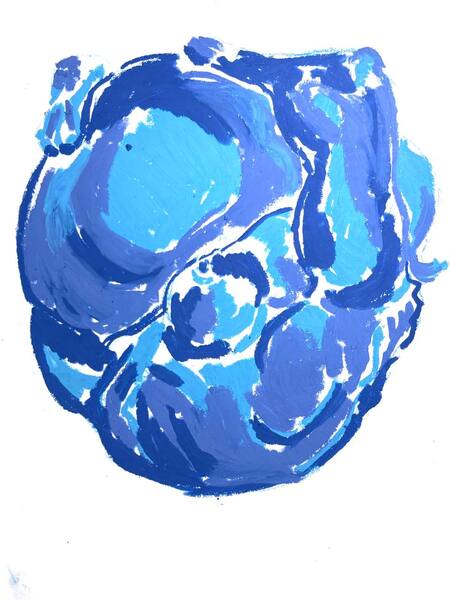
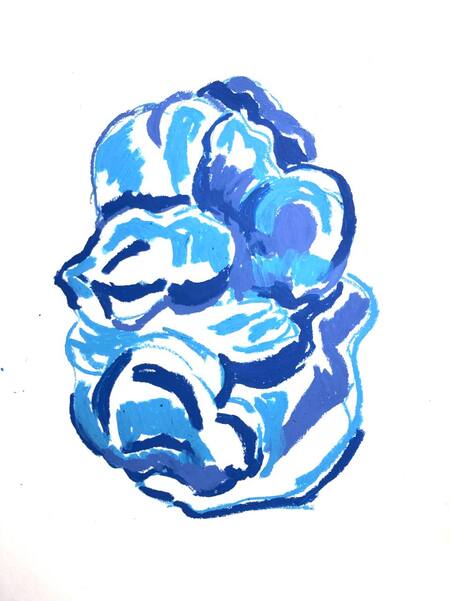
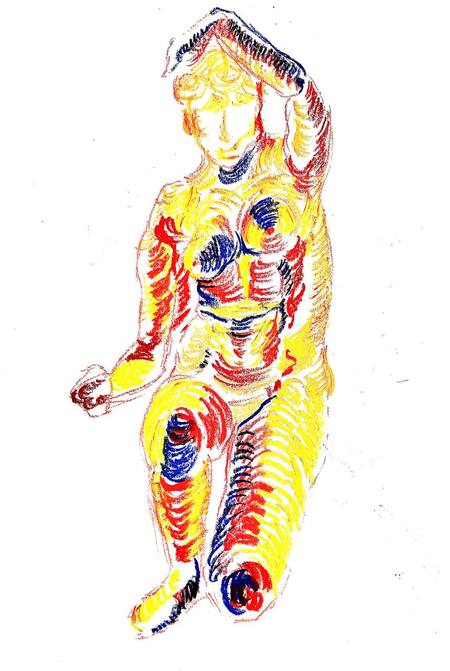
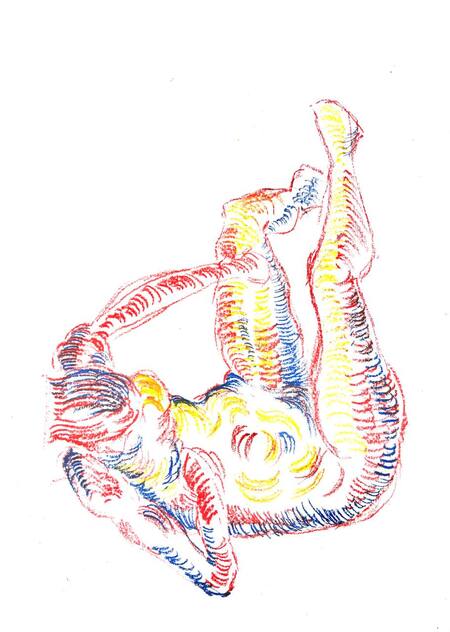
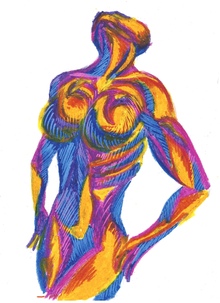
Валерия Никитина создала проект «ЦВЕТ», включающий тексты и посты о цветовых сочетаниях и каллиграфии. Один из постов проекта посвящён фильму «The pillow book», объединяющему каллиграфию, кино и компьютерные визуальные новации.
Автор создала стикерпак «Gigi and the Cats», вдохновленный кошкой Джиджи и другими котами и кошками. Фигурки в стикерпаке выполнены из воздушного пластилина с непропорциональными телами и большими головами.
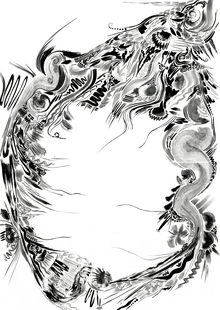
Анастасия Ельчина создала серию тушью, в которой сочетаются тёмные и лёгкие элементы, формируя хрупкое равновесие. Проект включает тексты, описывающие диалог между силой и нежностью, тьмой и светом в композициях.
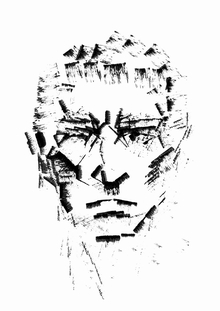
Арлан Ахметов создал серию портретов, в которых отражает внутренний конфликт и мужество через неровные линии и штрихи тушью. Проект включает в себя медитативный процесс рисования выдуманных мужских лиц, подчеркивающий разнообразие стилей и техник.
start.hsedesign
The HSE Art and Design School spans 4 campuses, offering 9 bachelor's programs and approximately 40 specialized tracks. To apply, you must not only submit your documents on time but also upload your creative project—if required by your chosen program.
Confirm your ageProject contains information not suitable for individuals under the age of 18
I am already 18 years old
Cancel
Confirm
We use cookies to improve the operation of the HSE website and to enhance its usability. More detailed information on the use of cookies can be fou...
Show more
Press space bar to start a drag.
When dragging you can use the arrow keys to move the item around and escape to cancel.
Some screen readers may require you to be in focus mode or to use your pass through key
Press space bar to start a drag.
When dragging you can use the arrow keys to move the item around and escape to cancel.
Some screen readers may require you to be in focus mode or to use your pass through key
Press space bar to start a drag.
When dragging you can use the arrow keys to move the item around and escape to cancel.
Some screen readers may require you to be in focus mode or to use your pass through key
Press space bar to start a drag.
When dragging you can use the arrow keys to move the item around and escape to cancel.
Some screen readers may require you to be in focus mode or to use your pass through key
Press space bar to start a drag.
When dragging you can use the arrow keys to move the item around and escape to cancel.
Some screen readers may require you to be in focus mode or to use your pass through key
Press space bar to start a drag.
When dragging you can use the arrow keys to move the item around and escape to cancel.
Some screen readers may require you to be in focus mode or to use your pass through key
Press space bar to start a drag.
When dragging you can use the arrow keys to move the item around and escape to cancel.
Some screen readers may require you to be in focus mode or to use your pass through key
Press space bar to start a drag.
When dragging you can use the arrow keys to move the item around and escape to cancel.
Some screen readers may require you to be in focus mode or to use your pass through key
Press space bar to start a drag.
When dragging you can use the arrow keys to move the item around and escape to cancel.
Some screen readers may require you to be in focus mode or to use your pass through key
Press space bar to start a drag.
When dragging you can use the arrow keys to move the item around and escape to cancel.
Some screen readers may require you to be in focus mode or to use your pass through key
Press space bar to start a drag.
When dragging you can use the arrow keys to move the item around and escape to cancel.
Some screen readers may require you to be in focus mode or to use your pass through key
Press space bar to start a drag.
When dragging you can use the arrow keys to move the item around and escape to cancel.
Some screen readers may require you to be in focus mode or to use your pass through key
Press space bar to start a drag.
When dragging you can use the arrow keys to move the item around and escape to cancel.
Some screen readers may require you to be in focus mode or to use your pass through key
Press space bar to start a drag.
When dragging you can use the arrow keys to move the item around and escape to cancel.
Some screen readers may require you to be in focus mode or to use your pass through key