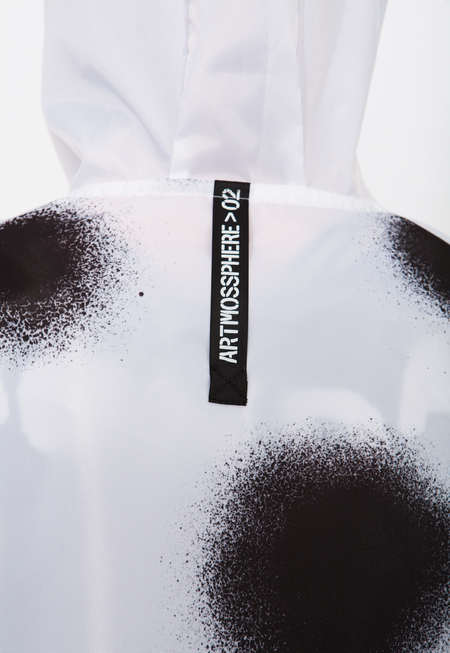
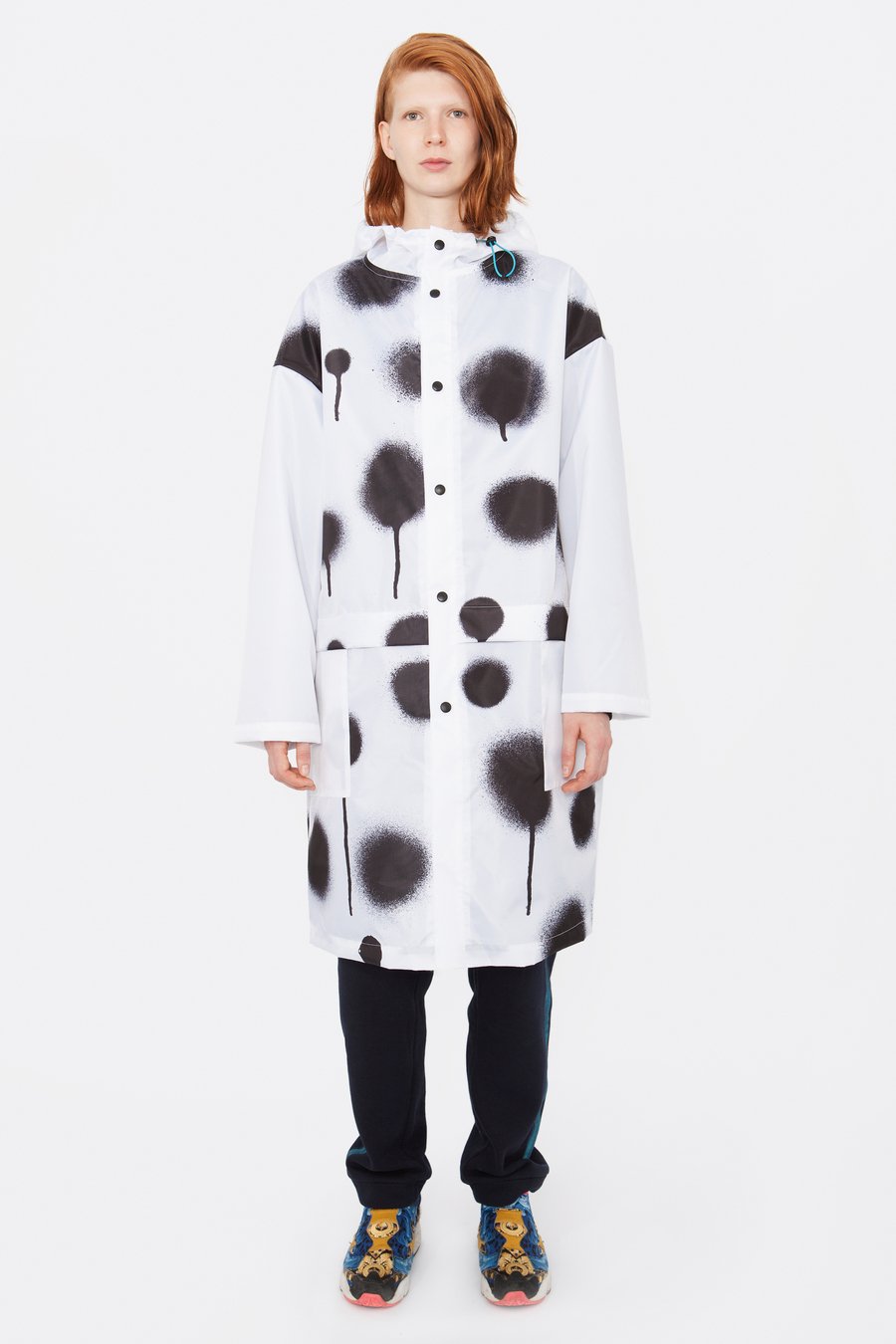
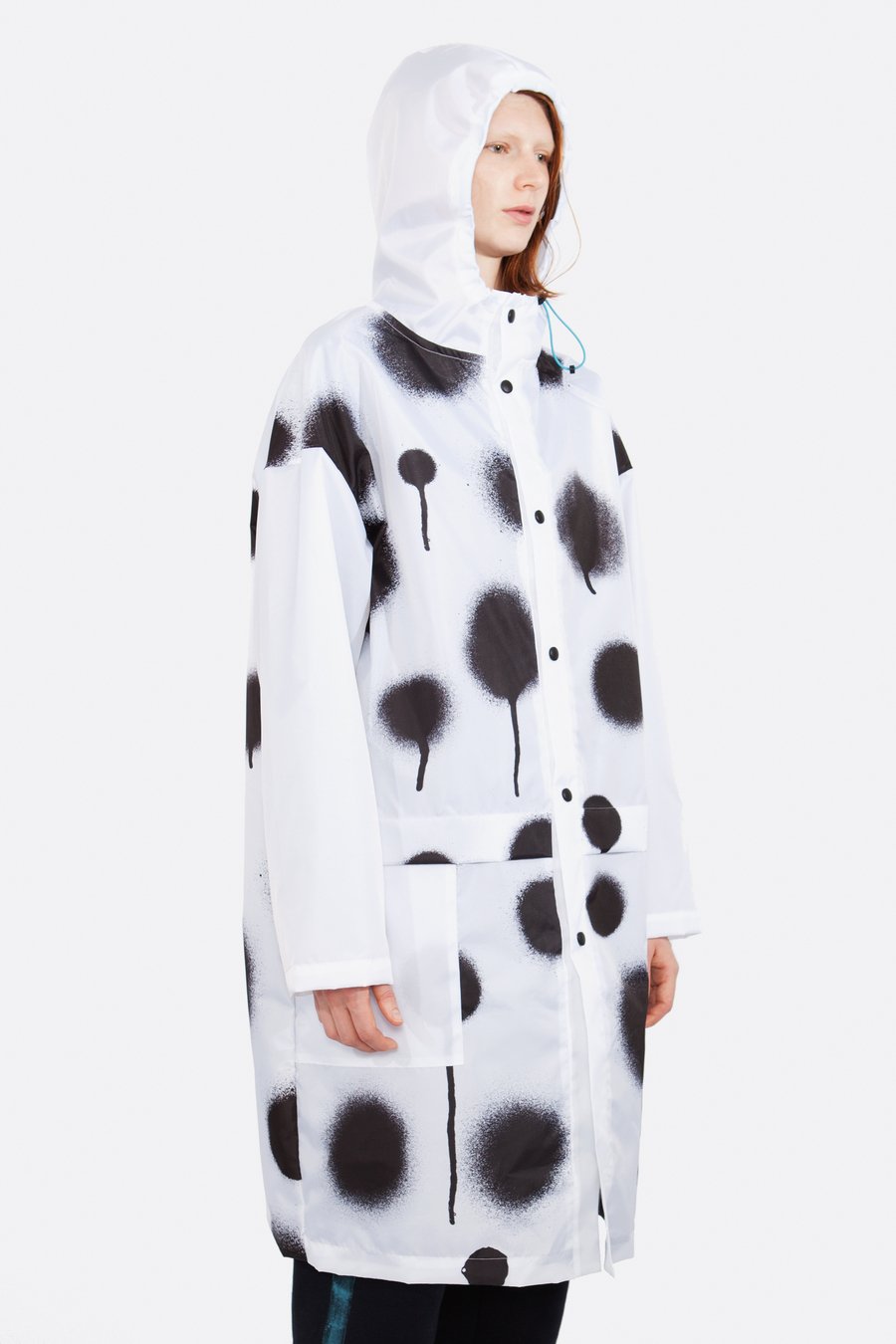
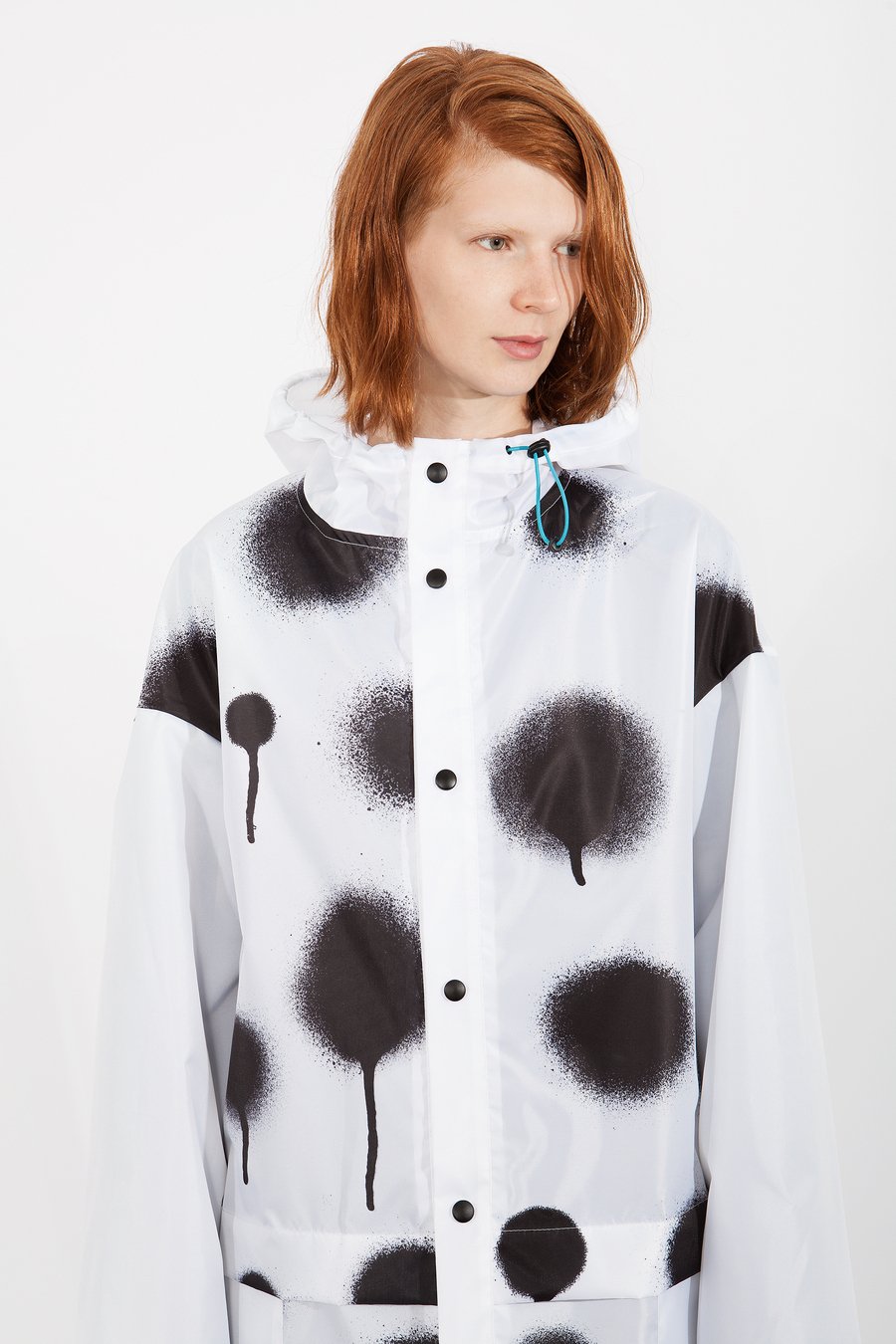
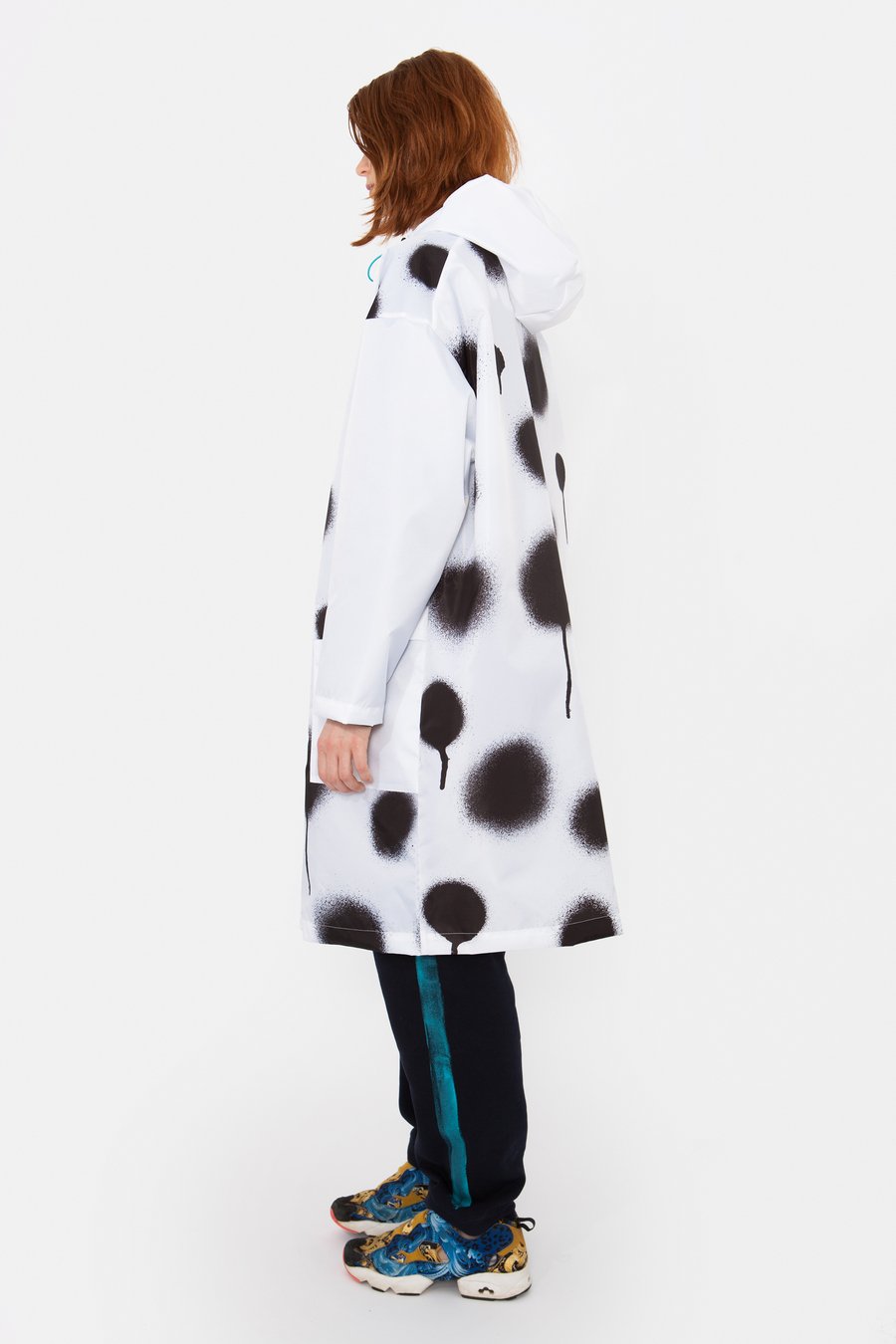
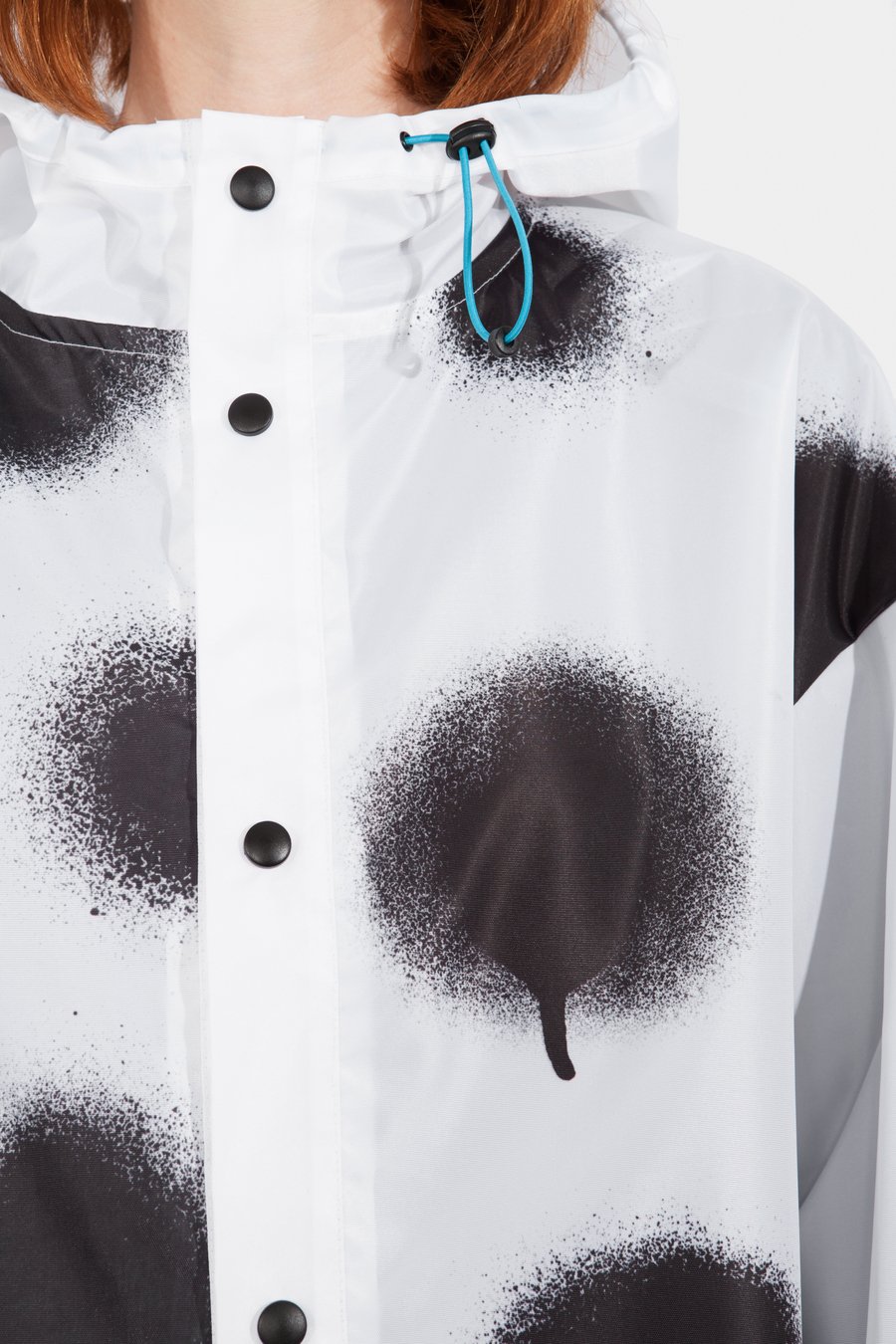
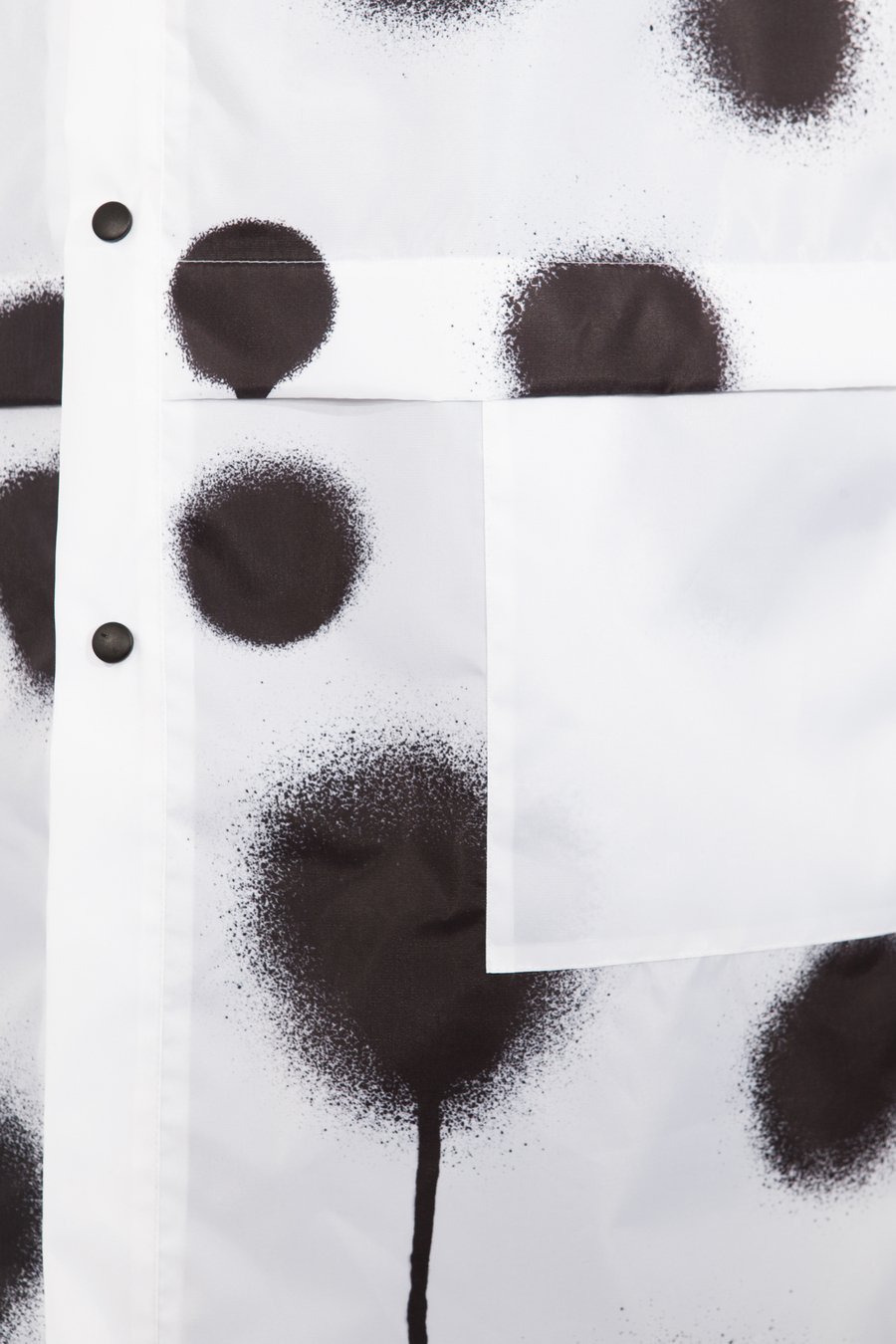
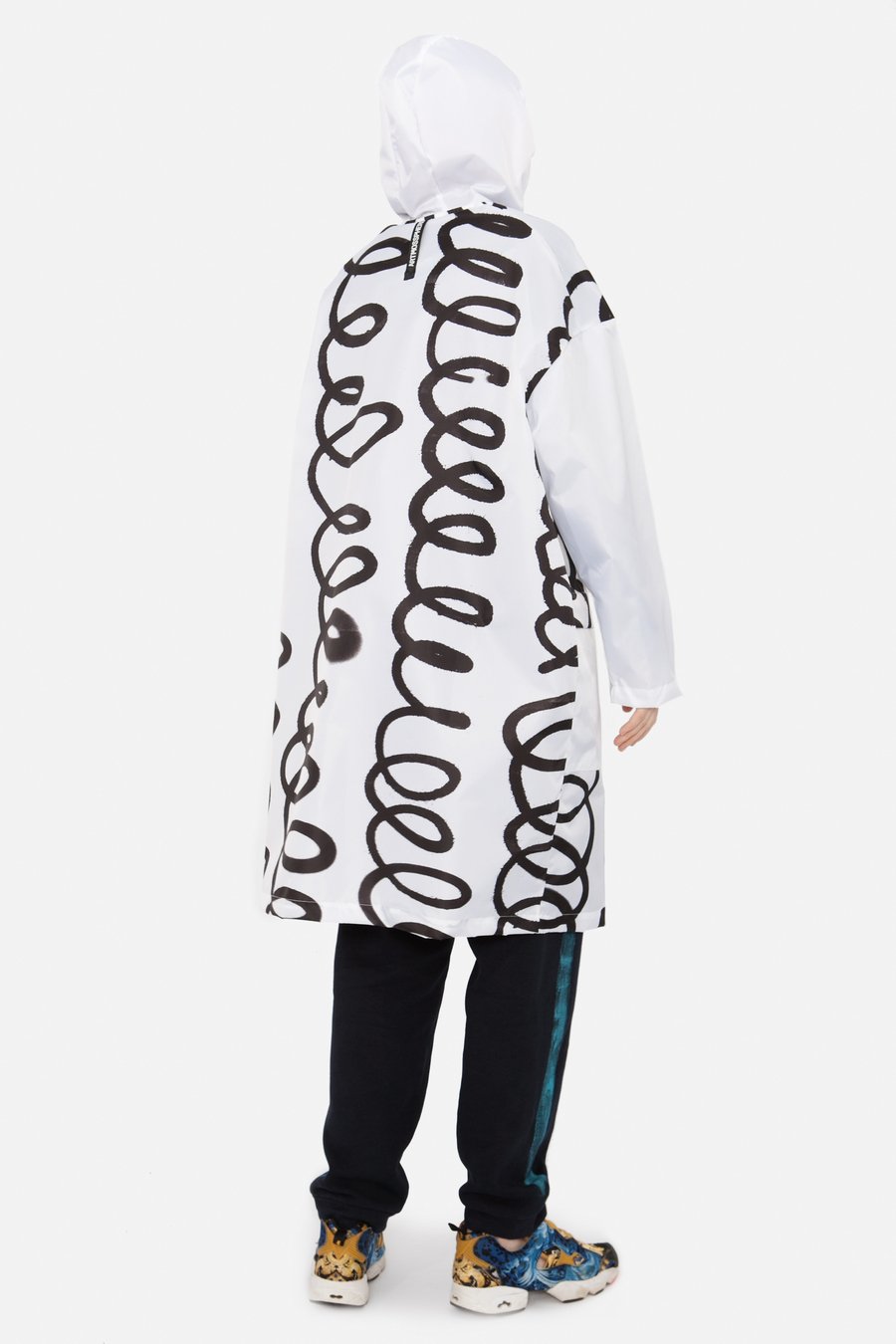
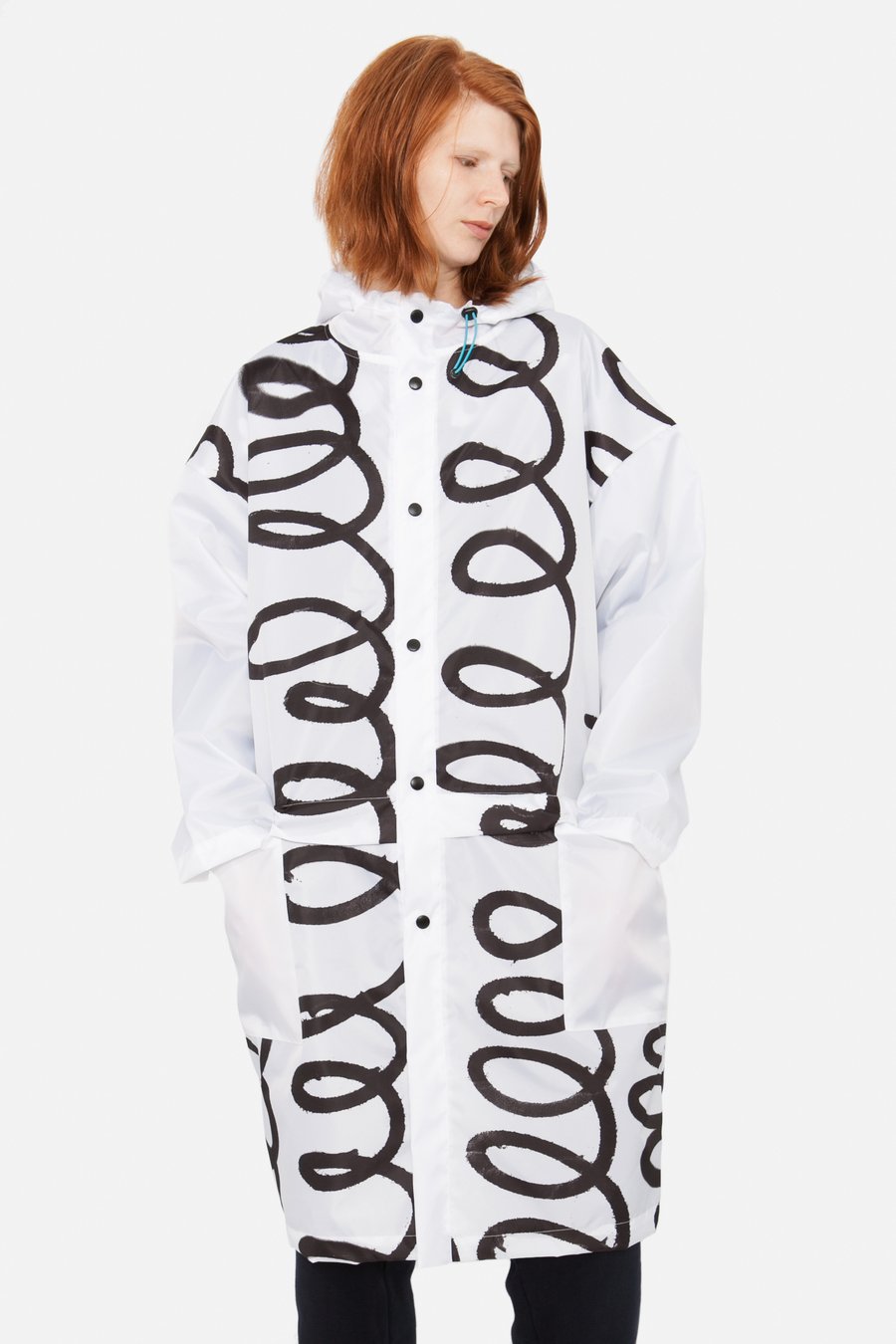
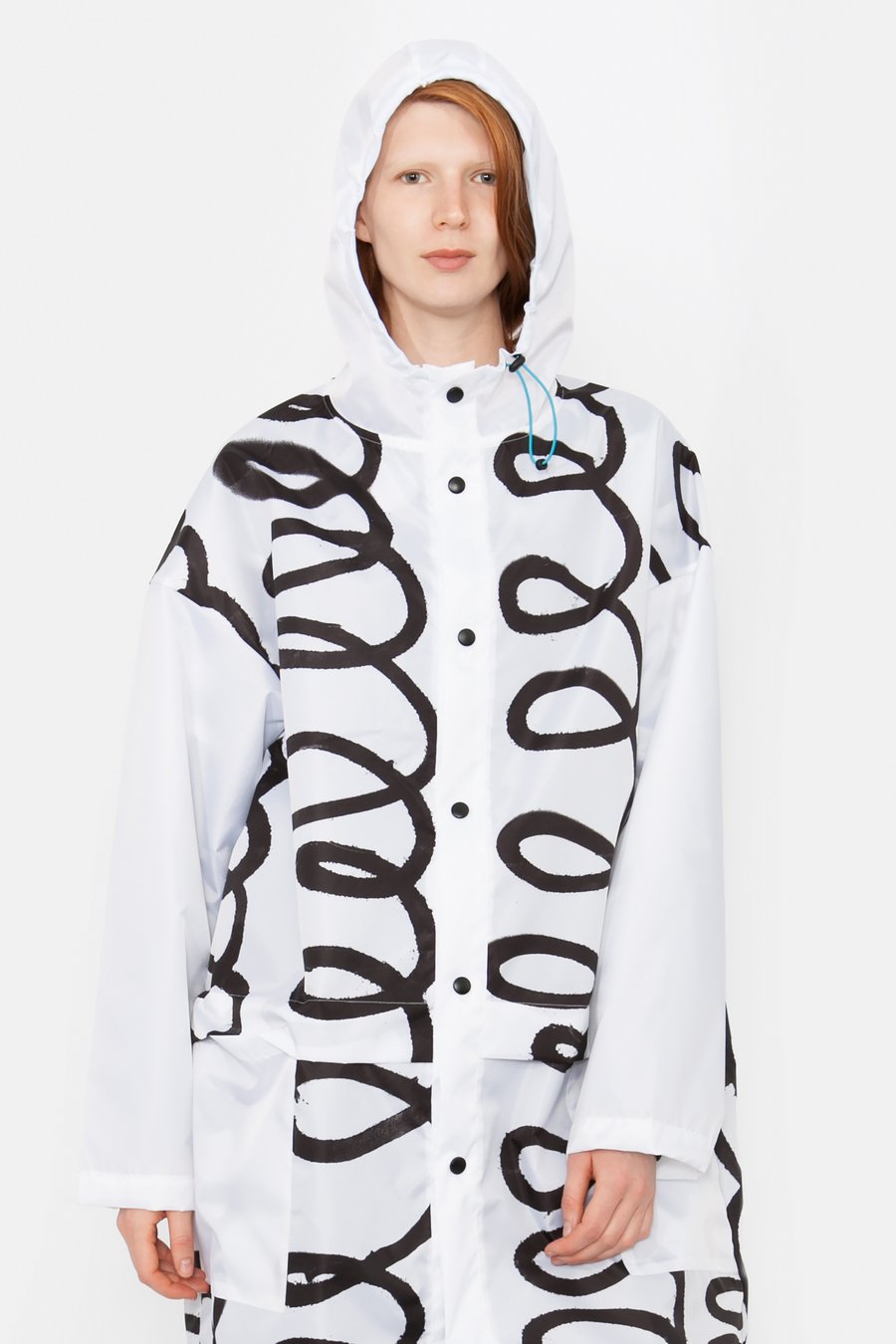
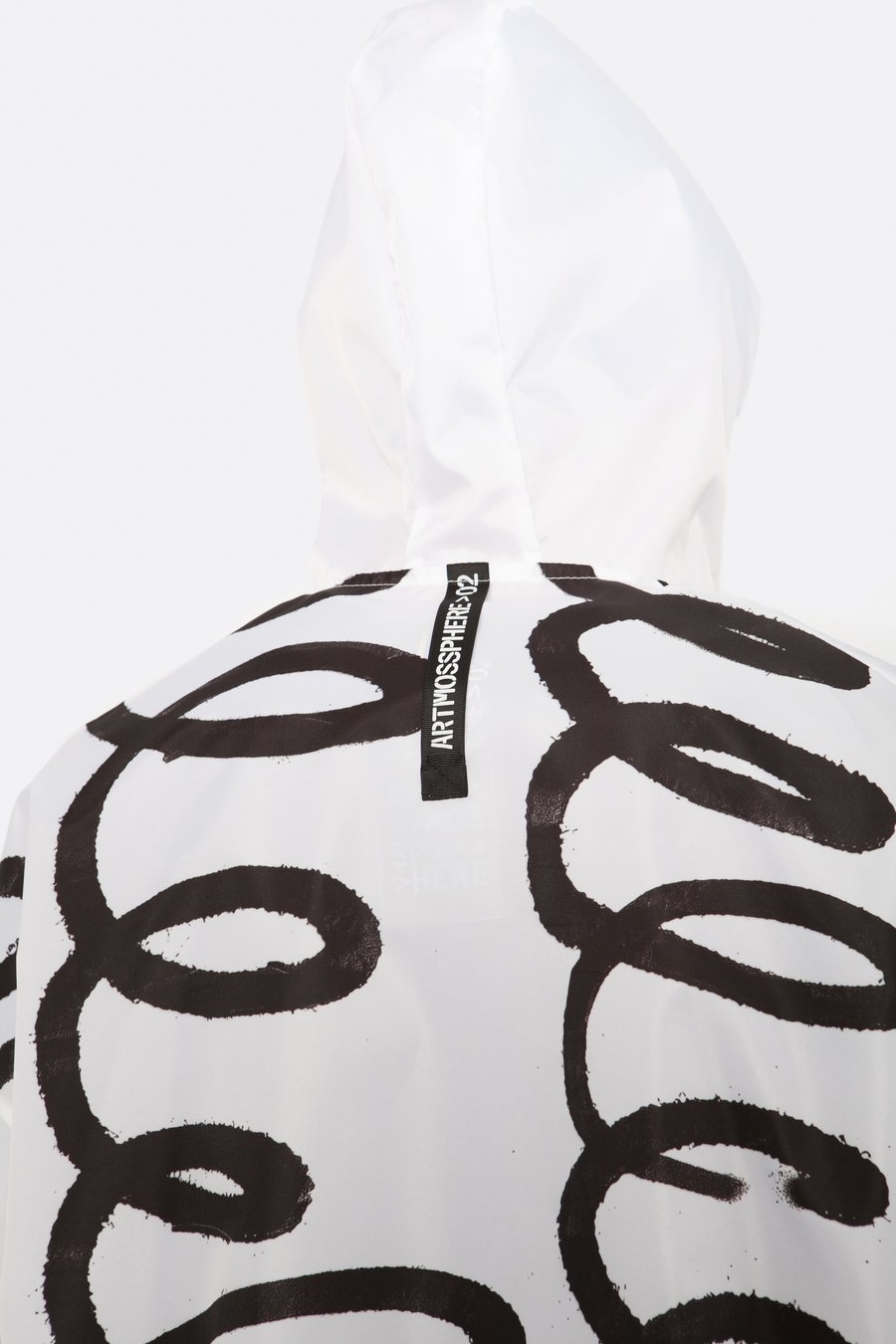
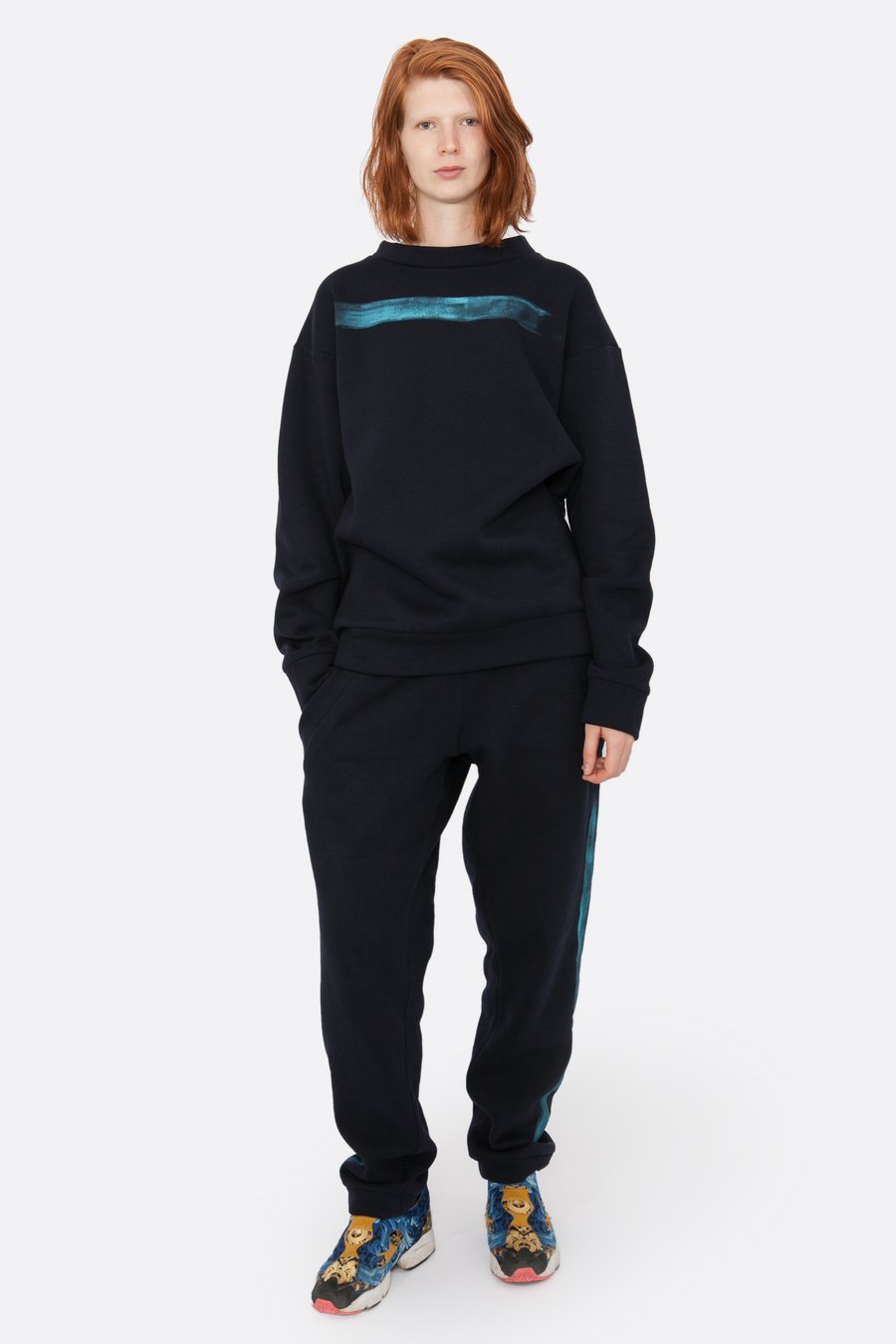
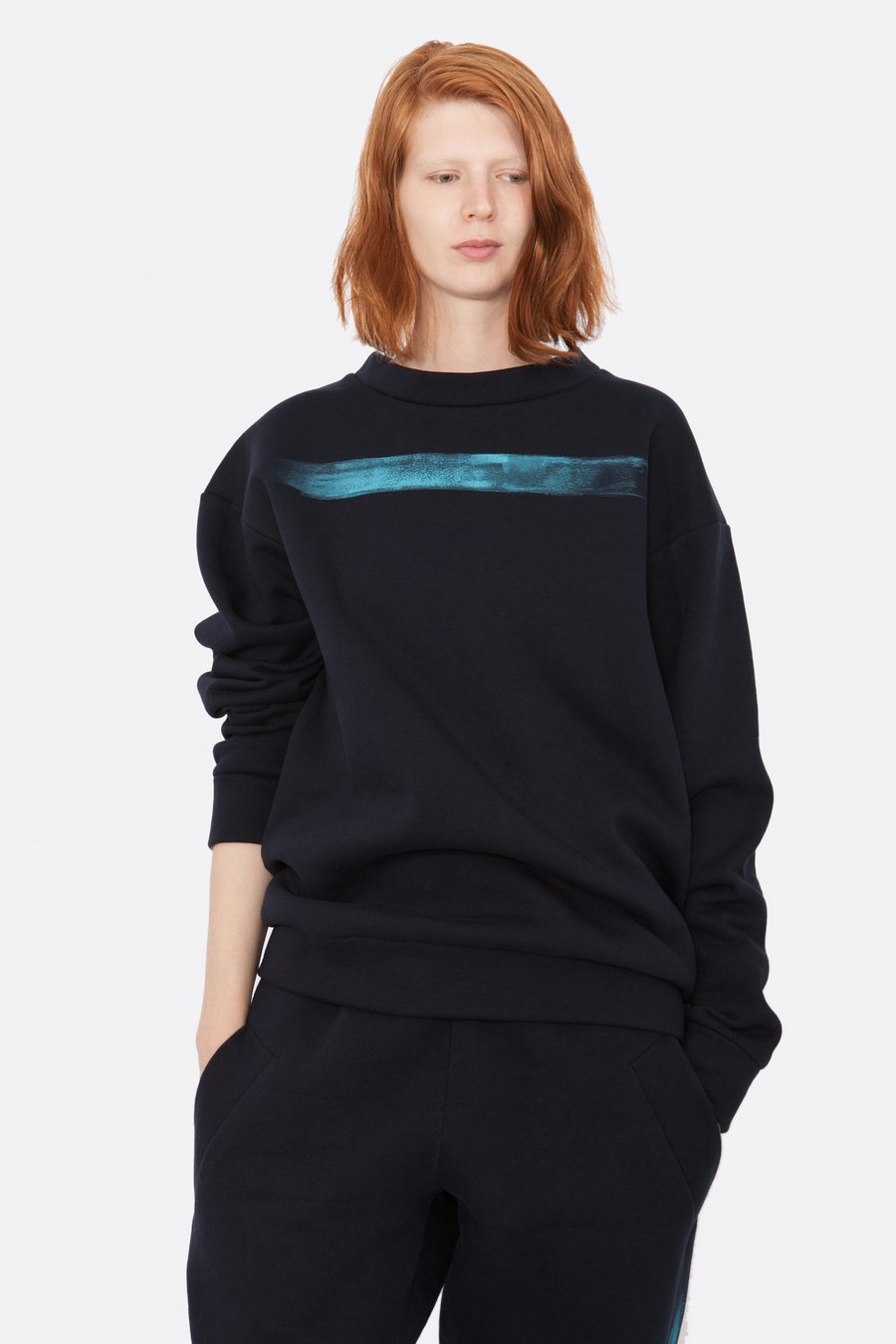
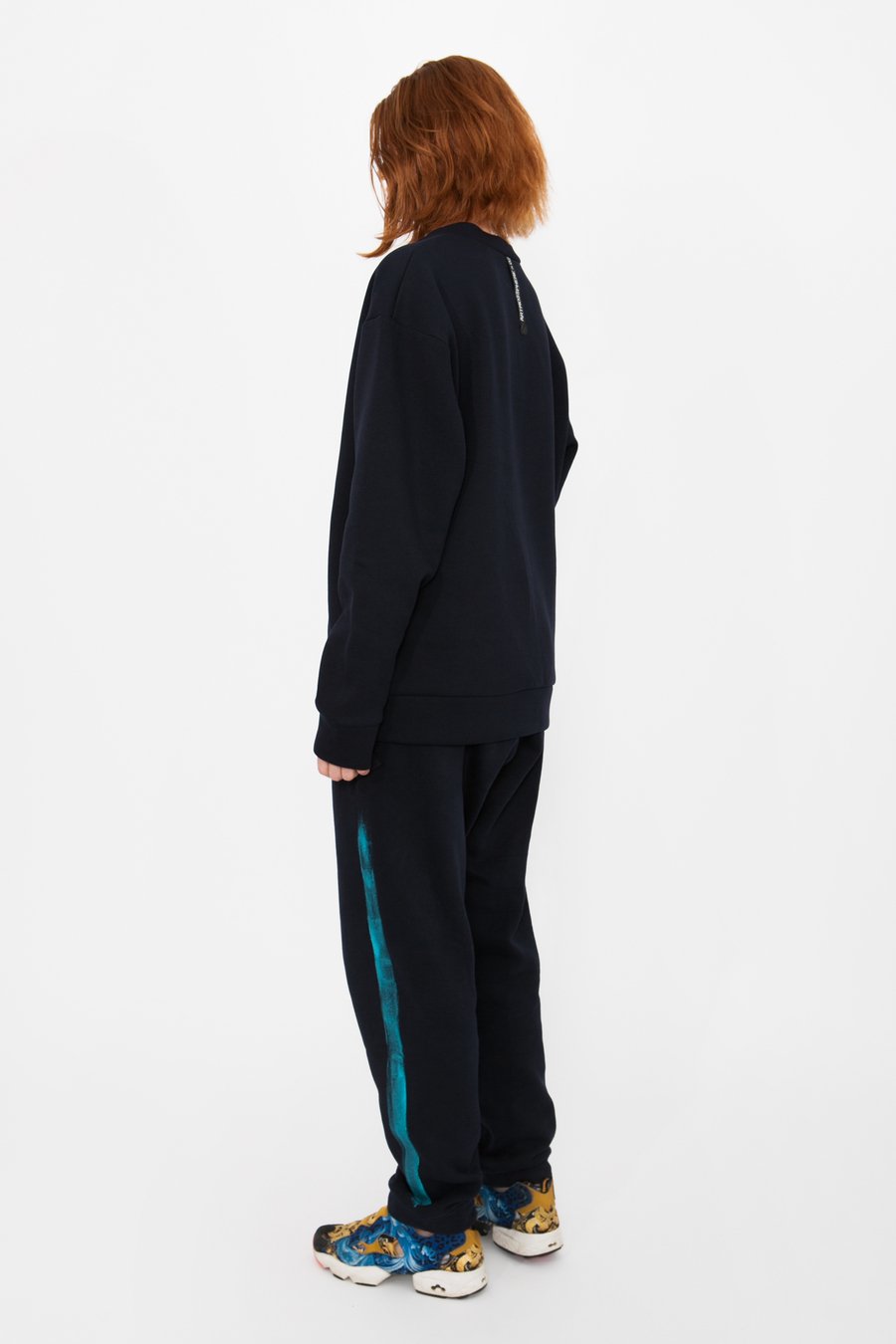
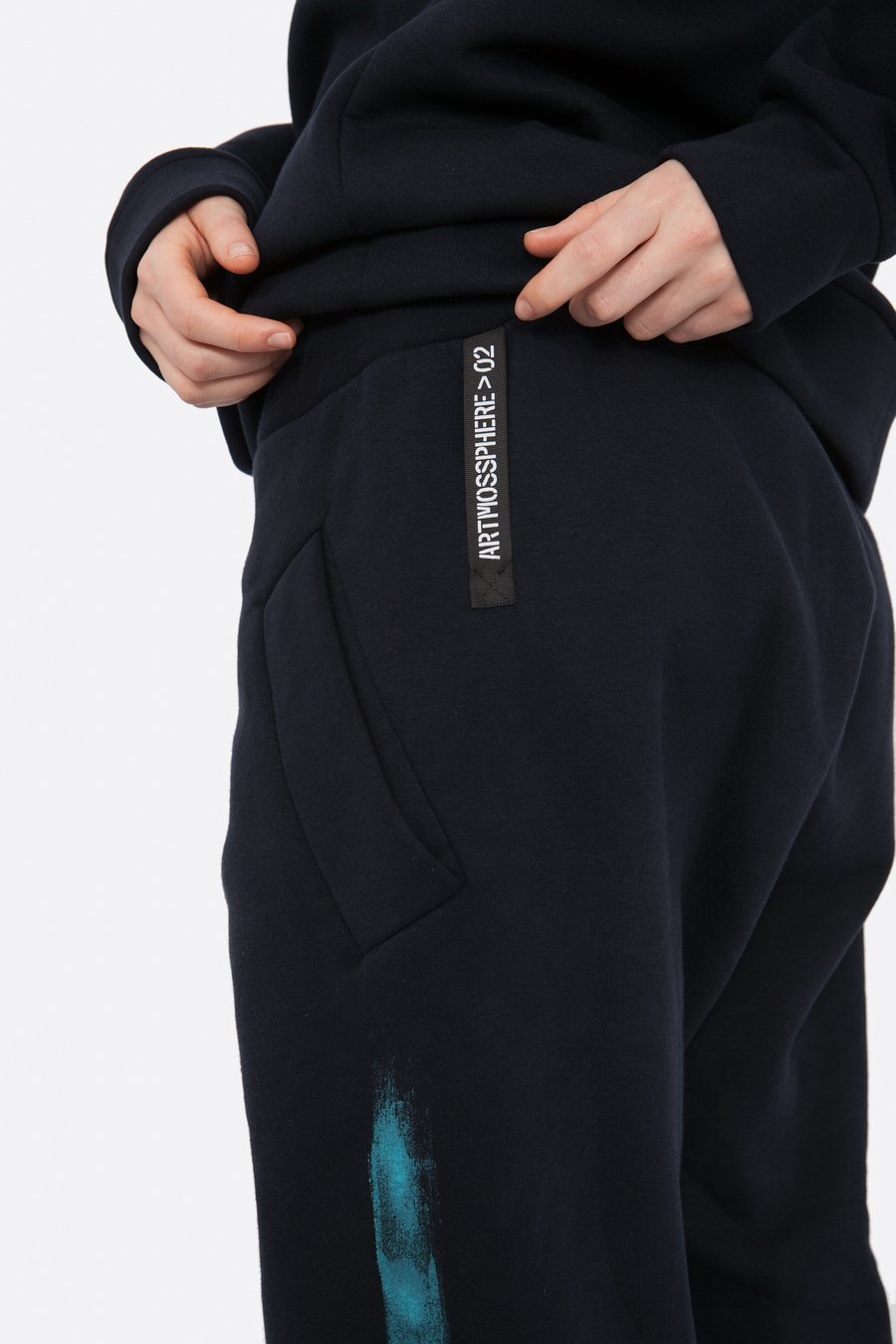
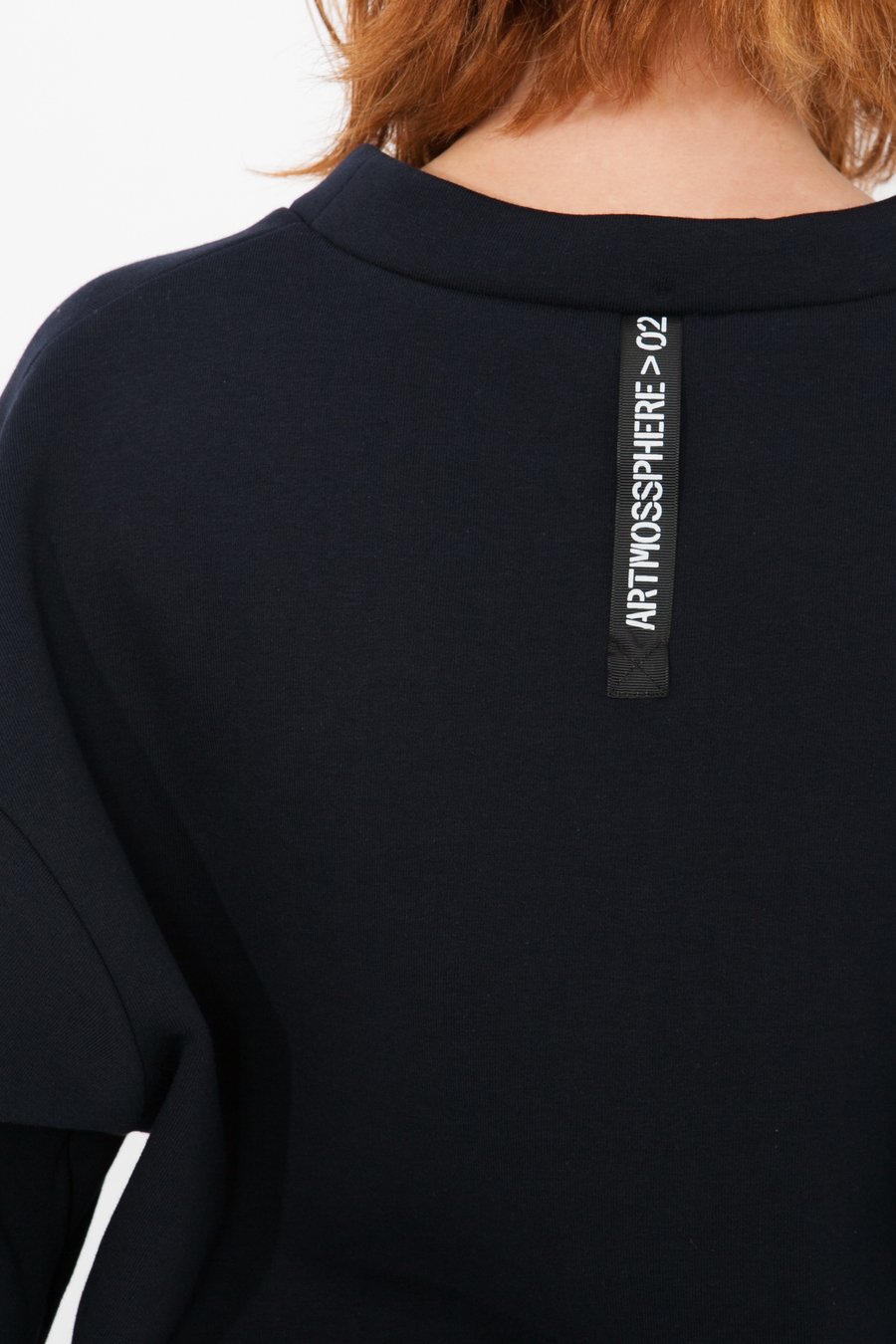
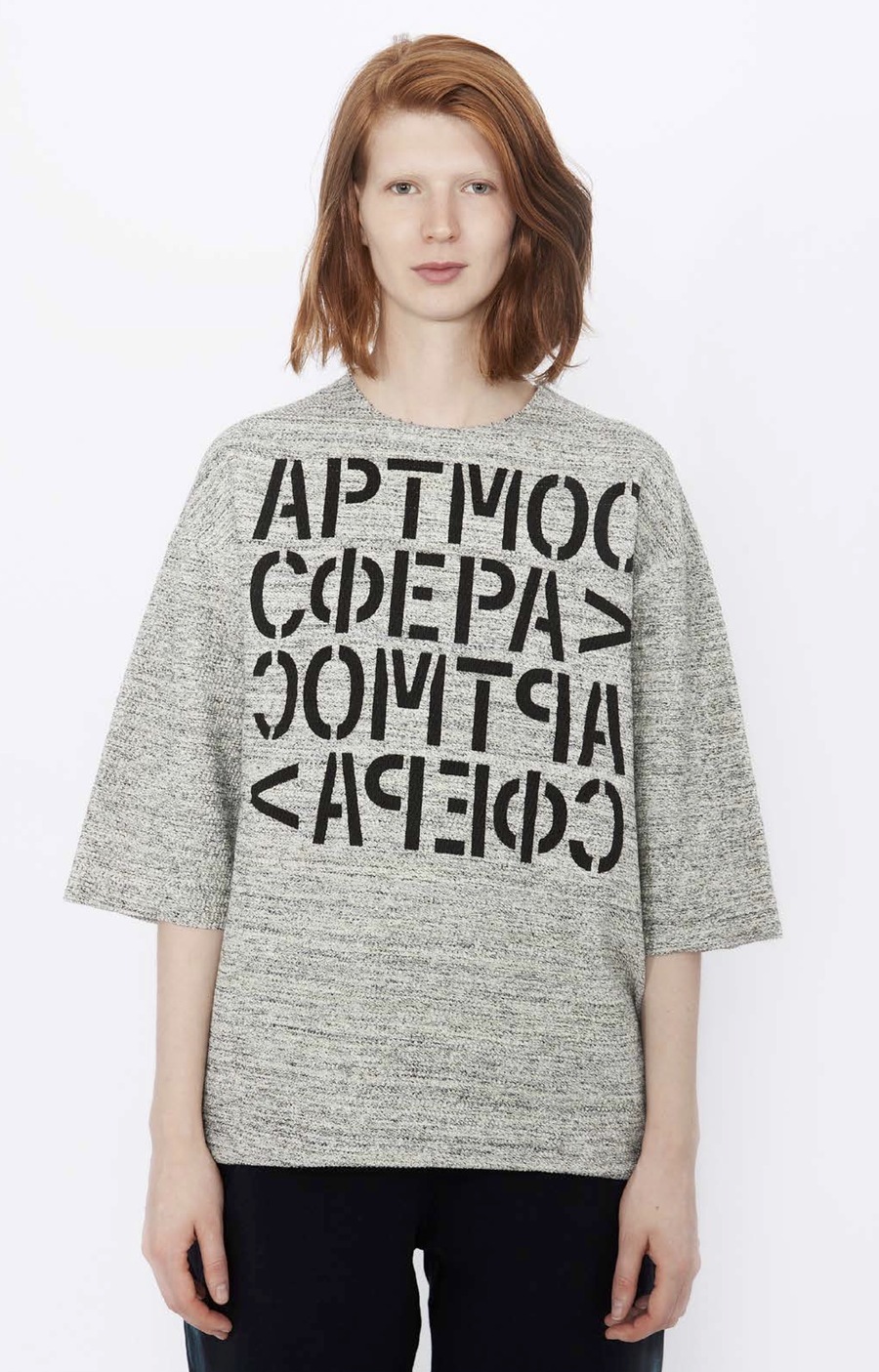
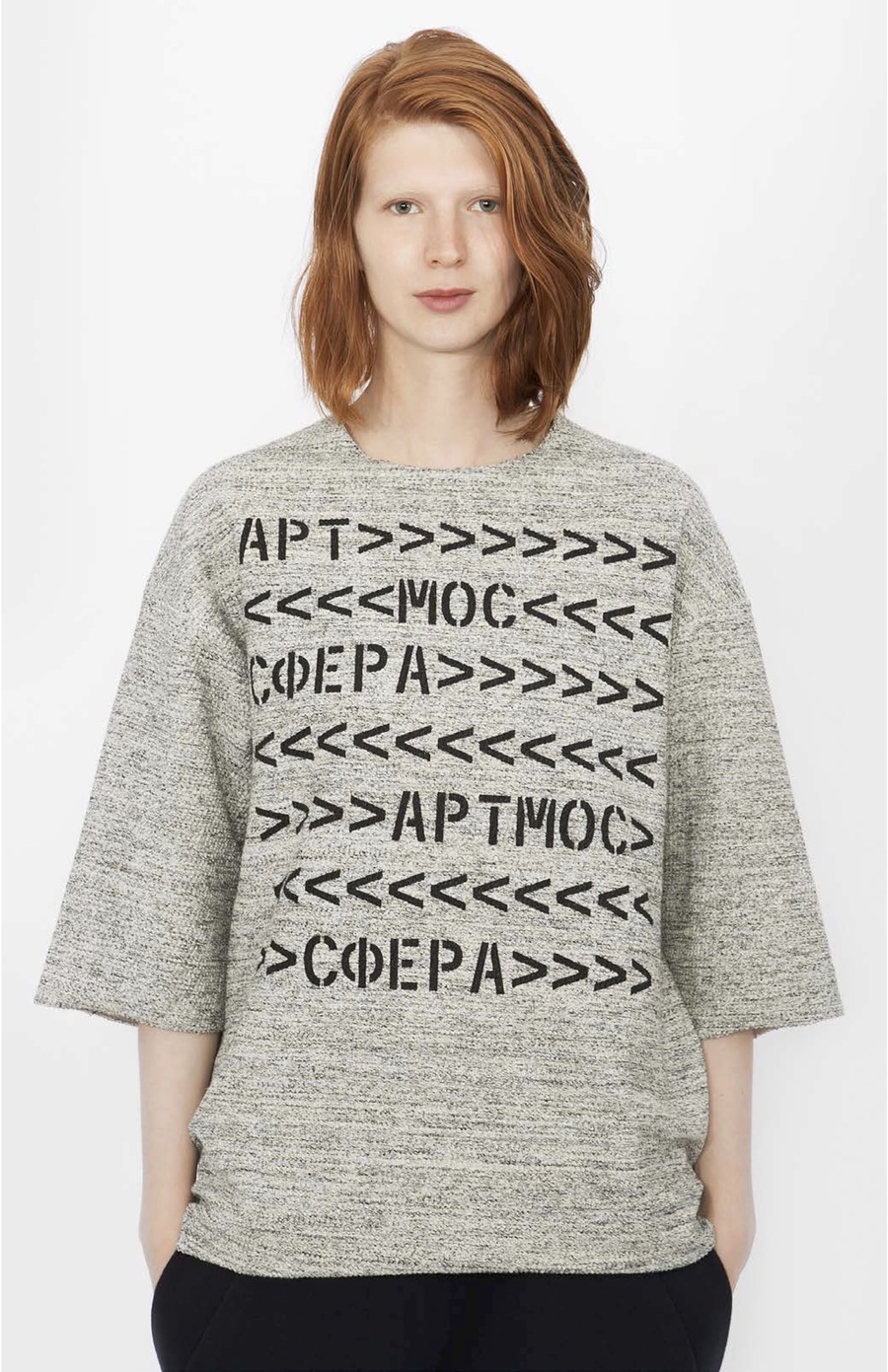
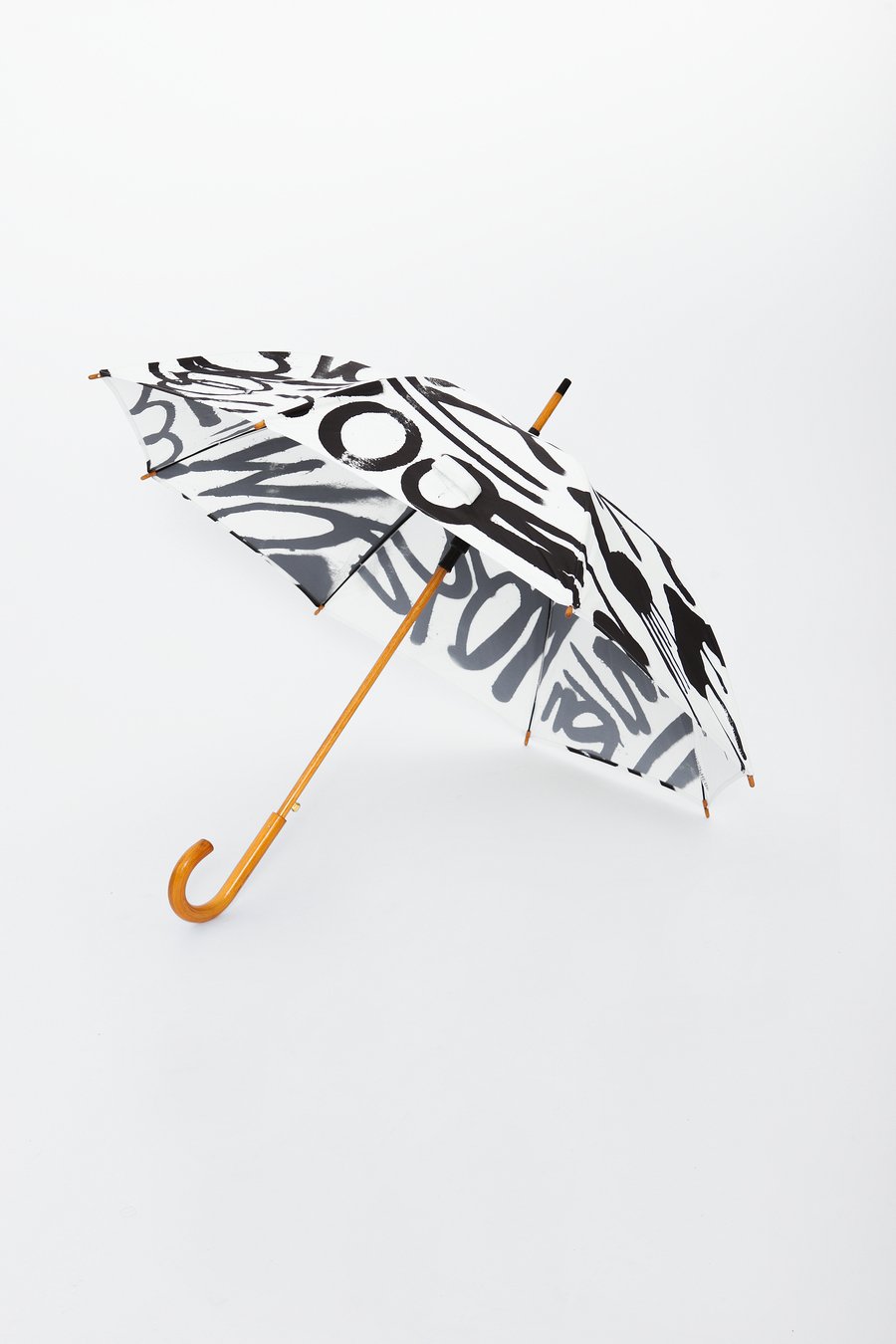
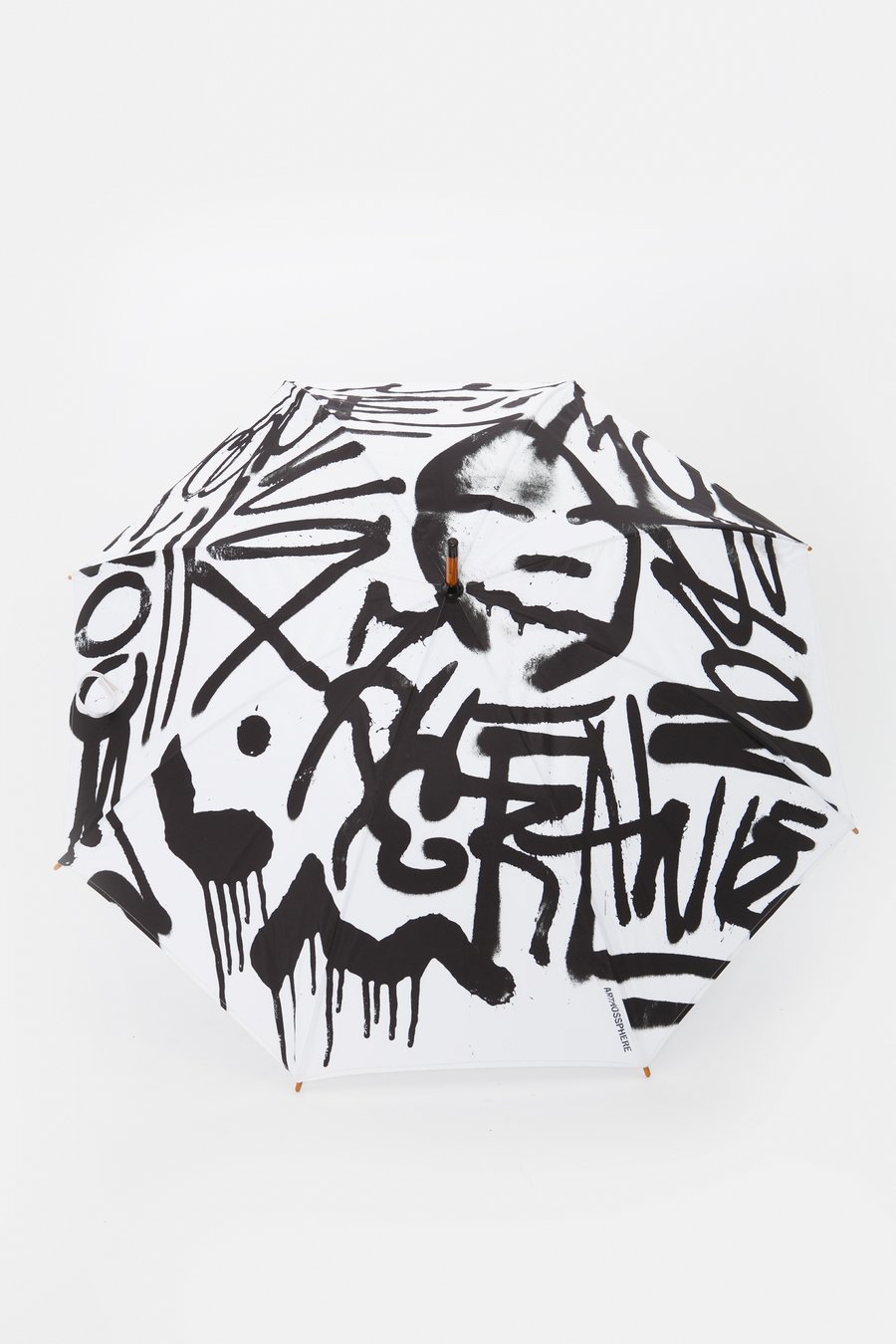
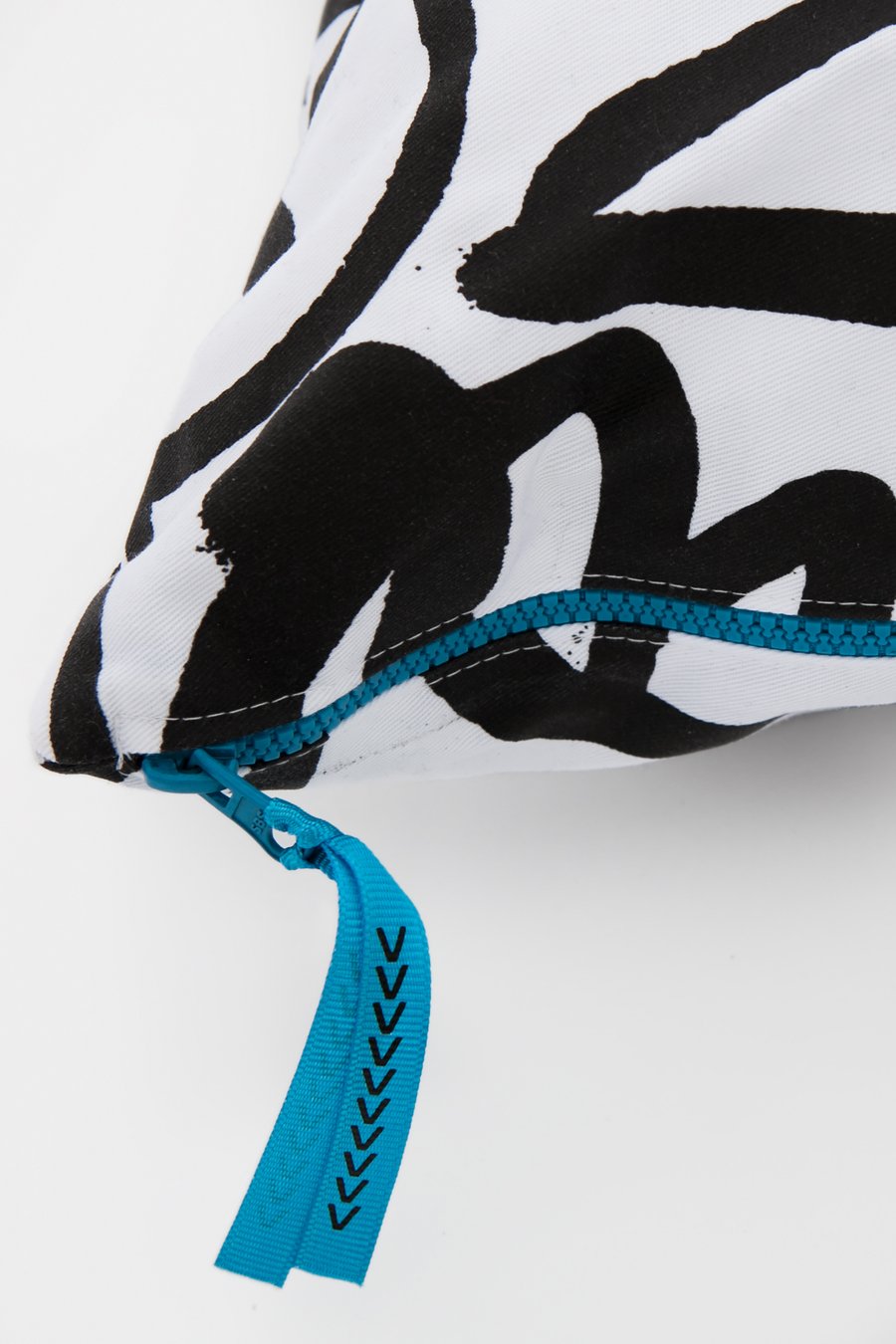
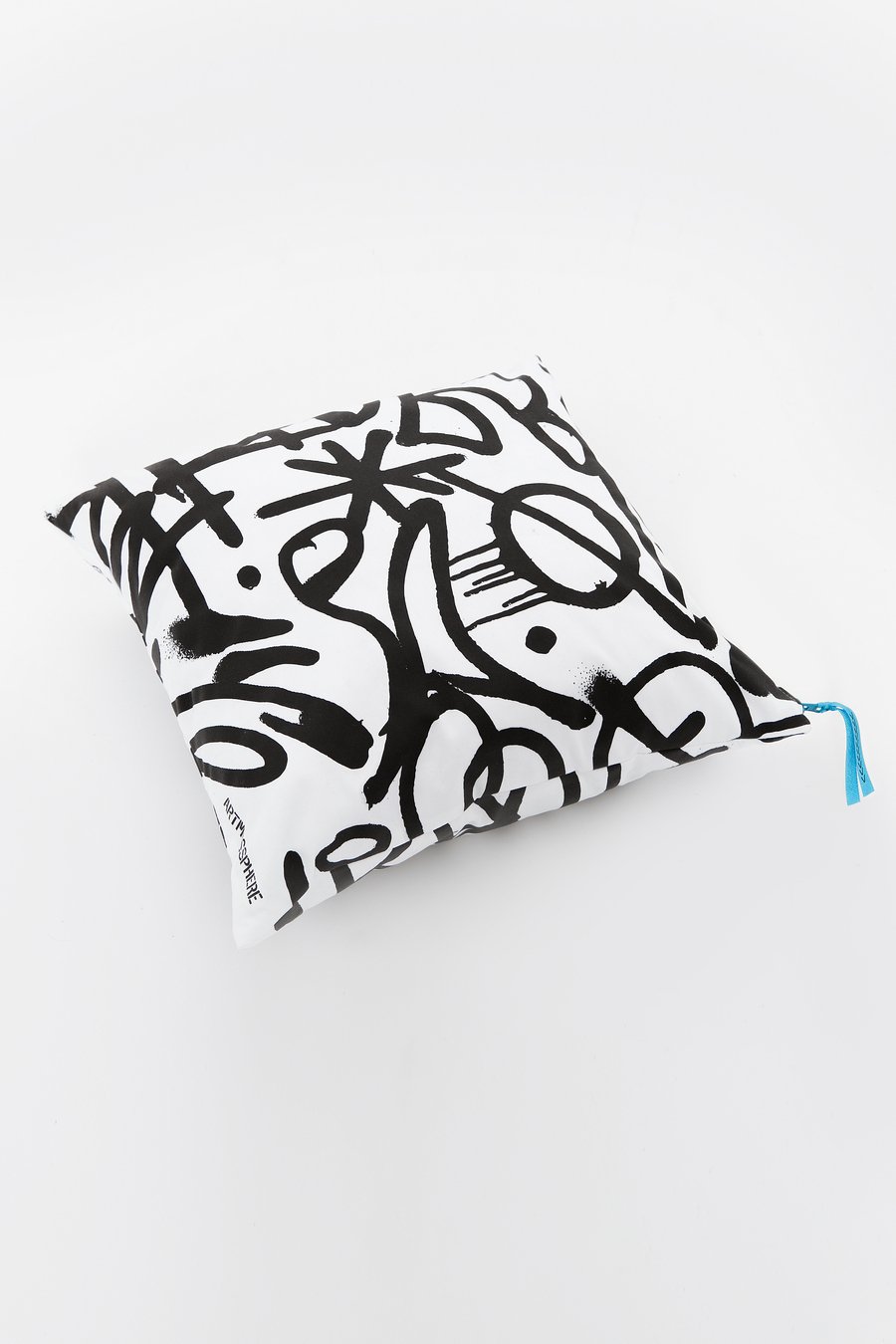
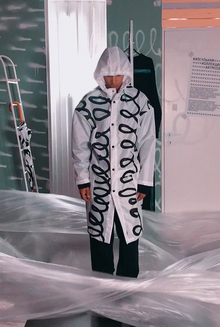
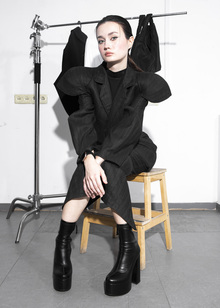
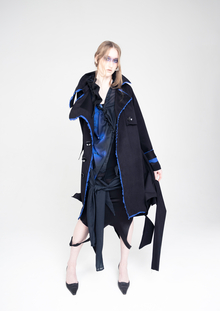
Капсульная коллекция одежды ARTMOSSPHERE вдохновлена художниками, с которыми регулярно сотрудничает объединение. Это собирательный образ,
в котором узнаются черты стрит-арт сообщества
и базовые элементы граффити — росчерк спрея, абстрактные мазки кисти, шифр тэга, графика трафарета. Концепцию бренда и дизайн первых вещей разработала Panika Derevya. Коллекция включает предметы одежды
и аксессуары: дождевик, толстовку, брюки, футболку, зонт и подушку. Была представлена во время II Биеннале «Невидимая стена».
Фото Алена Ермишина
Модель Александра Всесвятская
Дизайн и арт-дирекшн Panika Derevya
Графический дизайн Влад Захаров
Принты Женя Желваков
Автор создал lookbook капсульной коллекции одежды ARTMOSSPHERE 2016 года, вдохновлённой стрит-артом и граффити. Проект включает в себя предметы одежды и аксессуары, представленные во время II Биеннале «Невидимая стена» в Tsvetnoy Central Market.
Автор представил инсталляцию и капсульную коллекцию одежды в рамках II Биеннале «Невидимая стена» в Tsvetnoy Central Market в 2016 году. Проект включал совместную работу с художниками уличного искусства и был оформлен с участием архитектора, фотографа и графического дизайнера.
Алиса Морозова создала текст, рассматривающий социальные сети как искажающее зеркало реальности и личности человека. Проект анализирует внутренний диссонанс, возникающий из-за разницы между реальной и виртуальной идентичностью в цифровом пространстве.
Варвара Полторакина создала коллекцию одежды, исследующую эстетику контроля и отчуждения в визуальной культуре . Проект включает лукбук, видео и фотографии, выполненные Марие Блащик с моделью Ариной Глазкиной .
start.hsedesign
The HSE Art and Design School spans 4 campuses, offering 9 bachelor's programs and approximately 40 specialized tracks. To apply, you must not only submit your documents on time but also upload your creative project—if required by your chosen program.
We use cookies to improve the operation of the HSE website and to enhance its usability. More detailed information on the use of cookies can be fou...
Show more
Press space bar to start a drag.
When dragging you can use the arrow keys to move the item around and escape to cancel.
Some screen readers may require you to be in focus mode or to use your pass through key
Press space bar to start a drag.
When dragging you can use the arrow keys to move the item around and escape to cancel.
Some screen readers may require you to be in focus mode or to use your pass through key
Press space bar to start a drag.
When dragging you can use the arrow keys to move the item around and escape to cancel.
Some screen readers may require you to be in focus mode or to use your pass through key
Press space bar to start a drag.
When dragging you can use the arrow keys to move the item around and escape to cancel.
Some screen readers may require you to be in focus mode or to use your pass through key
Press space bar to start a drag.
When dragging you can use the arrow keys to move the item around and escape to cancel.
Some screen readers may require you to be in focus mode or to use your pass through key
Press space bar to start a drag.
When dragging you can use the arrow keys to move the item around and escape to cancel.
Some screen readers may require you to be in focus mode or to use your pass through key
Press space bar to start a drag.
When dragging you can use the arrow keys to move the item around and escape to cancel.
Some screen readers may require you to be in focus mode or to use your pass through key
Press space bar to start a drag.
When dragging you can use the arrow keys to move the item around and escape to cancel.
Some screen readers may require you to be in focus mode or to use your pass through key
Press space bar to start a drag.
When dragging you can use the arrow keys to move the item around and escape to cancel.
Some screen readers may require you to be in focus mode or to use your pass through key
Press space bar to start a drag.
When dragging you can use the arrow keys to move the item around and escape to cancel.
Some screen readers may require you to be in focus mode or to use your pass through key
Press space bar to start a drag.
When dragging you can use the arrow keys to move the item around and escape to cancel.
Some screen readers may require you to be in focus mode or to use your pass through key