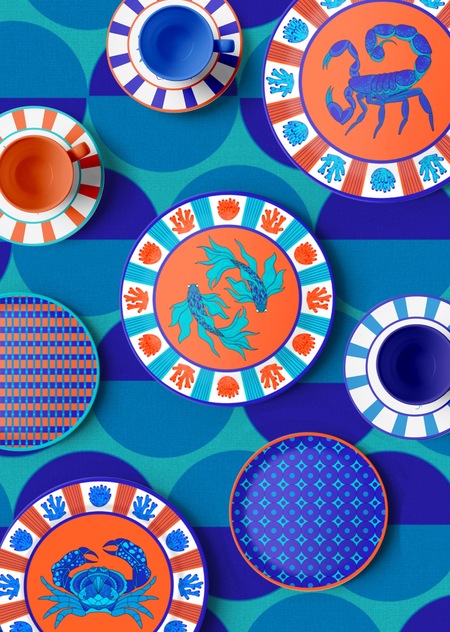
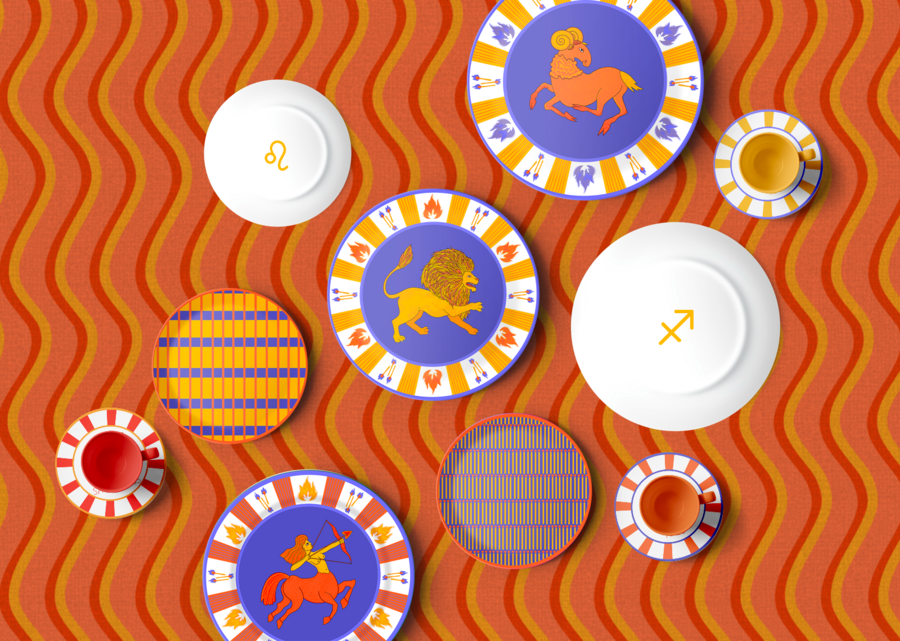
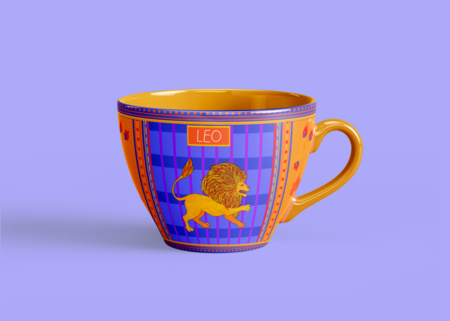
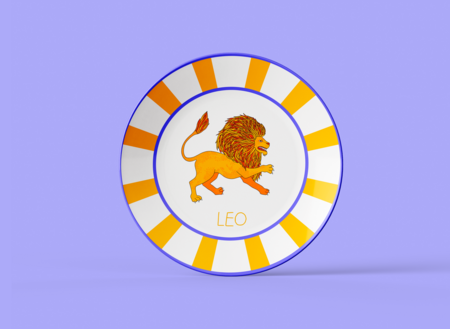
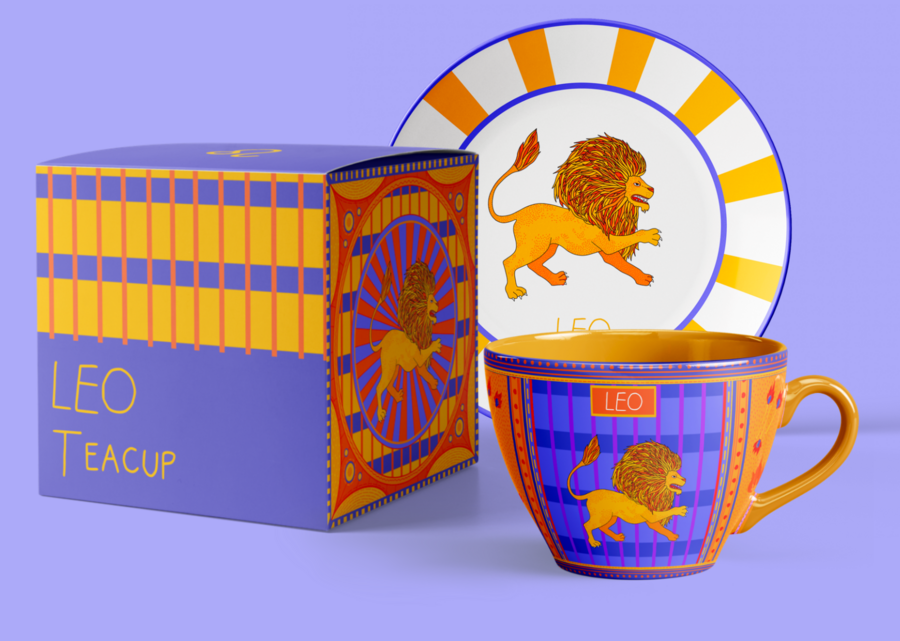
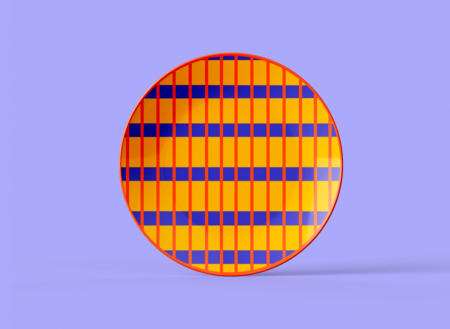
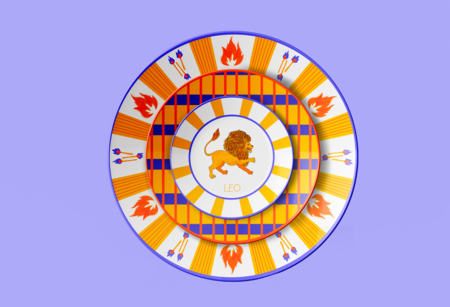
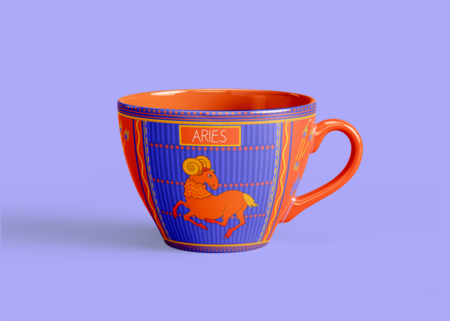
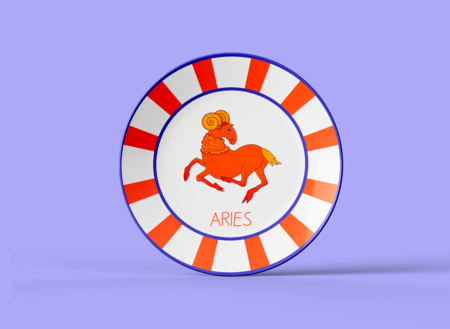
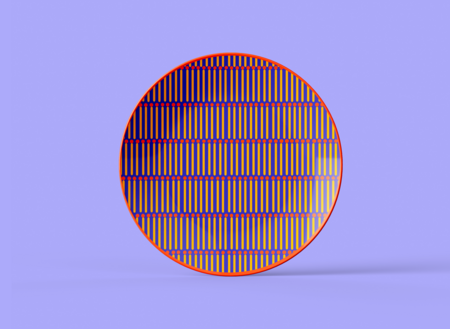
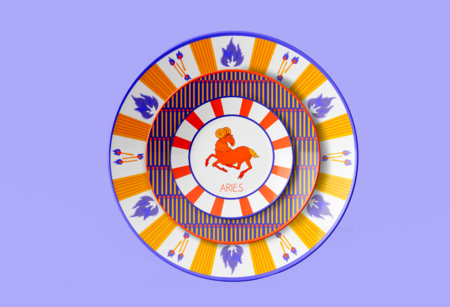
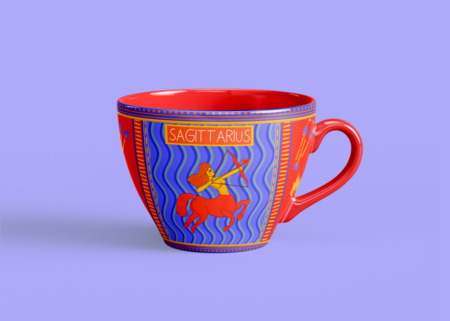
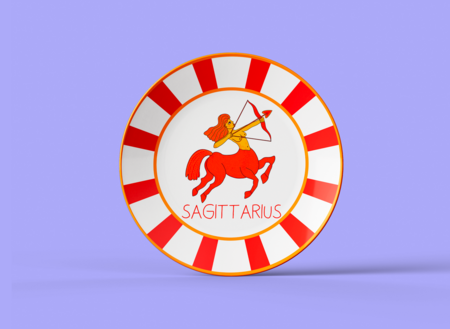
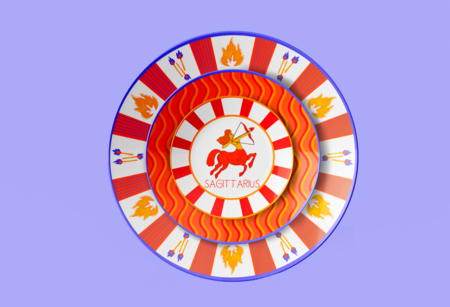
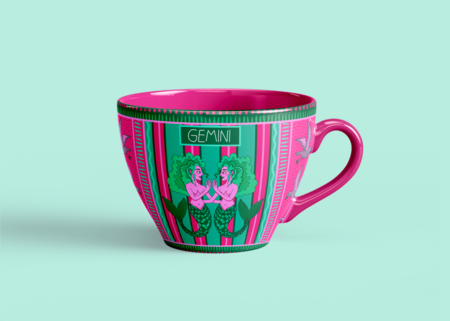
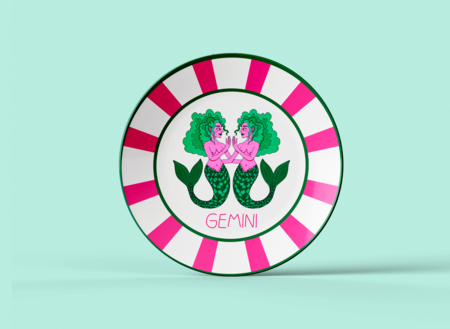
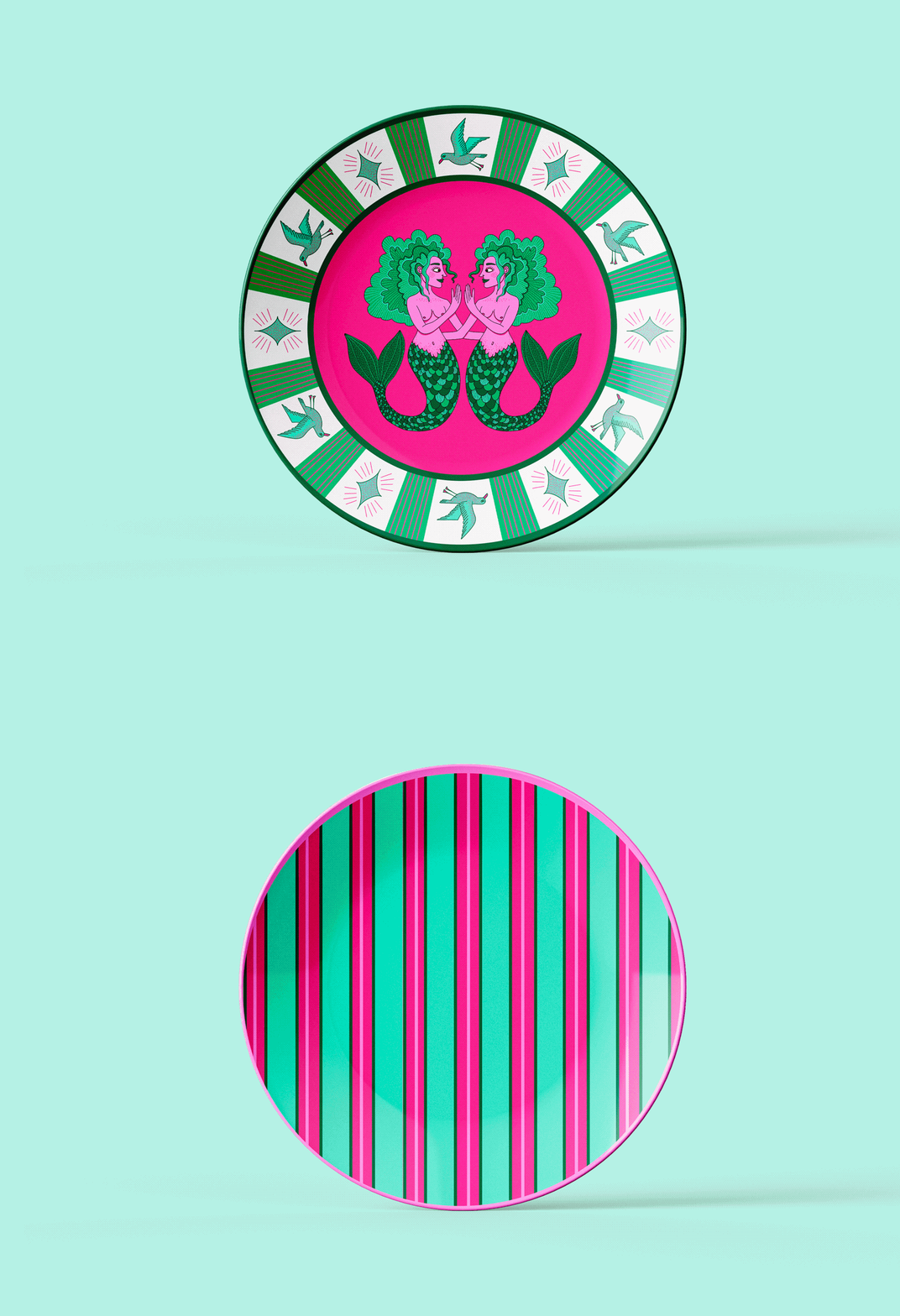
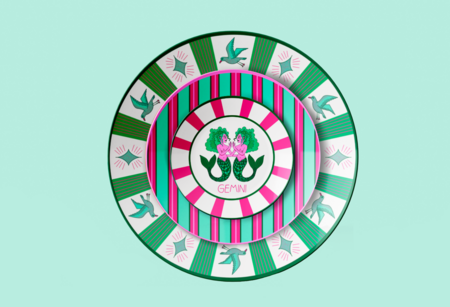
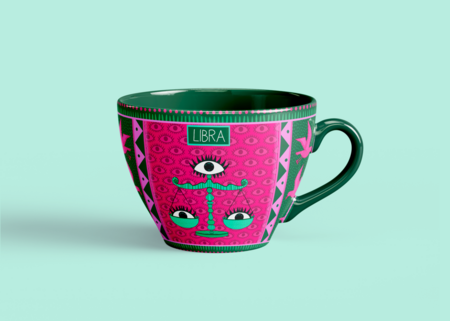
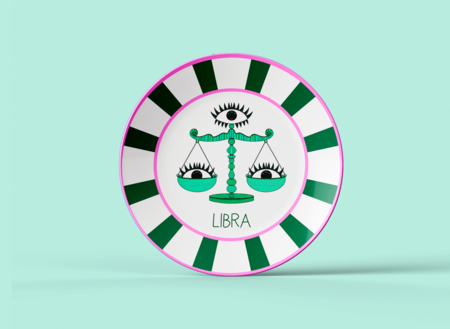
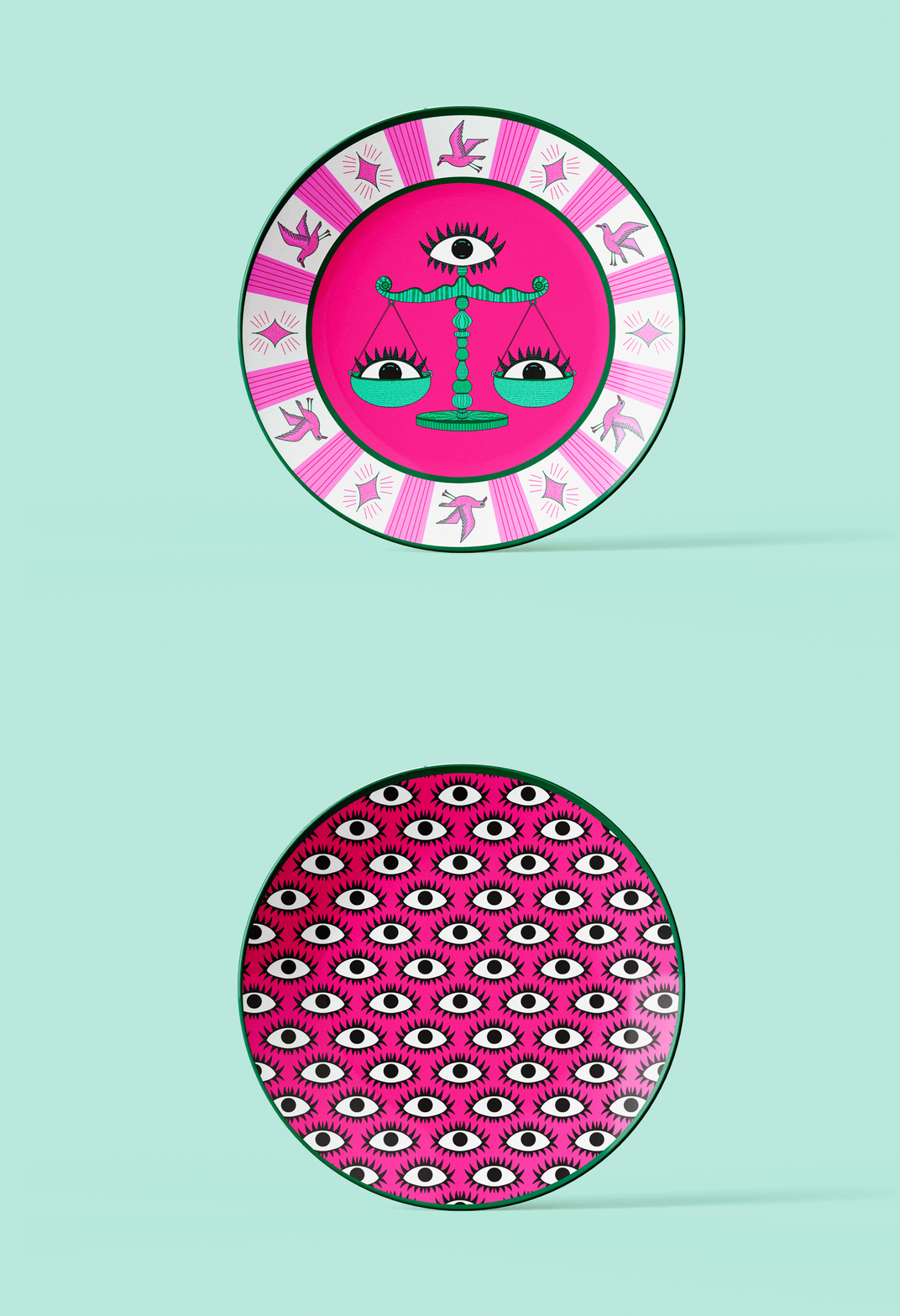
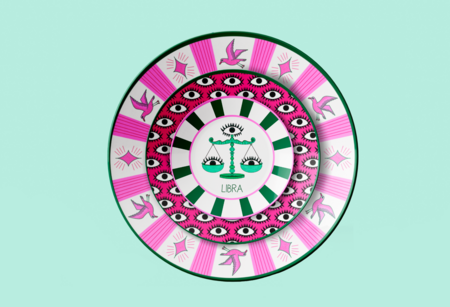
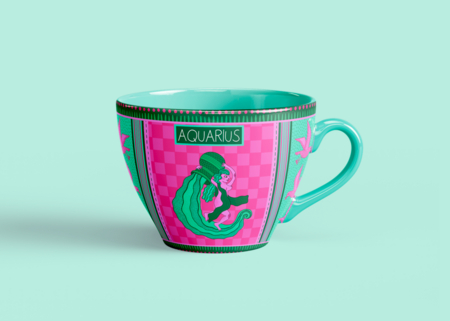
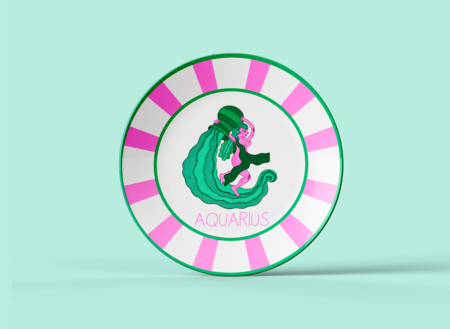
Zodiac collection — это серия посуды, домашнего текстиля и прочего мерча, вдохновленная астрологией и знаками зодиака. Каждое изделие уникально оформлено яркими и дерзкими цветами, отражающими характер и символику конкретного знака.
Эта коллекция подарит каждому возможность выразить свою индивидуальность и стиль,
а так же добавить яркие акценты
в повседневную жизнь.
Варвара Ушакова создала коллекцию товаров для дома, вдохновлённую знаками зодиака и астрологией. Каждое изделие выполнено в ярких и дерзких цветах, отражающих характер и символику конкретного знака.
Таисия Травина создала книгу «Сам дурак», в которой описывает мир забавных персонажей, называемых дураками, живущих в своей уникальной вселенной. Проект включает модульные иллюстрации, которые можно адаптировать под разные носители, а также игровые элементы, такие как чайный комплект и набор для домашнего театра.
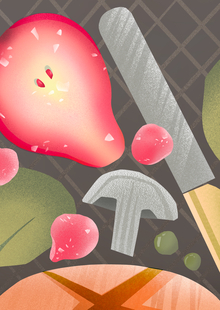
Наталья Гаймер создала проект «Почётное место», в котором превращает тарелки, текстиль и другие предметы в элементы композиции, дополняющие блюдо узорами и формами. Проект включает тексты, посвящённые фарфору, текстилю и носителям, которые подчёркивают роль деталей в создании целостного восприятия еды.
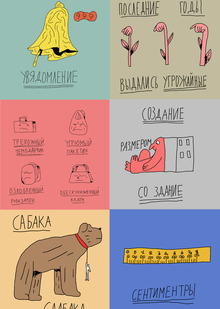
Тимофей Яржомбек представил подборку иллюстраций из проекта "Дворец словосочетания". Проект ведется с 2012 года и включает более 700 работ, часто основанных на каламбурах и отражающих общественные настроения.
Даниил Шпунтов создал минималистичную графику для новой айдентики Фонда Потанина. Проект включает в себя тексты, описывающие влияние фонда на спорт, культуру и образование.
start.hsedesign
The HSE Art and Design School spans 4 campuses, offering 9 bachelor's programs and approximately 40 specialized tracks. To apply, you must not only submit your documents on time but also upload your creative project—if required by your chosen program.
We use cookies to improve the operation of the HSE website and to enhance its usability. More detailed information on the use of cookies can be fou...
Show more
Press space bar to start a drag.
When dragging you can use the arrow keys to move the item around and escape to cancel.
Some screen readers may require you to be in focus mode or to use your pass through key
Press space bar to start a drag.
When dragging you can use the arrow keys to move the item around and escape to cancel.
Some screen readers may require you to be in focus mode or to use your pass through key
Press space bar to start a drag.
When dragging you can use the arrow keys to move the item around and escape to cancel.
Some screen readers may require you to be in focus mode or to use your pass through key
Press space bar to start a drag.
When dragging you can use the arrow keys to move the item around and escape to cancel.
Some screen readers may require you to be in focus mode or to use your pass through key
Press space bar to start a drag.
When dragging you can use the arrow keys to move the item around and escape to cancel.
Some screen readers may require you to be in focus mode or to use your pass through key
Press space bar to start a drag.
When dragging you can use the arrow keys to move the item around and escape to cancel.
Some screen readers may require you to be in focus mode or to use your pass through key
Press space bar to start a drag.
When dragging you can use the arrow keys to move the item around and escape to cancel.
Some screen readers may require you to be in focus mode or to use your pass through key
Press space bar to start a drag.
When dragging you can use the arrow keys to move the item around and escape to cancel.
Some screen readers may require you to be in focus mode or to use your pass through key
Press space bar to start a drag.
When dragging you can use the arrow keys to move the item around and escape to cancel.
Some screen readers may require you to be in focus mode or to use your pass through key
Press space bar to start a drag.
When dragging you can use the arrow keys to move the item around and escape to cancel.
Some screen readers may require you to be in focus mode or to use your pass through key
Press space bar to start a drag.
When dragging you can use the arrow keys to move the item around and escape to cancel.
Some screen readers may require you to be in focus mode or to use your pass through key