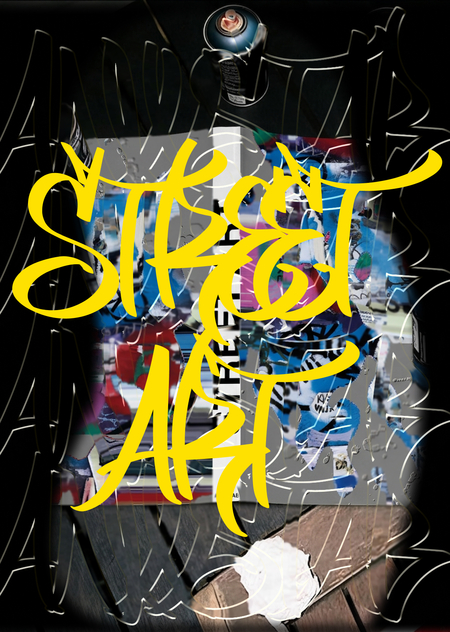
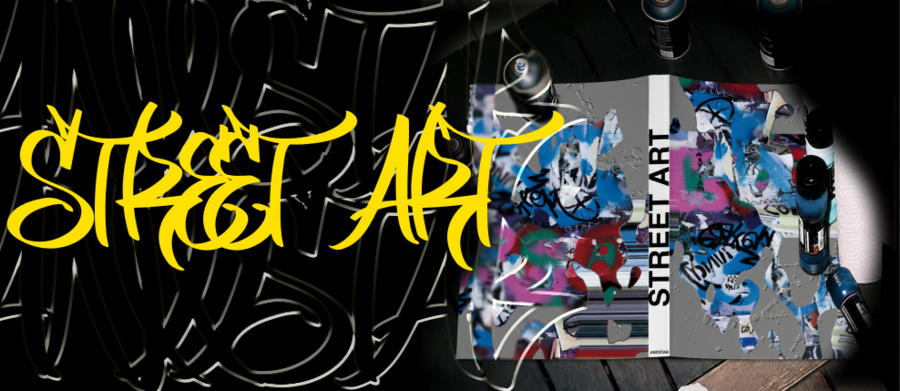
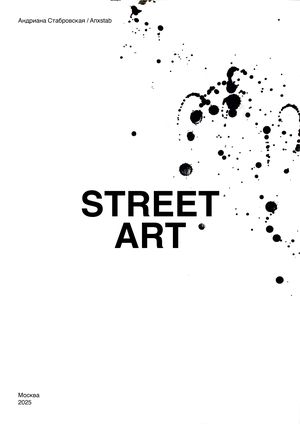
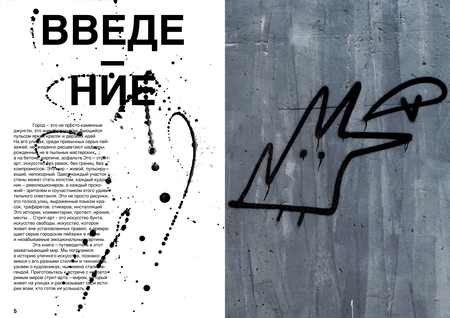
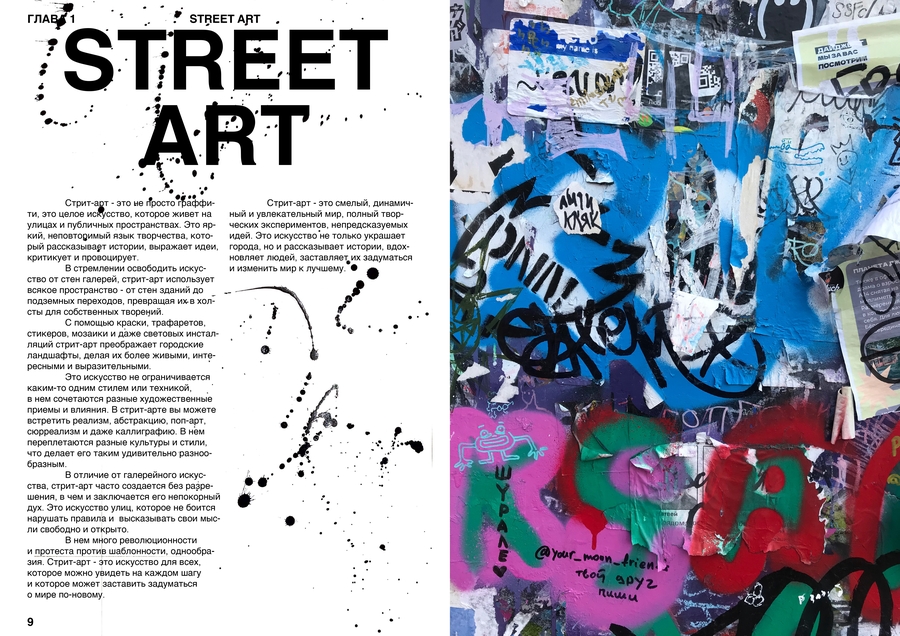
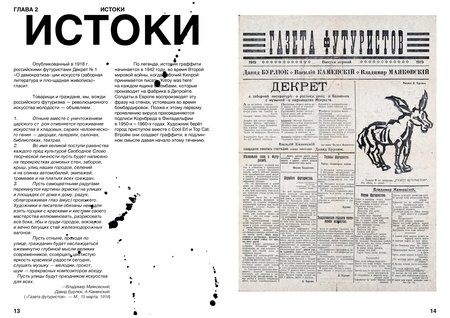
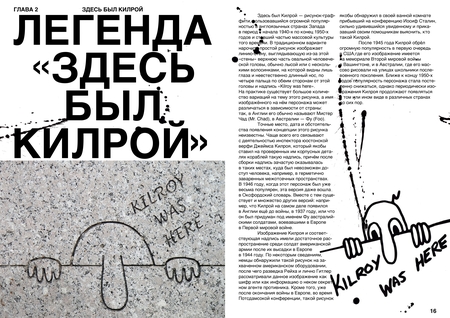
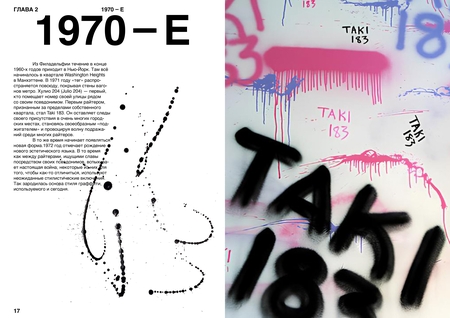
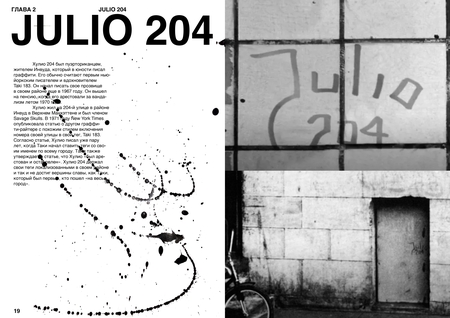
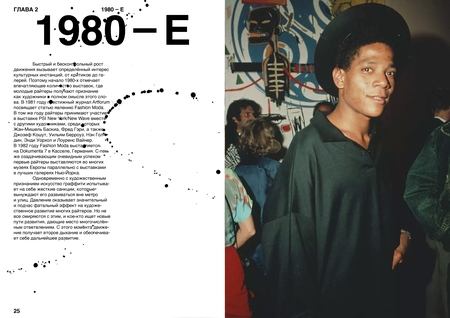
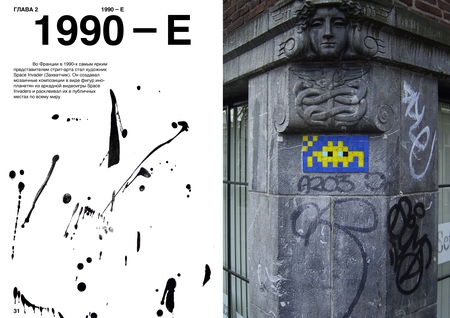
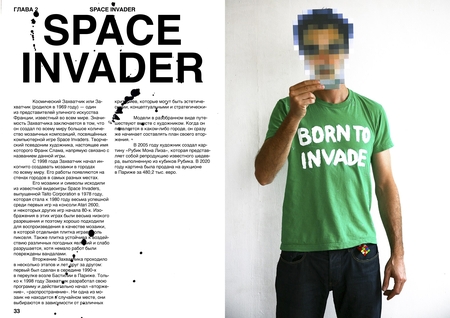
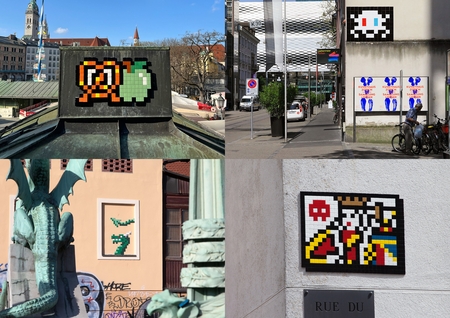
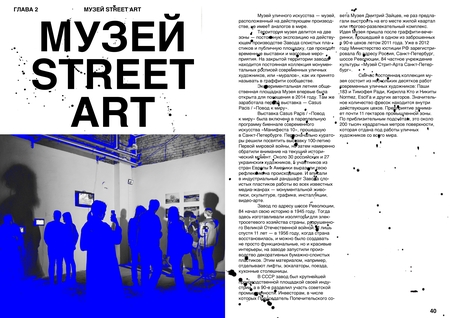
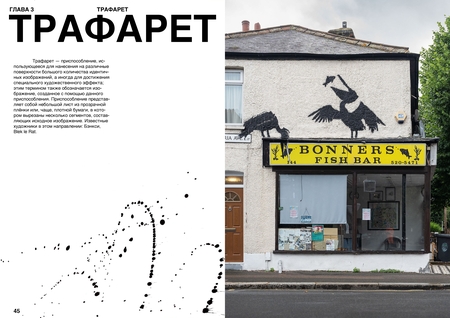
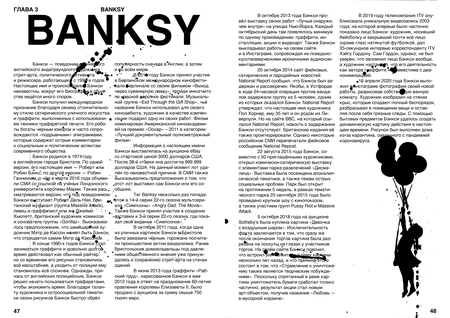
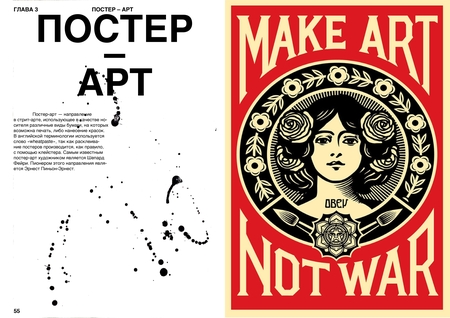
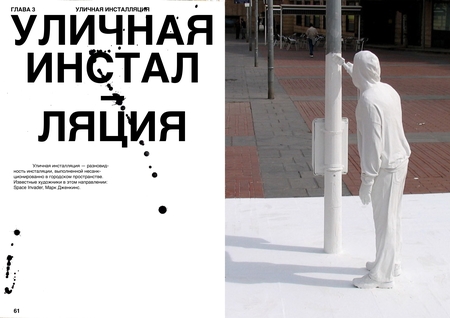
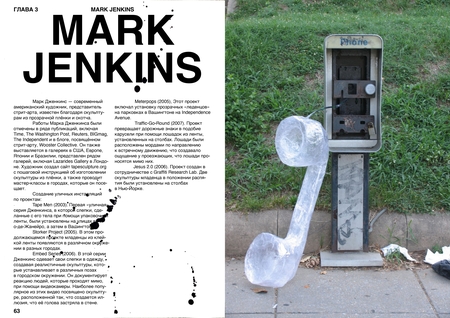
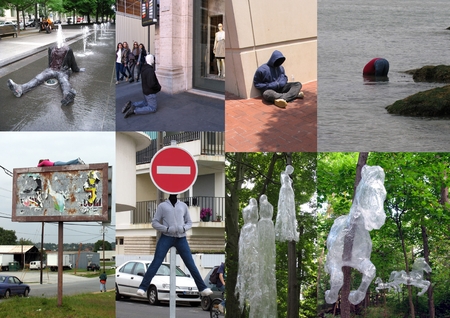
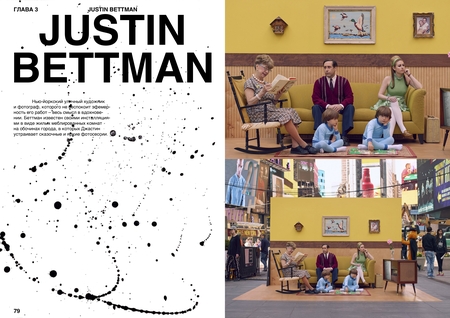
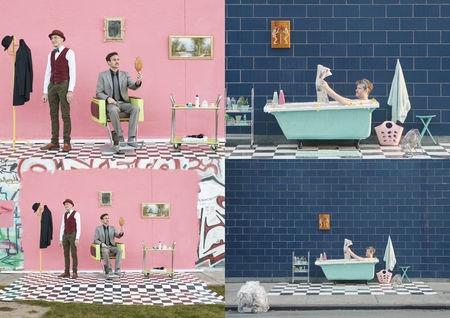
Книга об уличном искусстве / Эта книга об уличном искусстве — учебный проект, посвящённый исследованию стрит-арта: его истории, основным техникам и ярким представителям. В книге рассказывается о уличном искусстве от первых граффити до современных муралов, разбираются ключевые техники и представлены художники, которые изменили восприятие стрит-арта в мире. Проект выполнен в учебном формате, но его цель — не просто собрать факты, а показать, как стрит-арт становится частью визуальной культуры, брендинга и современного дизайна. Верстка и визуальное оформление книги отражают эту идею: динамичные композиции, контрастные цвета и элементы, вдохновлённые уличной эстетикой, создают ощущение, что читатель находится не в галерее, а на городской среде.
(01) Титульный лист, содержание, слова автора, введение.
Original size 4961x3508
(02) Понятие уличного искусства.
(03) История уличного искусства, люди которые повлияли на историю, музей уличного искусства в России, Санкт-Петербурге.
Original size 4961x3508
Original size 4961x3508
(04) Основные техники уличного искусства, главные представители техник и их работы.
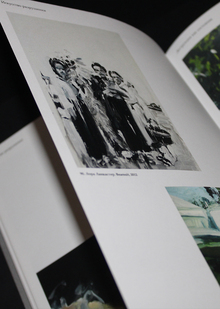
Каталог разработан как художественно‑графическое издание, представляющее работы преподавателей кафедры ИЗО и методики преподавания Педагогического института ИГУ. В основе визуальной концепции — масляный холст, стилизованный под витраж, что отражает одно из ключевых направлений художественной подготовки на кафедре.
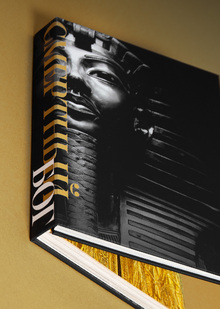
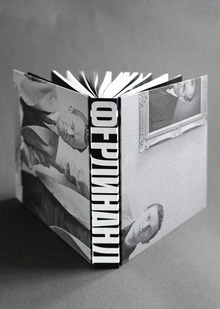
Книга посвящена Тутанхамону — фараону, чья жизнь была короткой и почти незаметной во время правления, но его имя стало практически синонимом Древнего Египта для современного человечества
The HSE Art and Design School spans 4 campuses, offering 9 bachelor's programs and approximately 40 specialized tracks. To apply, you must not only submit your documents on time but also upload your creative project—if required by your chosen program.
We use cookies to improve the operation of the HSE website and to enhance its usability. More detailed information on the use of cookies can be fou...
Show more
Press space bar to start a drag.
When dragging you can use the arrow keys to move the item around and escape to cancel.
Some screen readers may require you to be in focus mode or to use your pass through key
Press space bar to start a drag.
When dragging you can use the arrow keys to move the item around and escape to cancel.
Some screen readers may require you to be in focus mode or to use your pass through key
Press space bar to start a drag.
When dragging you can use the arrow keys to move the item around and escape to cancel.
Some screen readers may require you to be in focus mode or to use your pass through key
Press space bar to start a drag.
When dragging you can use the arrow keys to move the item around and escape to cancel.
Some screen readers may require you to be in focus mode or to use your pass through key
Press space bar to start a drag.
When dragging you can use the arrow keys to move the item around and escape to cancel.
Some screen readers may require you to be in focus mode or to use your pass through key
Press space bar to start a drag.
When dragging you can use the arrow keys to move the item around and escape to cancel.
Some screen readers may require you to be in focus mode or to use your pass through key
Press space bar to start a drag.
When dragging you can use the arrow keys to move the item around and escape to cancel.
Some screen readers may require you to be in focus mode or to use your pass through key
Press space bar to start a drag.
When dragging you can use the arrow keys to move the item around and escape to cancel.
Some screen readers may require you to be in focus mode or to use your pass through key
Press space bar to start a drag.
When dragging you can use the arrow keys to move the item around and escape to cancel.
Some screen readers may require you to be in focus mode or to use your pass through key
Press space bar to start a drag.
When dragging you can use the arrow keys to move the item around and escape to cancel.
Some screen readers may require you to be in focus mode or to use your pass through key
Press space bar to start a drag.
When dragging you can use the arrow keys to move the item around and escape to cancel.
Some screen readers may require you to be in focus mode or to use your pass through key
Press space bar to start a drag.
When dragging you can use the arrow keys to move the item around and escape to cancel.
Some screen readers may require you to be in focus mode or to use your pass through key
Press space bar to start a drag.
When dragging you can use the arrow keys to move the item around and escape to cancel.
Some screen readers may require you to be in focus mode or to use your pass through key
Press space bar to start a drag.
When dragging you can use the arrow keys to move the item around and escape to cancel.
Some screen readers may require you to be in focus mode or to use your pass through key
Press space bar to start a drag.
When dragging you can use the arrow keys to move the item around and escape to cancel.
Some screen readers may require you to be in focus mode or to use your pass through key
Press space bar to start a drag.
When dragging you can use the arrow keys to move the item around and escape to cancel.
Some screen readers may require you to be in focus mode or to use your pass through key
Press space bar to start a drag.
When dragging you can use the arrow keys to move the item around and escape to cancel.
Some screen readers may require you to be in focus mode or to use your pass through key
Press space bar to start a drag.
When dragging you can use the arrow keys to move the item around and escape to cancel.
Some screen readers may require you to be in focus mode or to use your pass through key
Press space bar to start a drag.
When dragging you can use the arrow keys to move the item around and escape to cancel.
Some screen readers may require you to be in focus mode or to use your pass through key