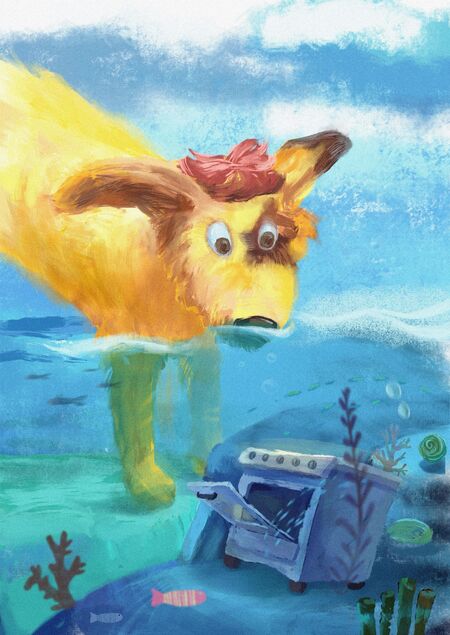
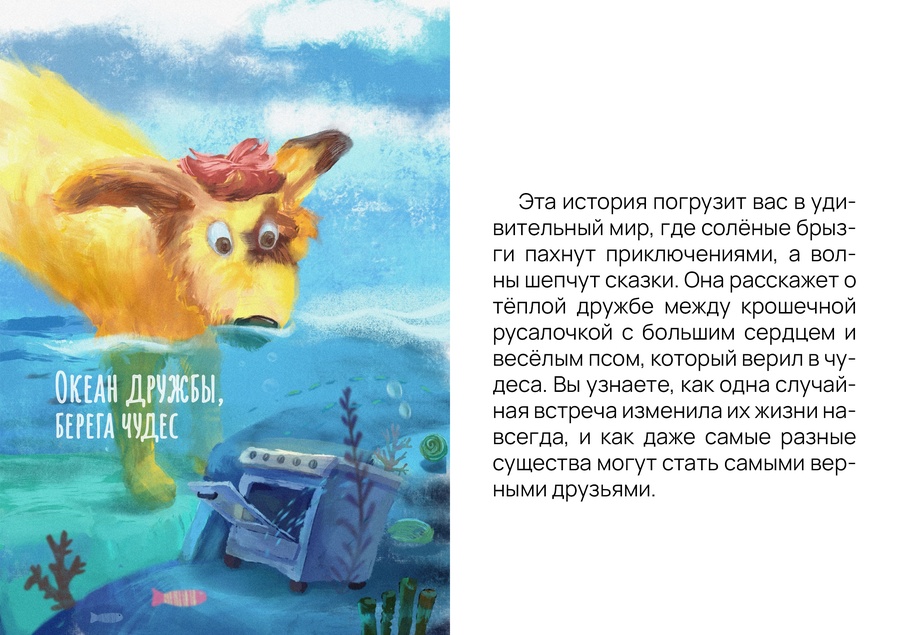
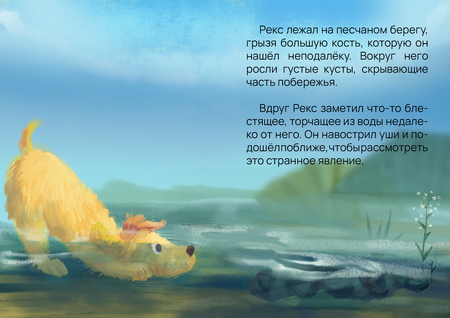
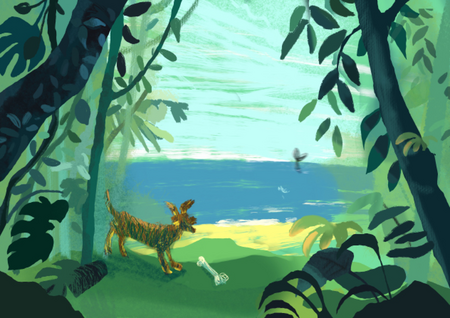
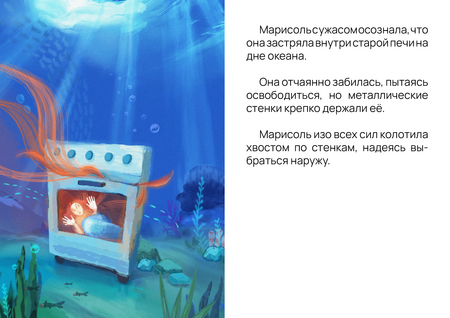
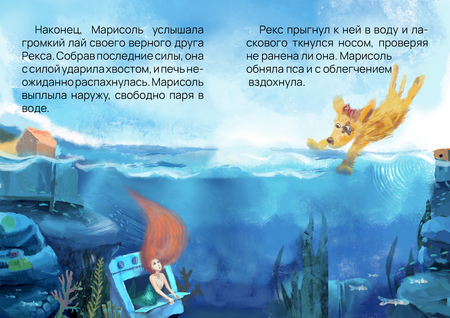
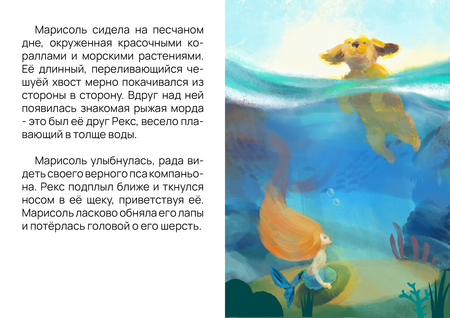
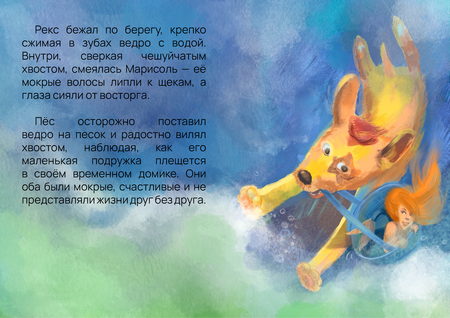
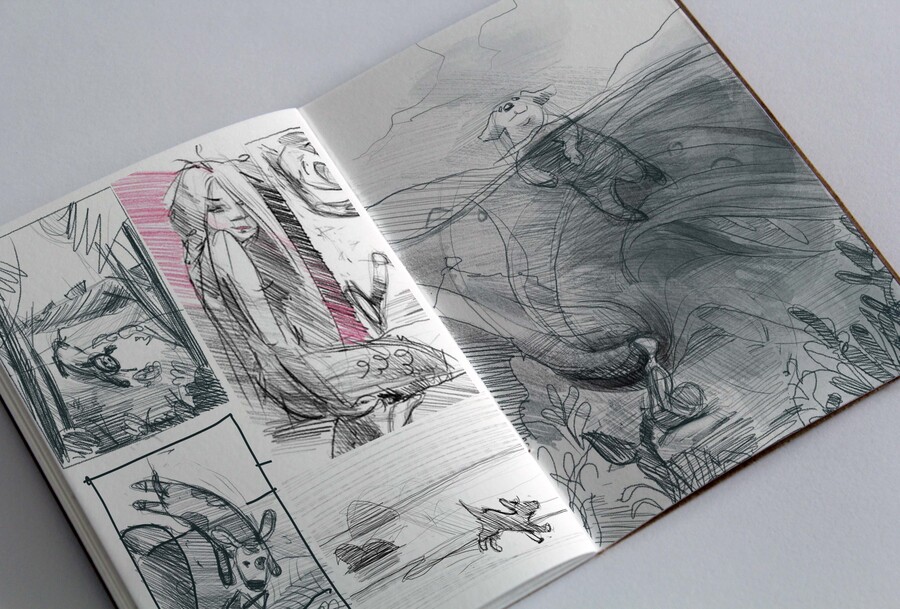
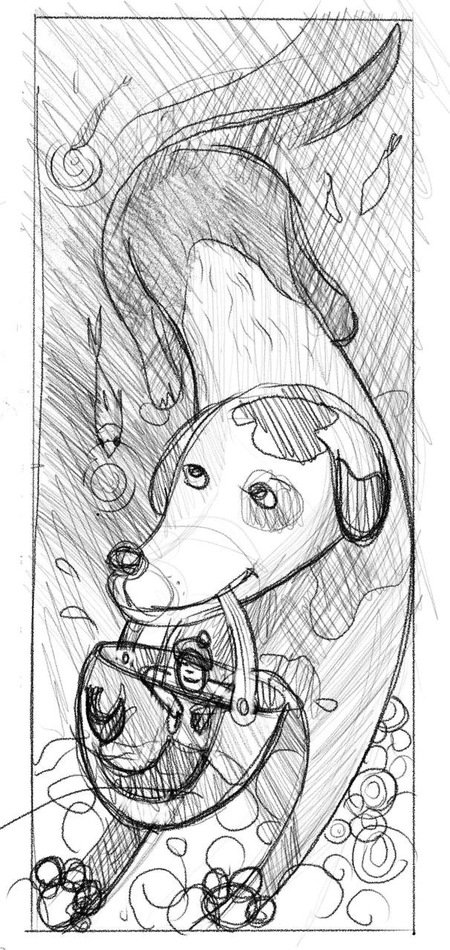
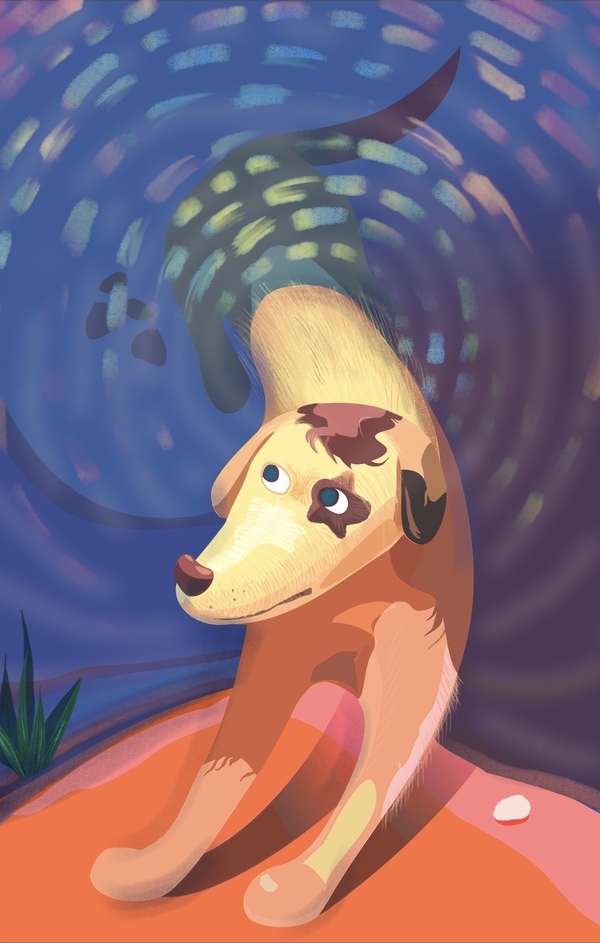
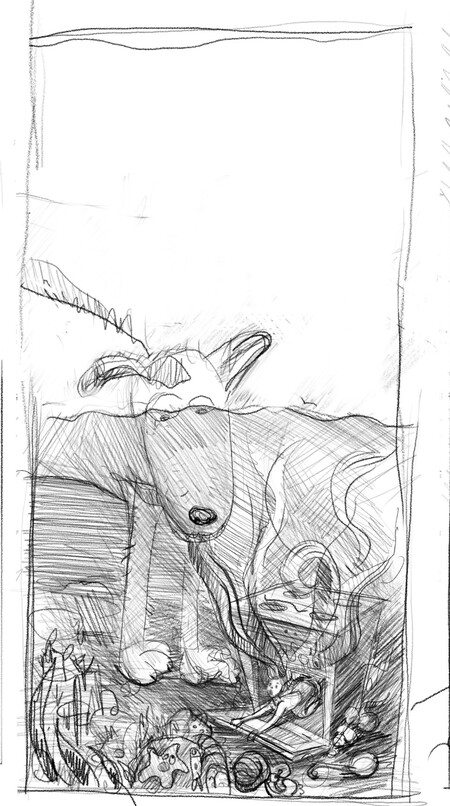
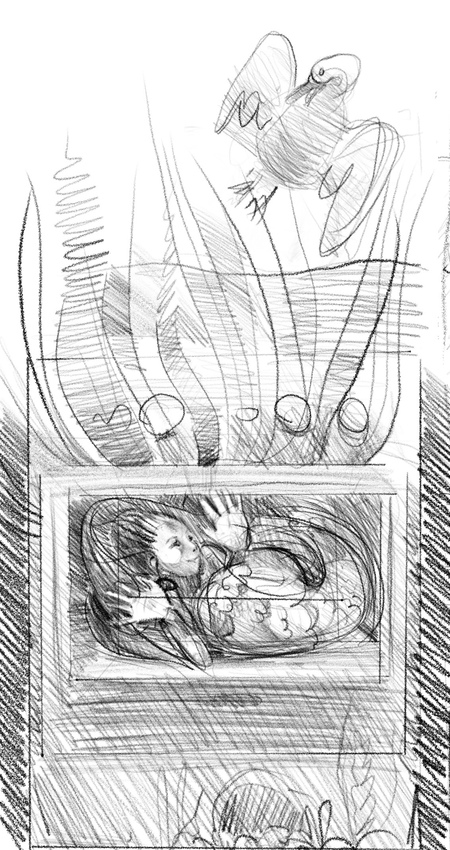
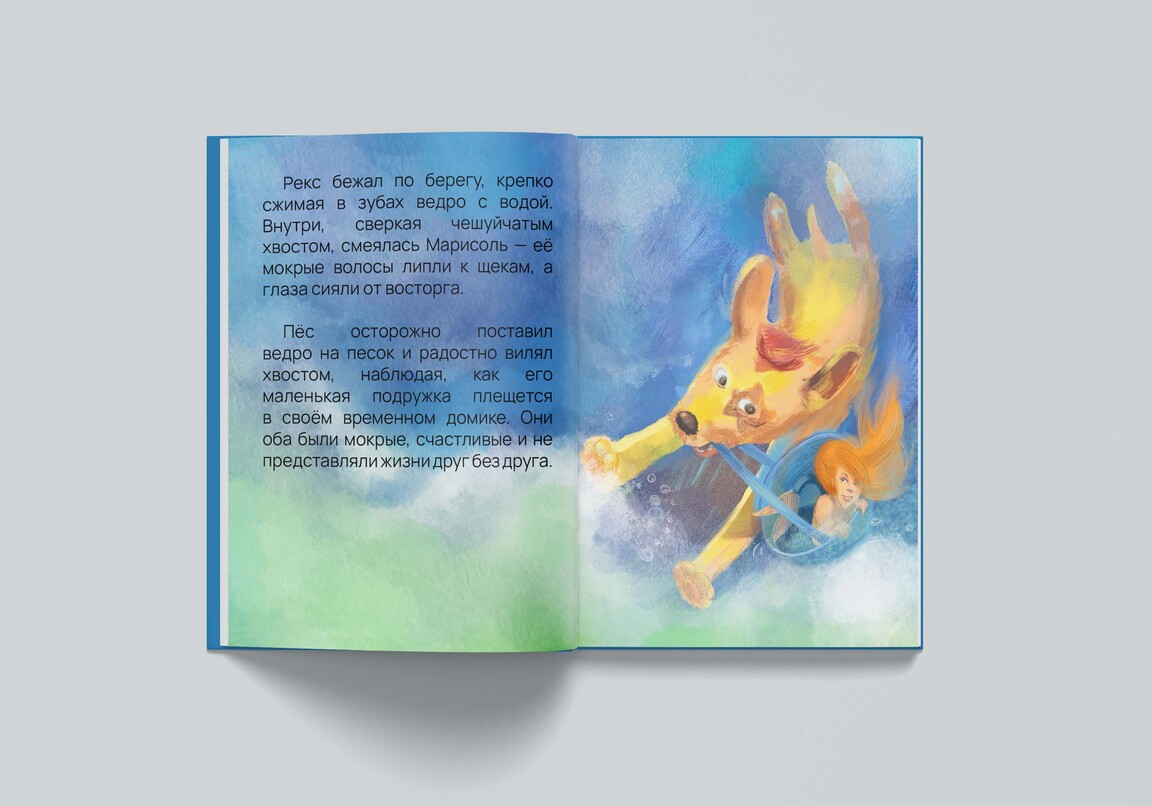
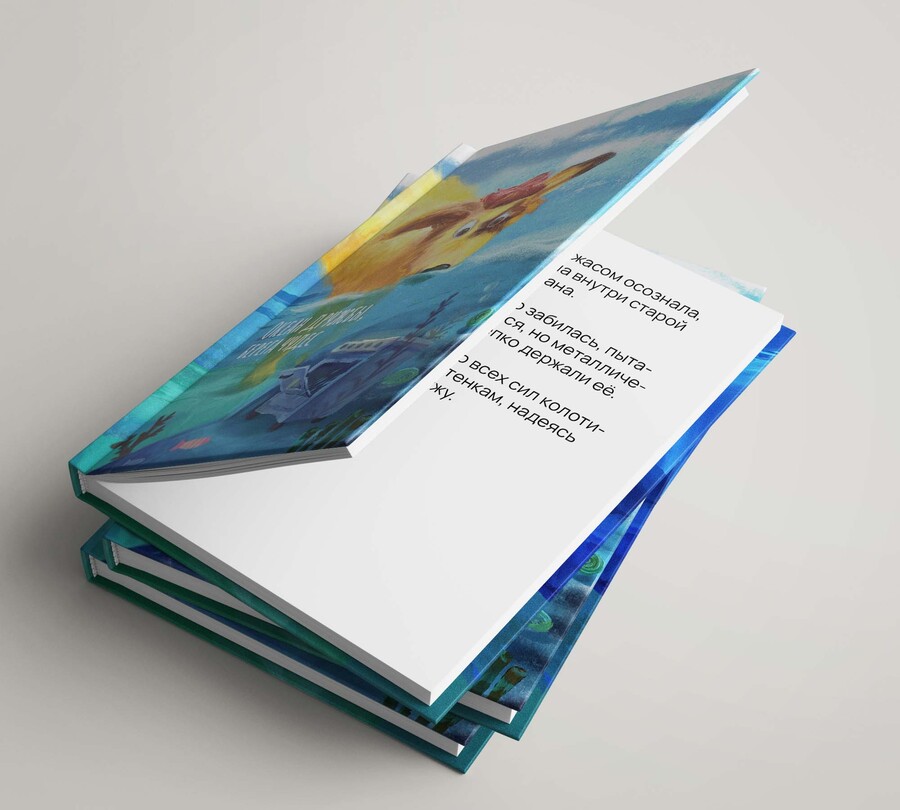
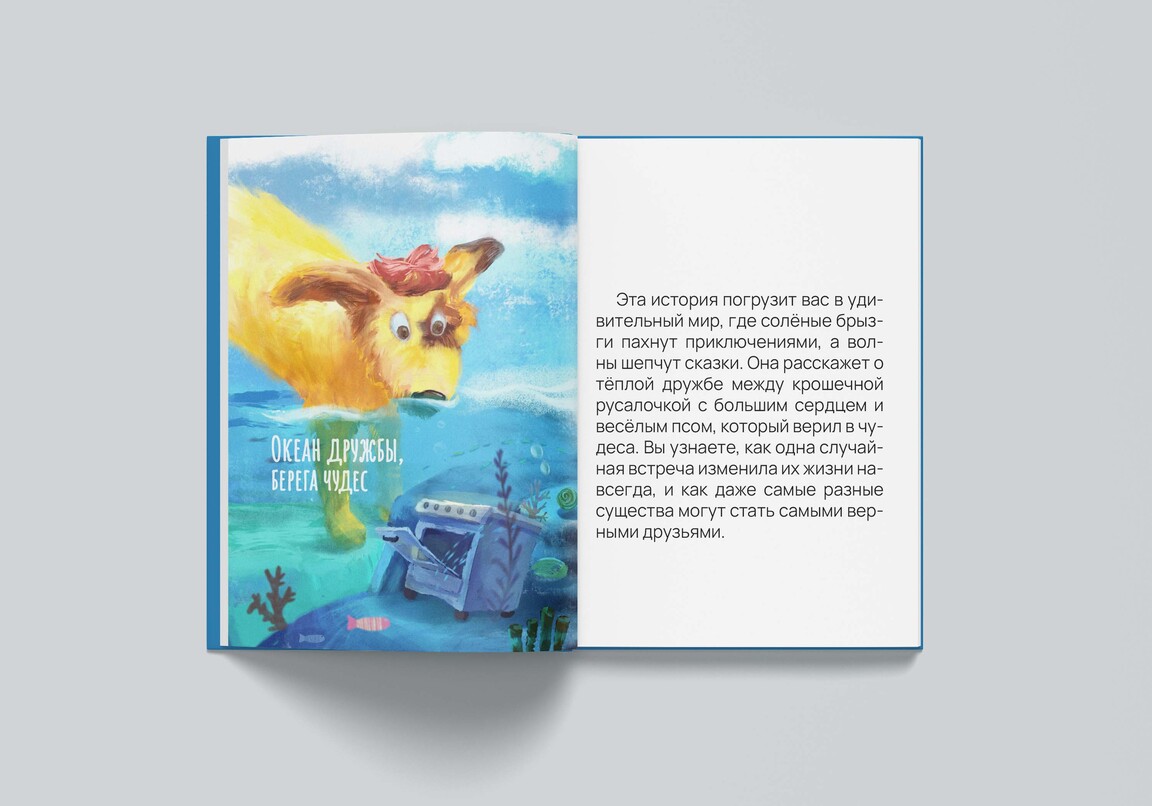
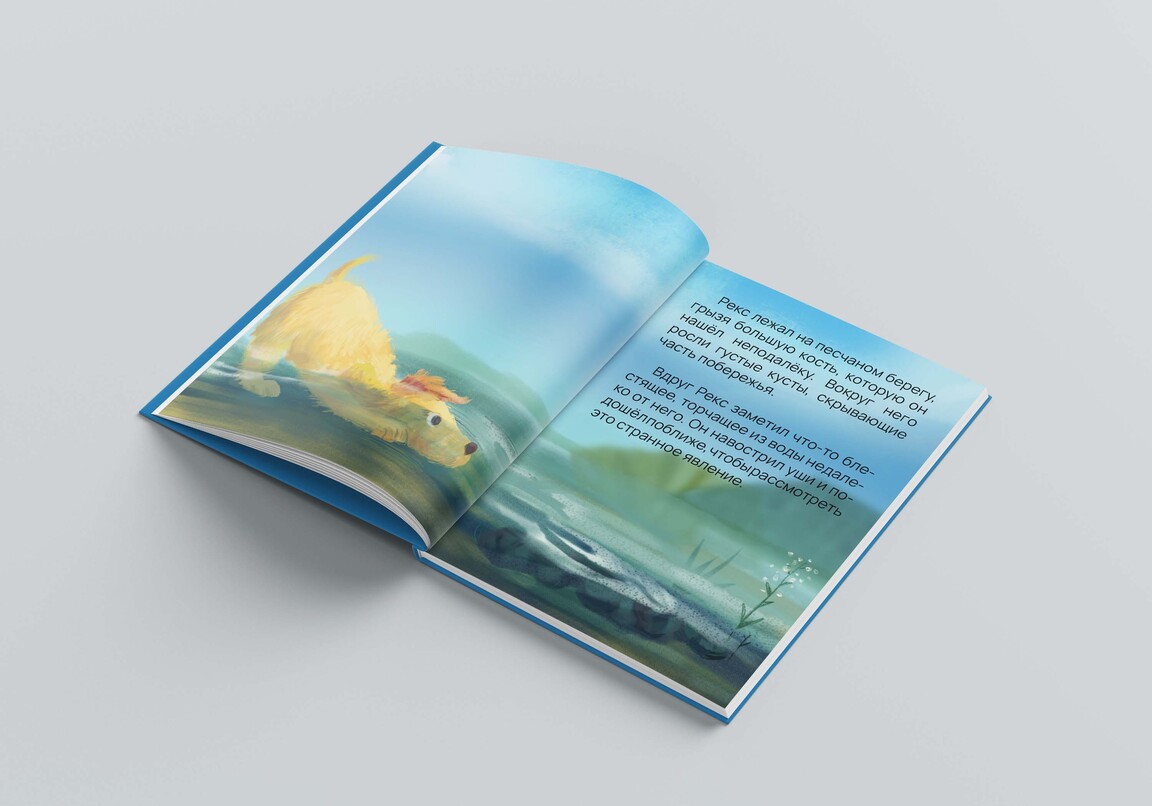
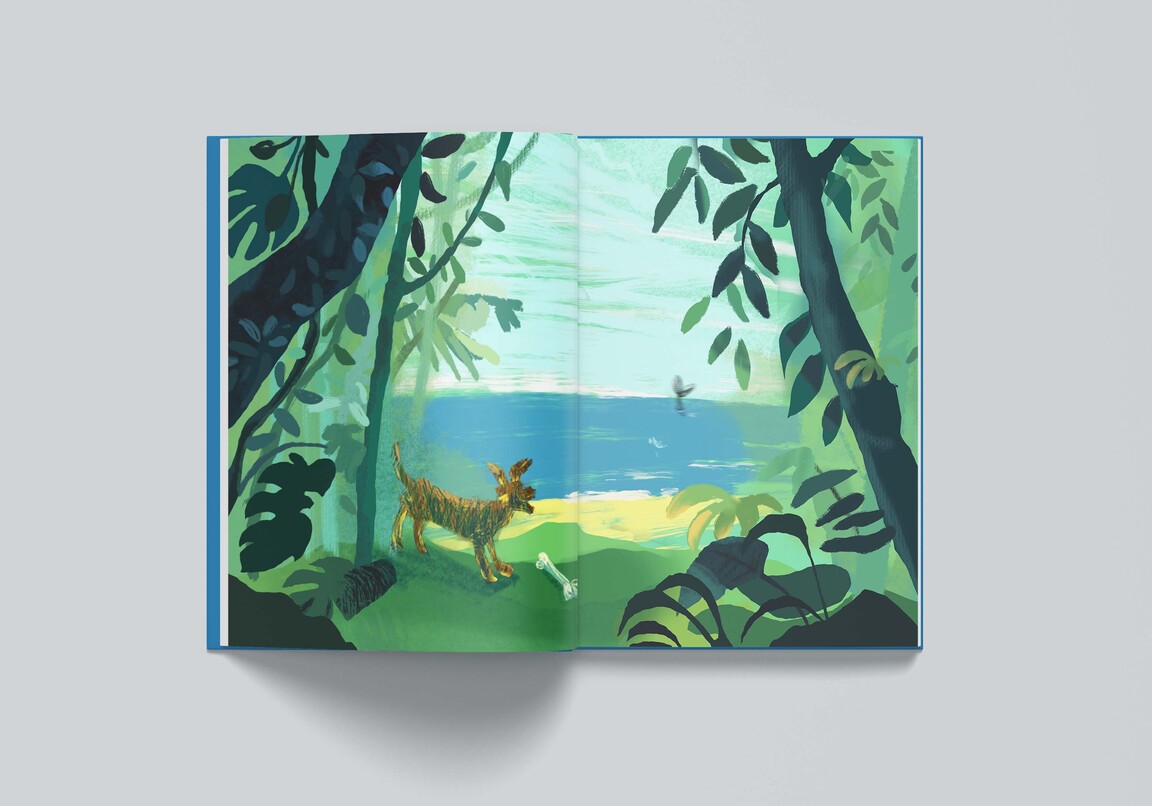
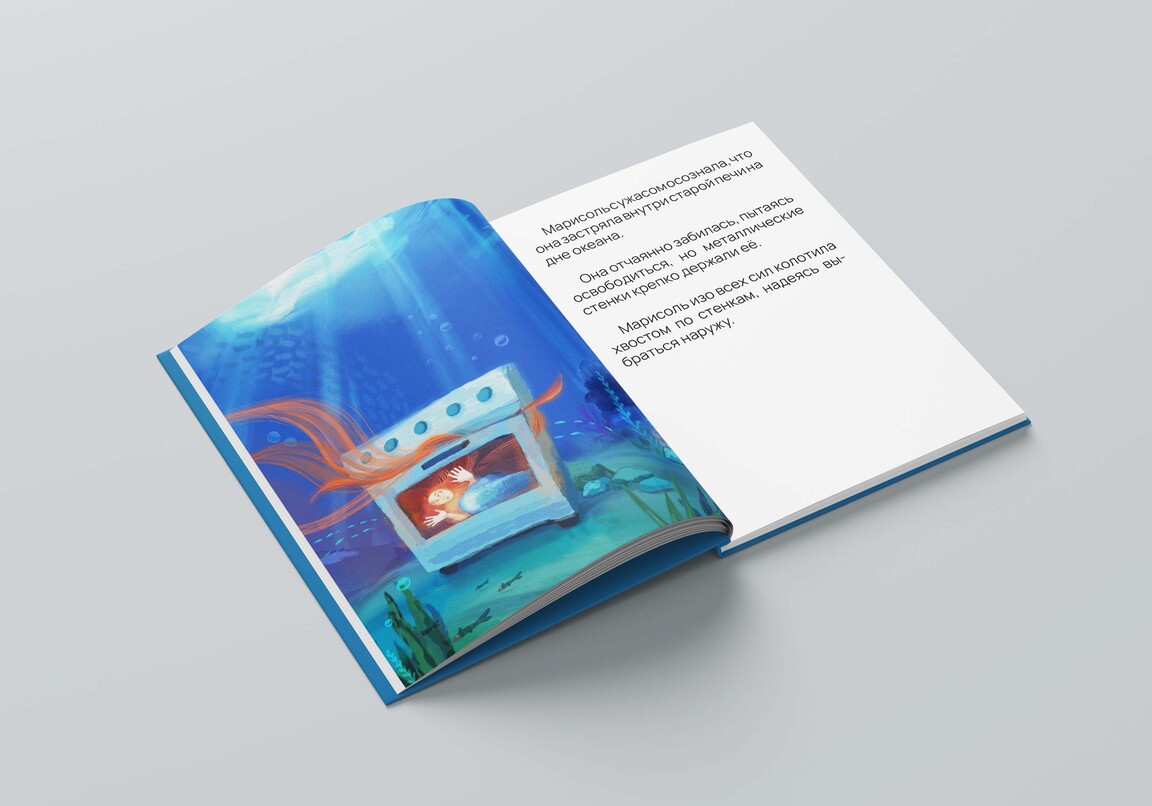
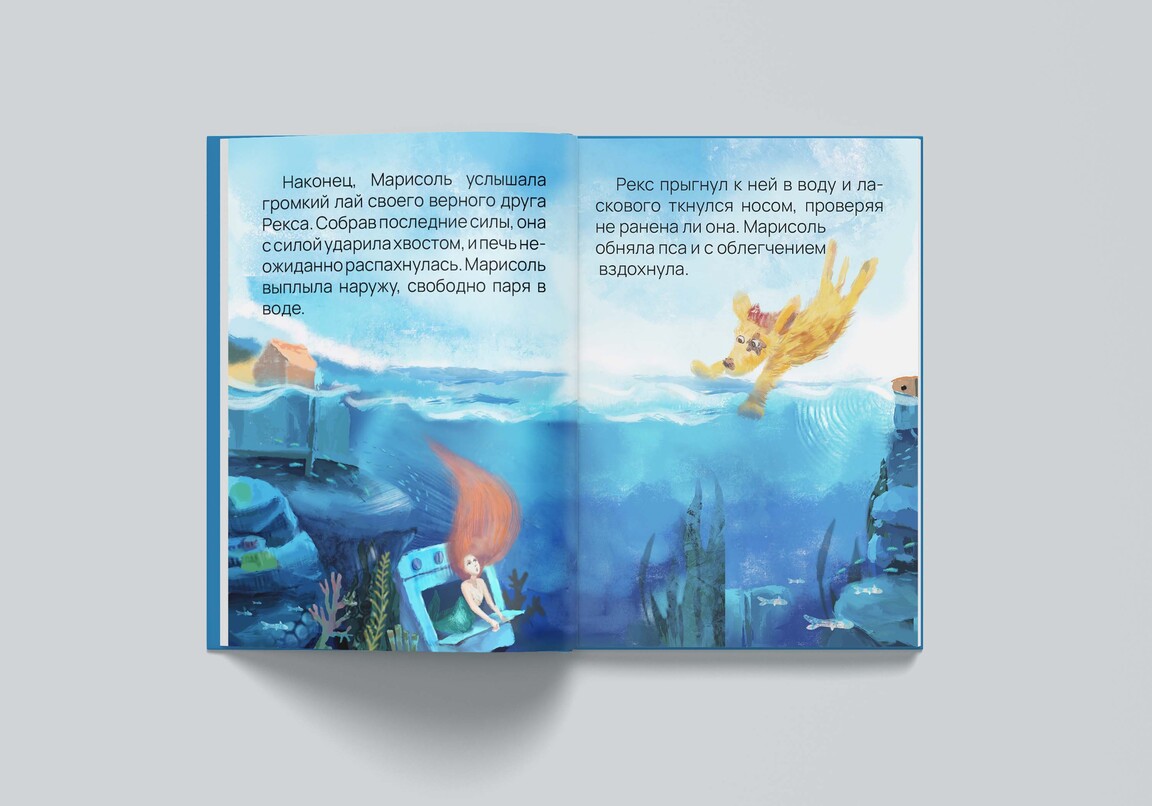
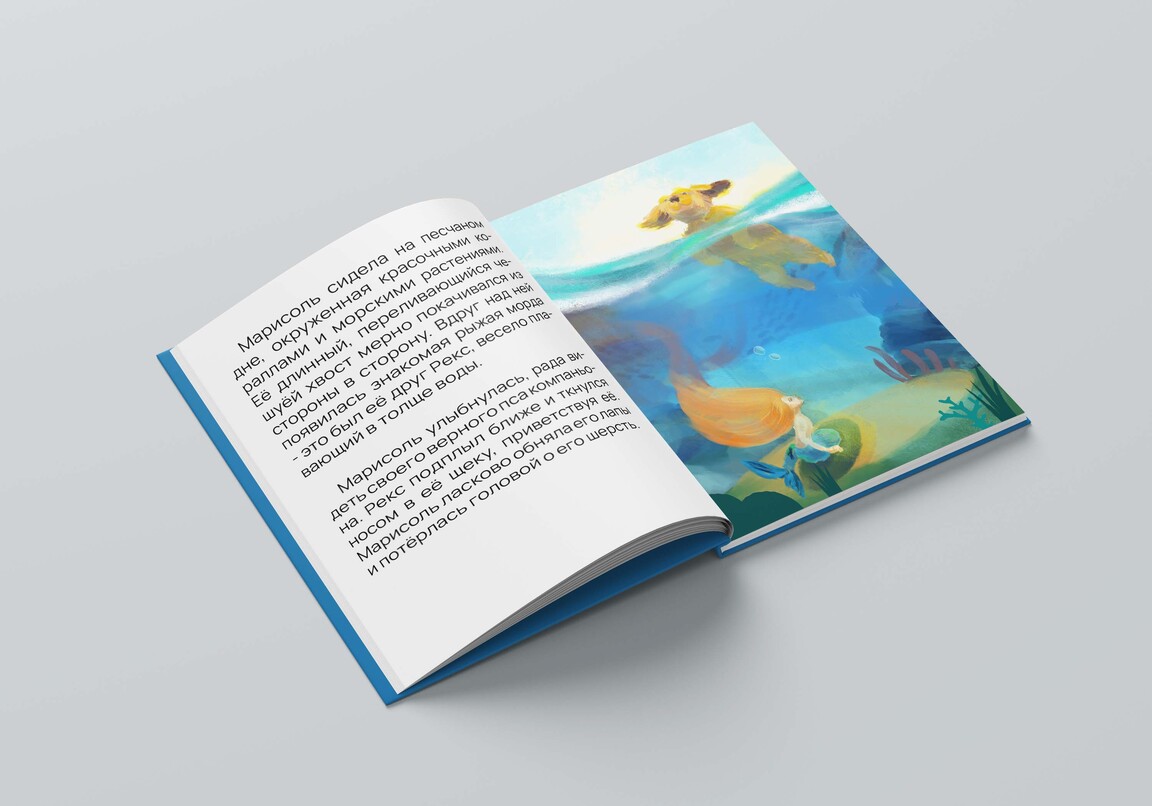
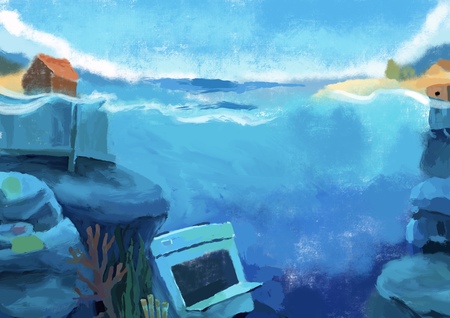
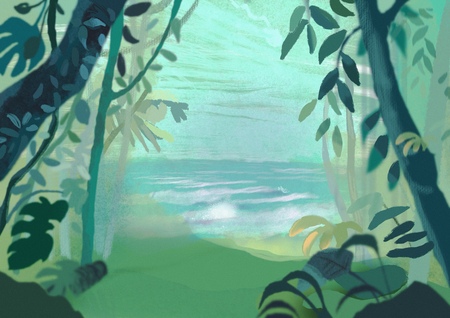
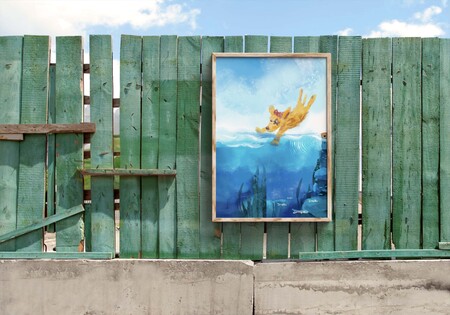
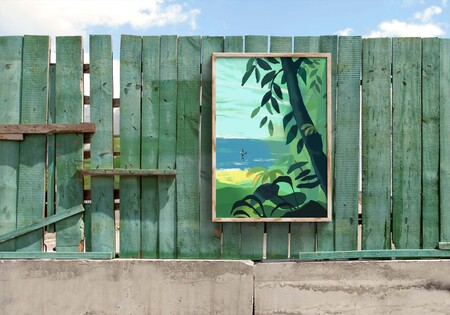
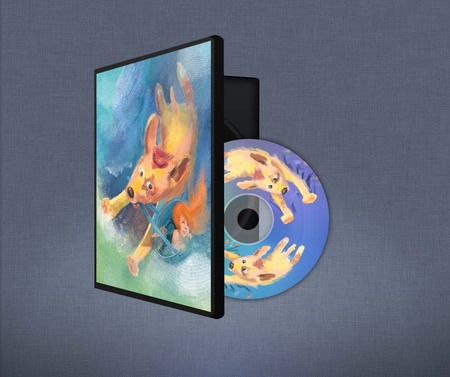
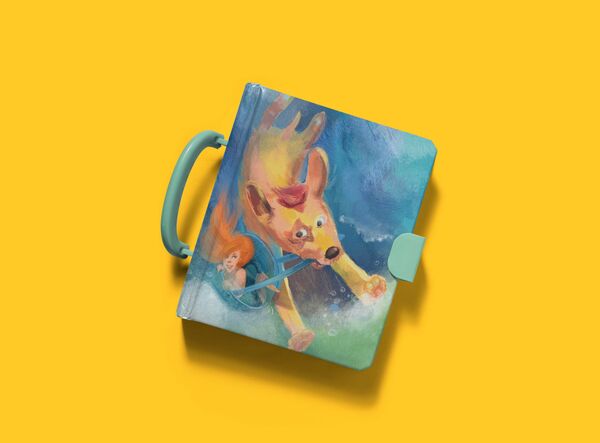
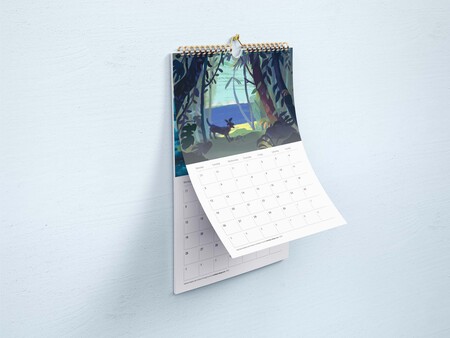
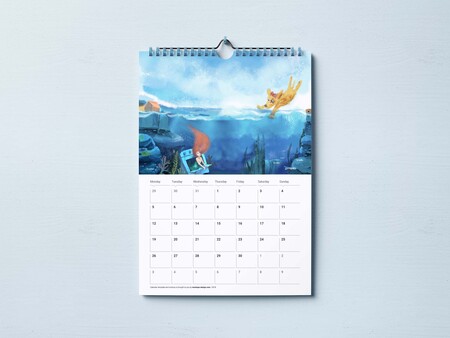
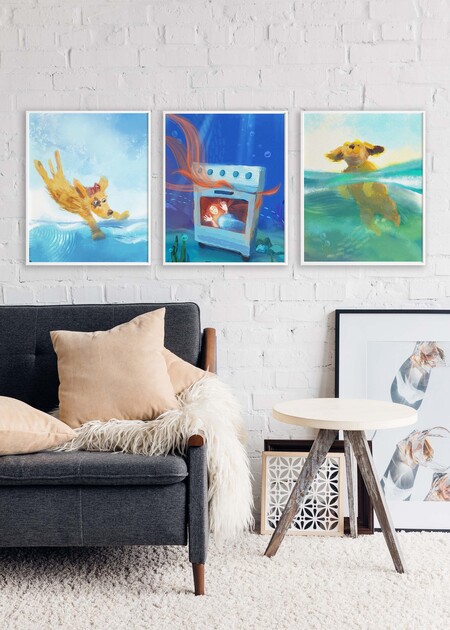
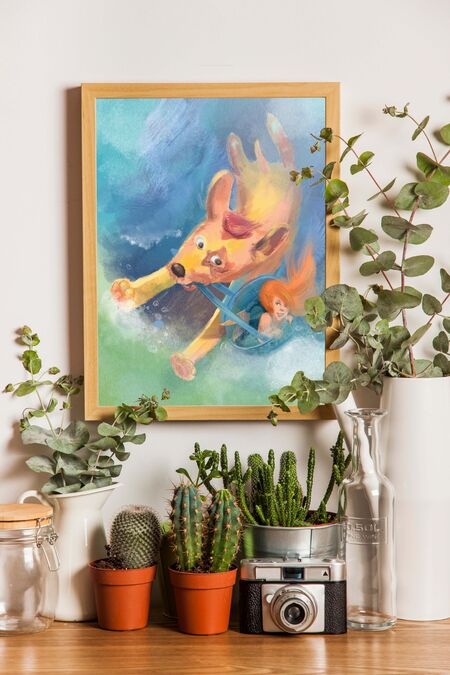
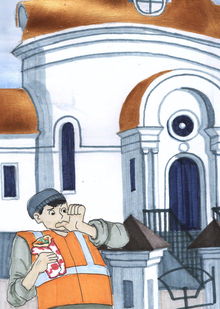
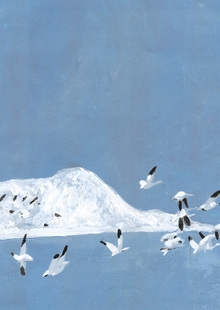
Серия иллюстраций и обложка к детской книге «Океан дружбы берега чудес».
Иллюстрации рассчитаны на младшую аудиторию, и помогают передать атмосферу произведения.
Техника исполнения — цифровая живопись.
Альбина Соловьева создала серию иллюстраций и обложку к детской книге «Океан дружбы, берега чудес». Иллюстрации выполнены в технике цифровой живописи и предназначены для младшей аудитории.
Юлия Ивлева создала арт-объект «Дай пять!» для фестиваля «Ночь света», который предлагает посетителям возможность эмоциональной разрядки через простой жест. Инсталляция включает интерактивное электронное табло, меняющее текст и издающее звук при выполнении жеста, что активирует положительные нейропсихологические реакции.
Проект «Грёзы» автора Виктории Смирновой представляет собой серию текстов, в которых исследуется волшебство детства и его влияние на взрослую жизнь. Особенностью проекта является использование метафор вращения и колыбельного танца для передачи идеи свободы и возврата к простым радостям.
Софья Лямина создала серию иллюстраций, посвящённых городским рабочим, которые рассказывают о их жизненном пути. Проект подчёркивает, как обыденность может сочетаться с нечто прекрасным в повседневной жизни людей.
Ольга Сухоруких создала книгу о национальных заповедниках России зимой. В ней подробно описаны остров Врангеля, национальный парк «Земля Леопардов» и природный заповедник «Большой Арктический».
start.hsedesign
The HSE Art and Design School spans 4 campuses, offering 9 bachelor's programs and approximately 40 specialized tracks. To apply, you must not only submit your documents on time but also upload your creative project—if required by your chosen program.
We use cookies to improve the operation of the HSE website and to enhance its usability. More detailed information on the use of cookies can be fou...
Show more
Press space bar to start a drag.
When dragging you can use the arrow keys to move the item around and escape to cancel.
Some screen readers may require you to be in focus mode or to use your pass through key
Press space bar to start a drag.
When dragging you can use the arrow keys to move the item around and escape to cancel.
Some screen readers may require you to be in focus mode or to use your pass through key
Press space bar to start a drag.
When dragging you can use the arrow keys to move the item around and escape to cancel.
Some screen readers may require you to be in focus mode or to use your pass through key
Press space bar to start a drag.
When dragging you can use the arrow keys to move the item around and escape to cancel.
Some screen readers may require you to be in focus mode or to use your pass through key
Press space bar to start a drag.
When dragging you can use the arrow keys to move the item around and escape to cancel.
Some screen readers may require you to be in focus mode or to use your pass through key
Press space bar to start a drag.
When dragging you can use the arrow keys to move the item around and escape to cancel.
Some screen readers may require you to be in focus mode or to use your pass through key
Press space bar to start a drag.
When dragging you can use the arrow keys to move the item around and escape to cancel.
Some screen readers may require you to be in focus mode or to use your pass through key
Press space bar to start a drag.
When dragging you can use the arrow keys to move the item around and escape to cancel.
Some screen readers may require you to be in focus mode or to use your pass through key
Press space bar to start a drag.
When dragging you can use the arrow keys to move the item around and escape to cancel.
Some screen readers may require you to be in focus mode or to use your pass through key
Press space bar to start a drag.
When dragging you can use the arrow keys to move the item around and escape to cancel.
Some screen readers may require you to be in focus mode or to use your pass through key