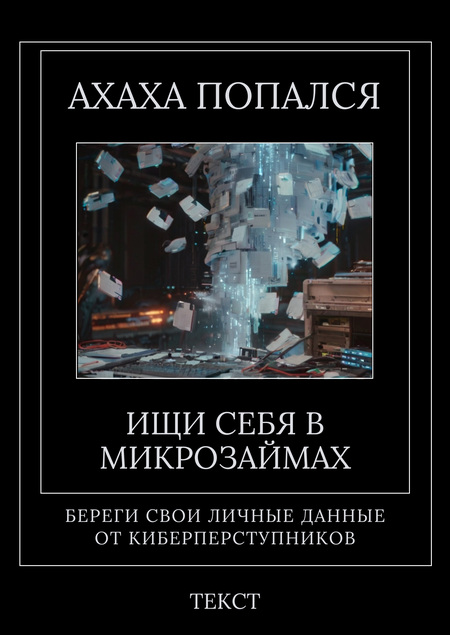
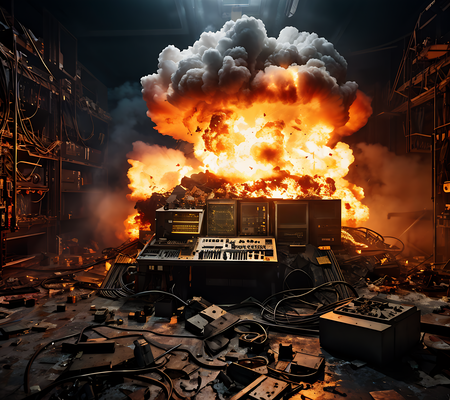
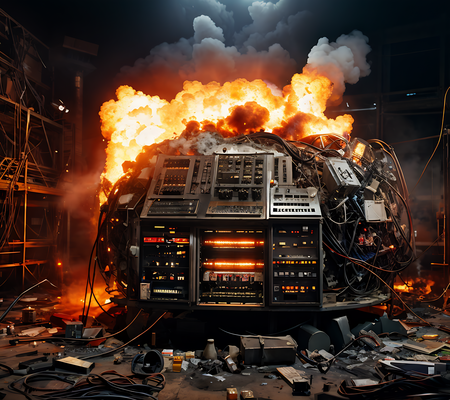
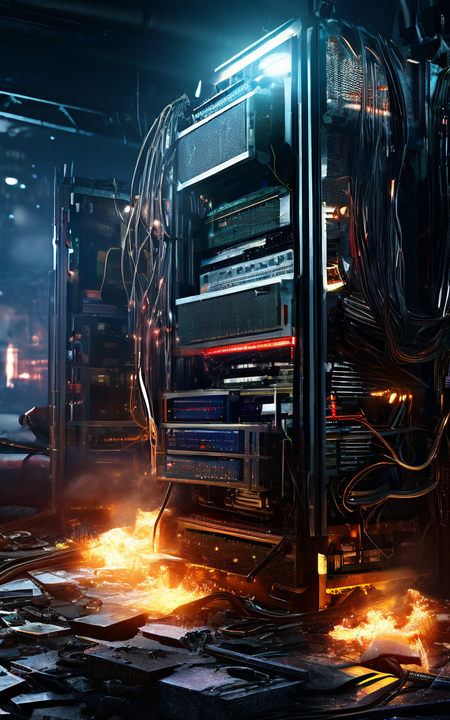
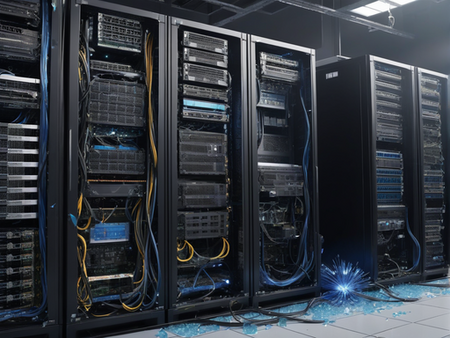
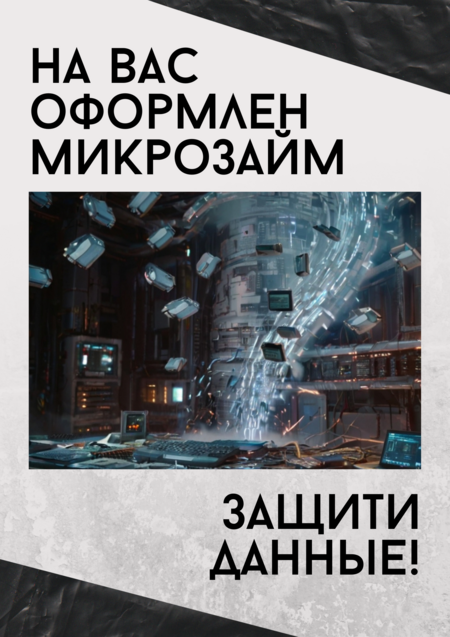
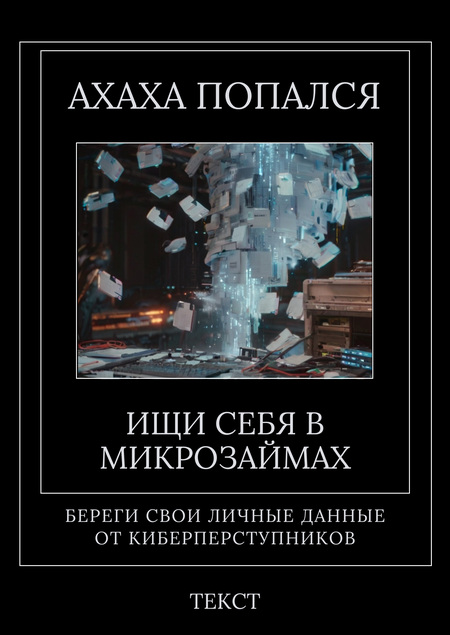
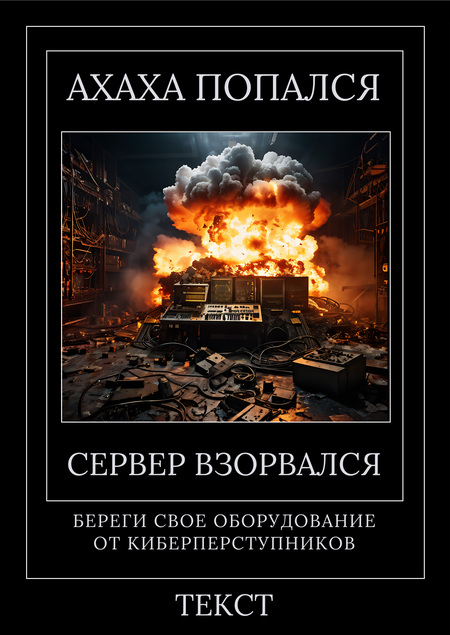
В эпоху цифровизации, с ростом мер безопасности, защиты от киберпреступности, также растет и изощрённость киберпреступников. Навыки киберпреступников часто перегоняют прогресс мер безопасности. Мы в сети как на ладони, как бы мы не пытались укрыться, скрыть свою личность и свои данные. Мы пытаемся закрыться в панцирь и спрятаться, но он все равно остается хрупким и прозрачным.
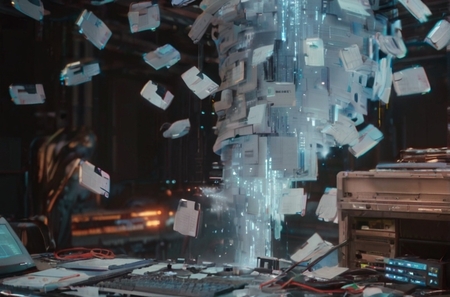
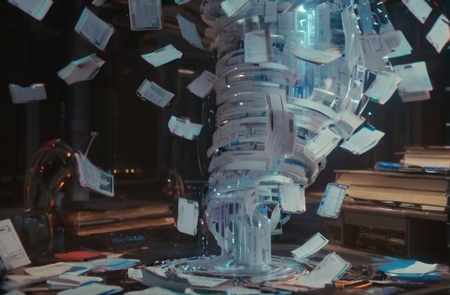
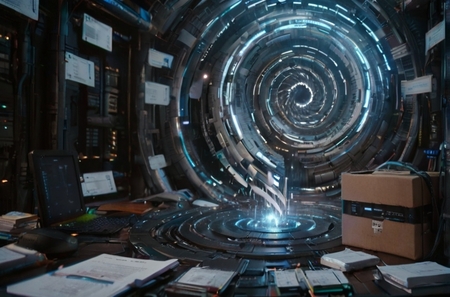
При создании изображений использовались нейросети: Playground AI, Leonardo AI, ImageFX.
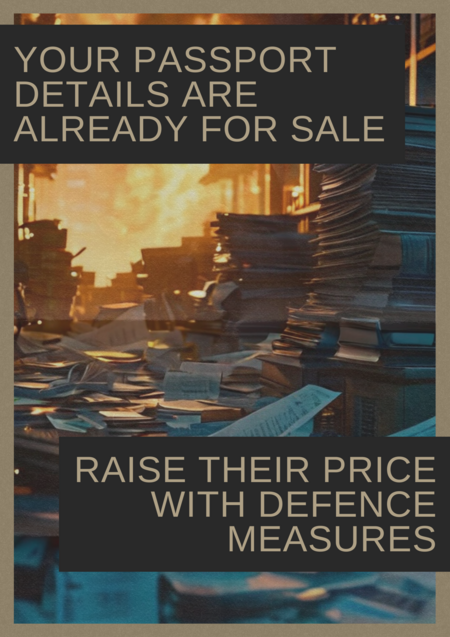
A vortex of documents that gets pulled into the computer, photoreal, detailed, detailed text documents, a lot of PC elements around, the centre of a tornado is a large PC hopper.
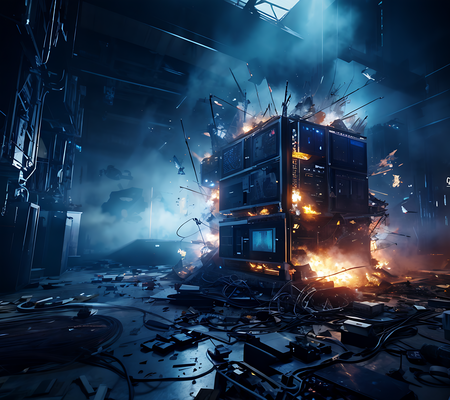
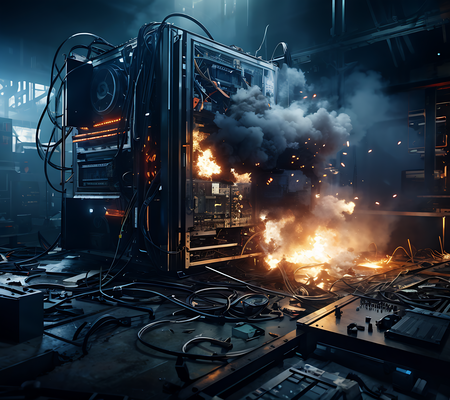
Blown up server equipment, half destroyed., photoreal, detailed, a lot of crashed glass, a lot of crushed wires, a lot of fire at hardware
Формат плакатов в виде презентации был выбран не случайно
Важно донести эту информацию до людей, что бы они лучше следили за безопасностью своих личных данных и оборудования.
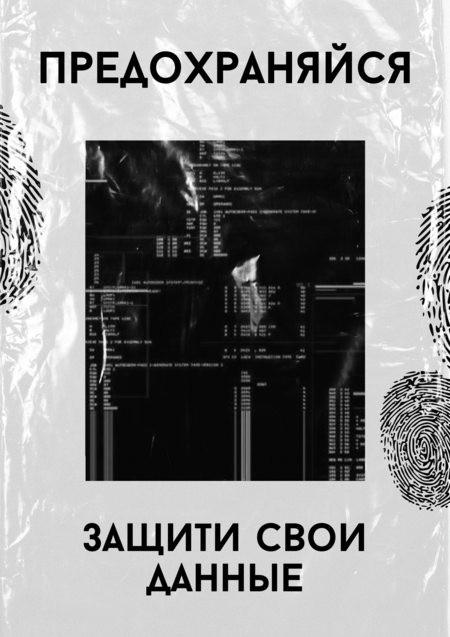
Константин Хилинский создал цифровой плакат «GLaSS ShELL», отражающий уязвимость цифровой безопасности в эпоху киберугроз. Проект включает в себя изображения, созданные с использованием нейросетей Playground AI, Leonardo AI и ImageFX.
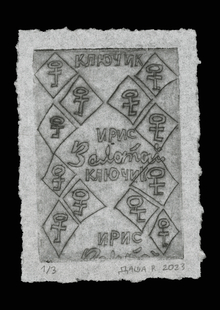
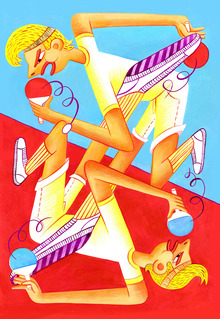
Дарья Родионова создала коллекцию советских «фантиков» в виде серии отпечатков на рисовой бумаге. Проект включает 10 отпечатков, выполненных в технике глубокой печати и доступных в трёх форматах.
Елизавета Волонцевич создала коллекцию ярких постеров и открыток под названием «Взрывные листы». Каждый плакат распечатан на полуматовой бумаге премиум-класса плотностью 200г/м² в формате А3 или А4.
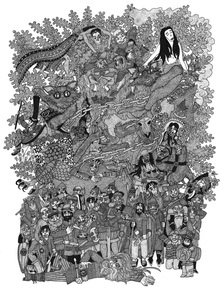
Никита Родин исследует историческое и литературное значение понятия «Лукоморье» в разных эпохах и текстах. Проект представляет собой одну интерактивную иллюстрацию, объединяющую сюжеты и строки из поэмы Пушкина «Руслан и Людмила».
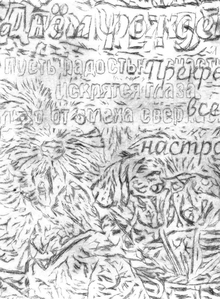
Полина Боликова создала проект в формате визуального исследования, посвящённого виртуальным открыткам в WhatsApp. Проект использует технику сухой иглы для превращения цифровых шаблонов в уникальные арт-объекты.
start.hsedesign
The HSE Art and Design School spans 4 campuses, offering 9 bachelor's programs and approximately 40 specialized tracks. To apply, you must not only submit your documents on time but also upload your creative project—if required by your chosen program.
We use cookies to improve the operation of the HSE website and to enhance its usability. More detailed information on the use of cookies can be fou...
Show more
Press space bar to start a drag.
When dragging you can use the arrow keys to move the item around and escape to cancel.
Some screen readers may require you to be in focus mode or to use your pass through key
Press space bar to start a drag.
When dragging you can use the arrow keys to move the item around and escape to cancel.
Some screen readers may require you to be in focus mode or to use your pass through key
Press space bar to start a drag.
When dragging you can use the arrow keys to move the item around and escape to cancel.
Some screen readers may require you to be in focus mode or to use your pass through key
Press space bar to start a drag.
When dragging you can use the arrow keys to move the item around and escape to cancel.
Some screen readers may require you to be in focus mode or to use your pass through key
Press space bar to start a drag.
When dragging you can use the arrow keys to move the item around and escape to cancel.
Some screen readers may require you to be in focus mode or to use your pass through key
Press space bar to start a drag.
When dragging you can use the arrow keys to move the item around and escape to cancel.
Some screen readers may require you to be in focus mode or to use your pass through key
Press space bar to start a drag.
When dragging you can use the arrow keys to move the item around and escape to cancel.
Some screen readers may require you to be in focus mode or to use your pass through key
Press space bar to start a drag.
When dragging you can use the arrow keys to move the item around and escape to cancel.
Some screen readers may require you to be in focus mode or to use your pass through key
Press space bar to start a drag.
When dragging you can use the arrow keys to move the item around and escape to cancel.
Some screen readers may require you to be in focus mode or to use your pass through key
Press space bar to start a drag.
When dragging you can use the arrow keys to move the item around and escape to cancel.
Some screen readers may require you to be in focus mode or to use your pass through key
Press space bar to start a drag.
When dragging you can use the arrow keys to move the item around and escape to cancel.
Some screen readers may require you to be in focus mode or to use your pass through key