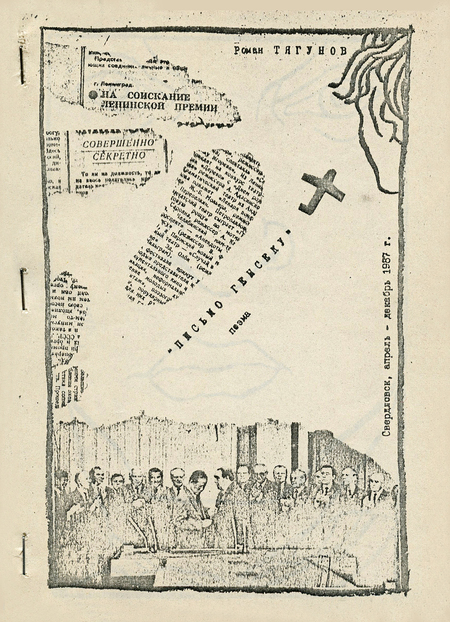
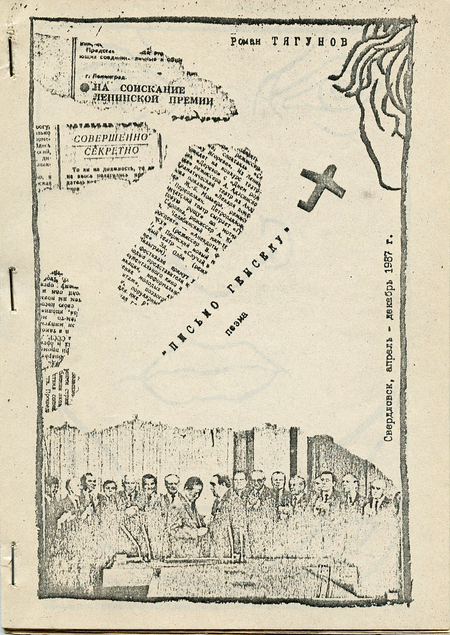
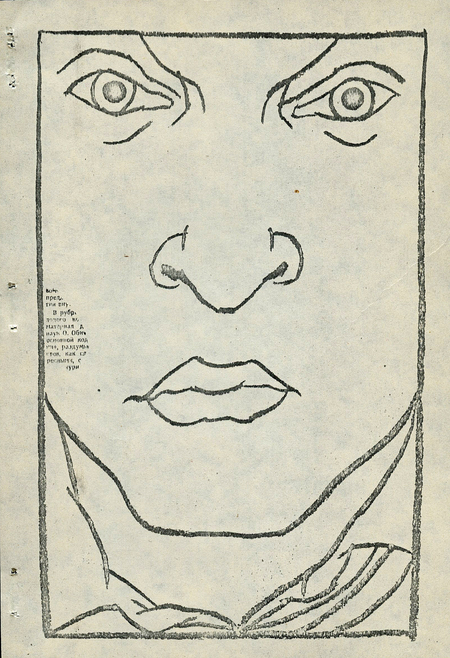
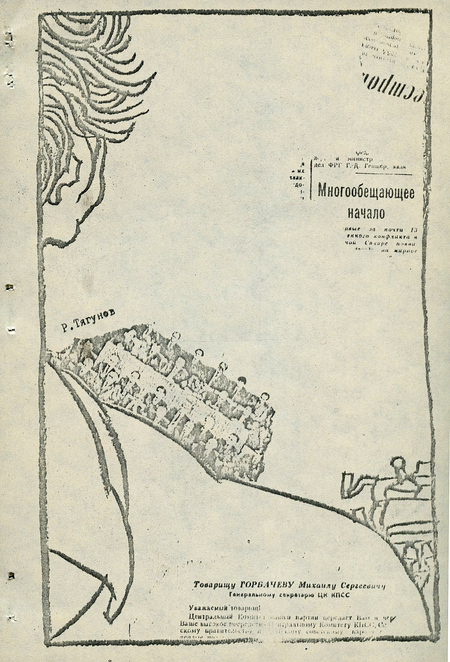
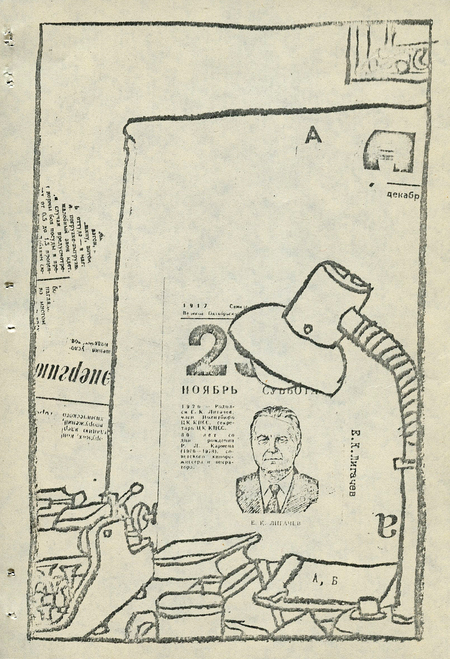
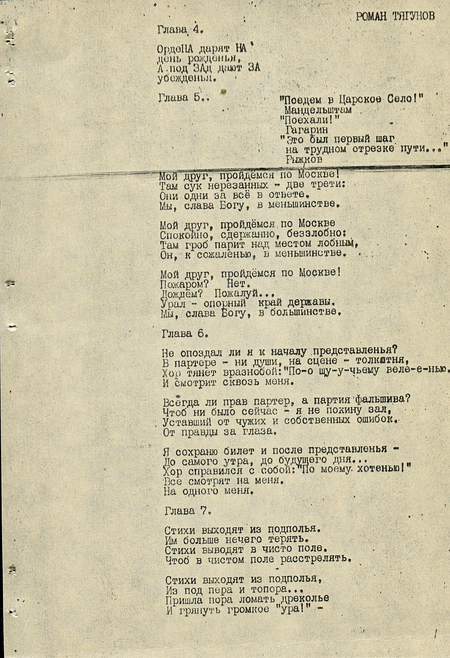
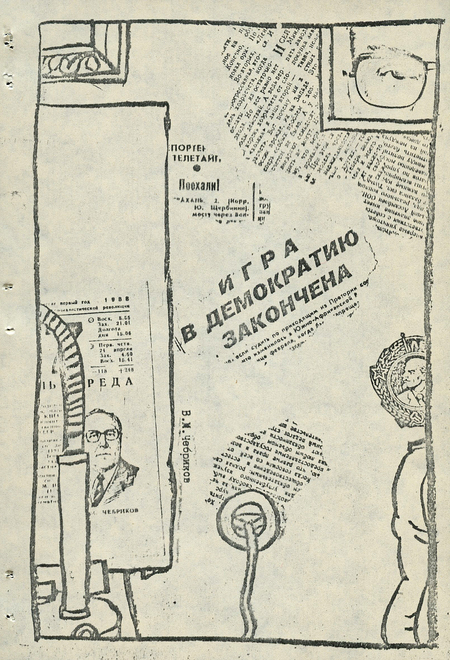
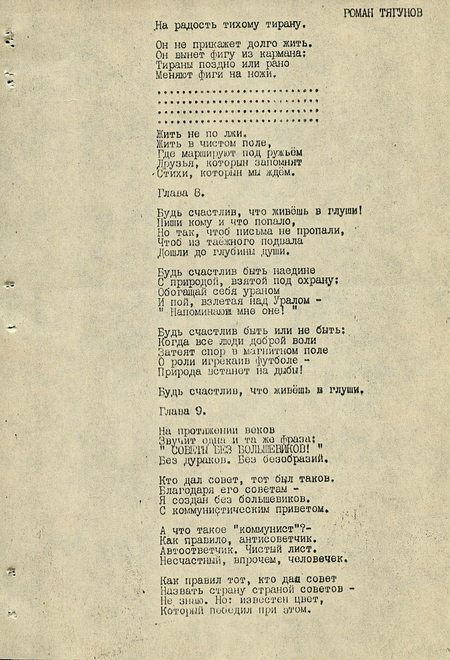
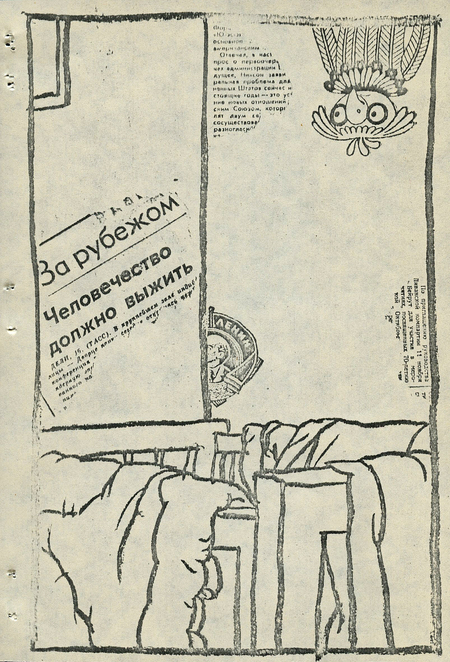
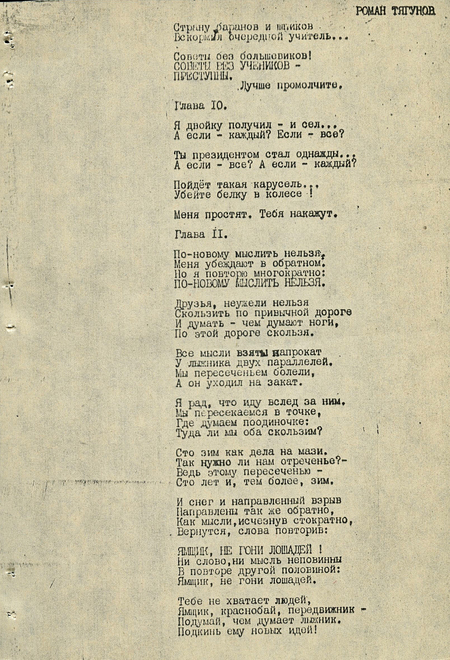
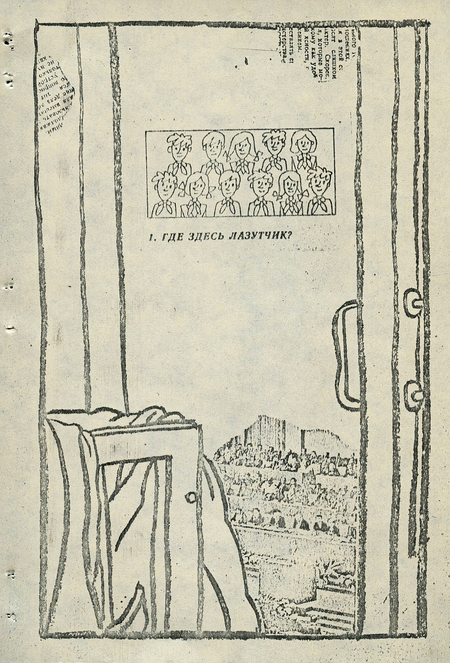
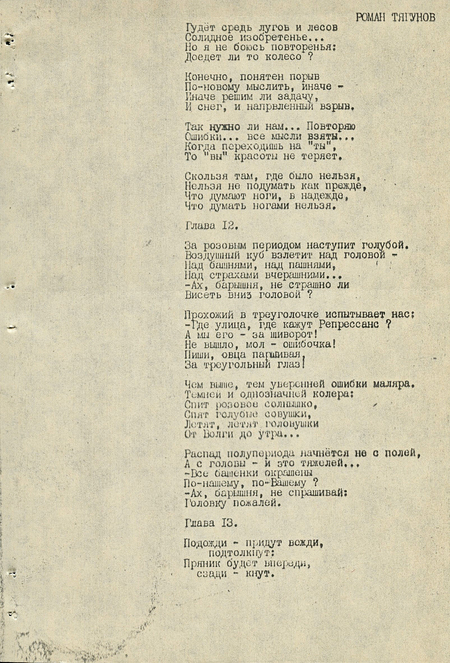
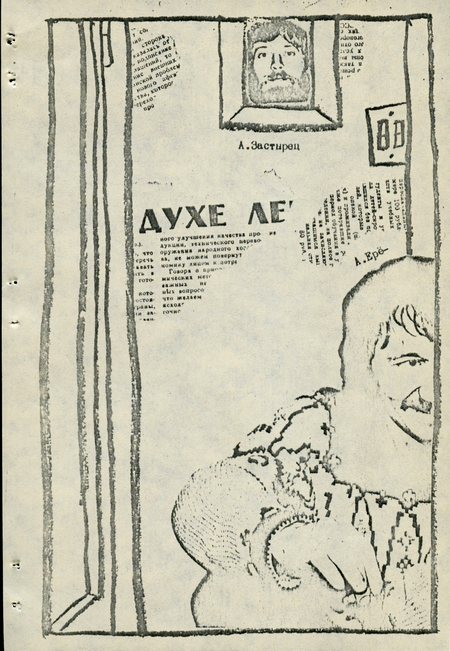
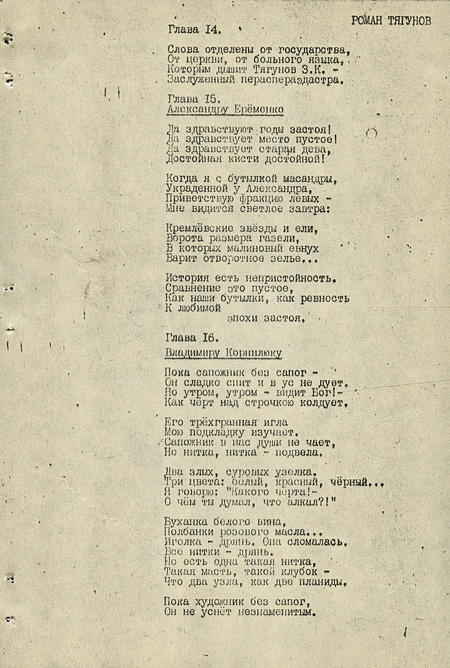
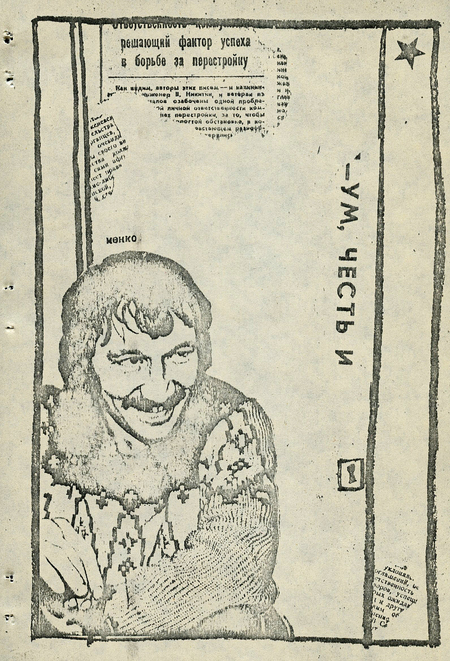
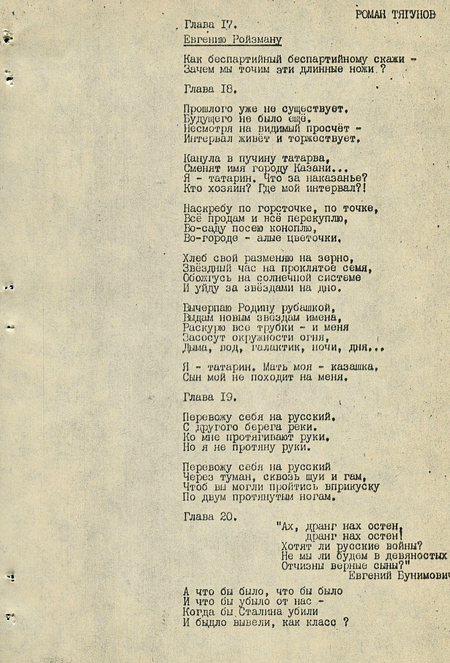
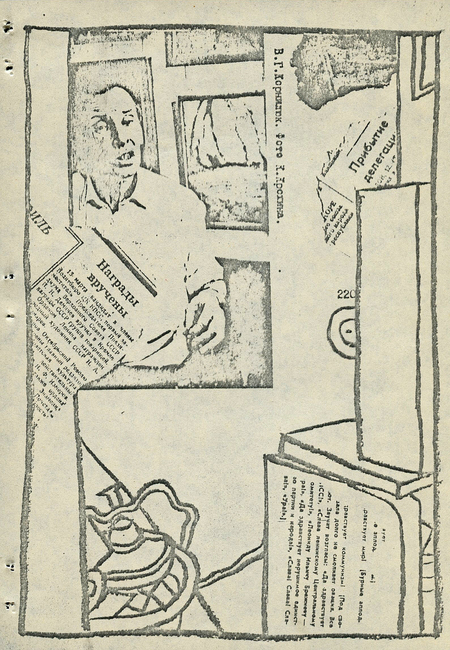
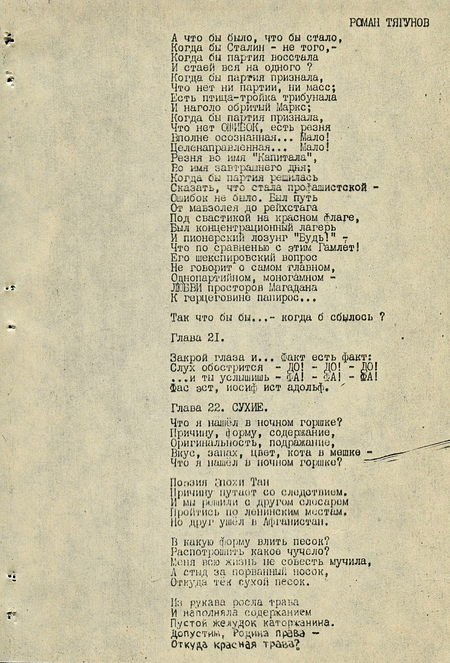
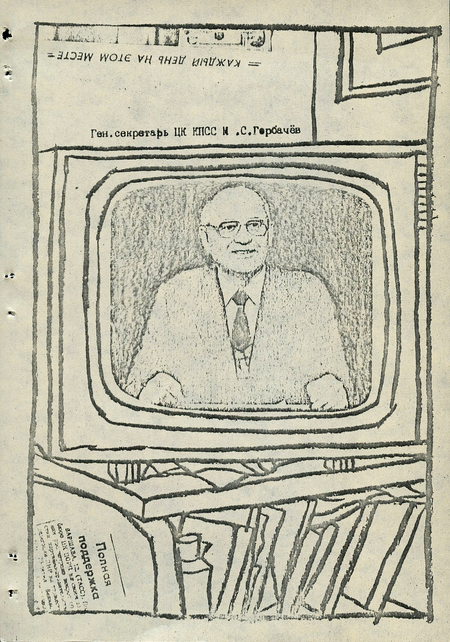
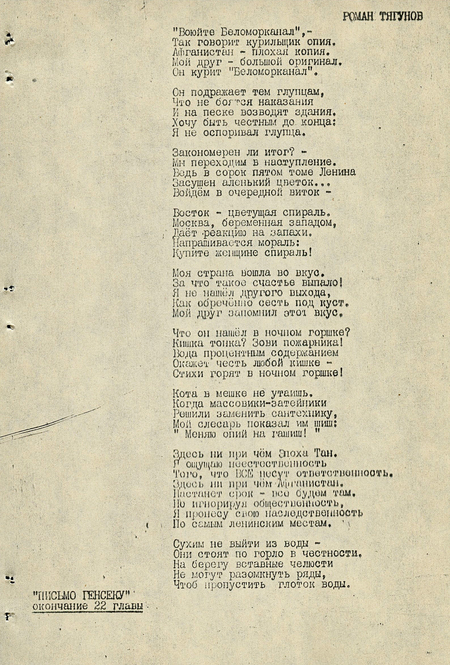
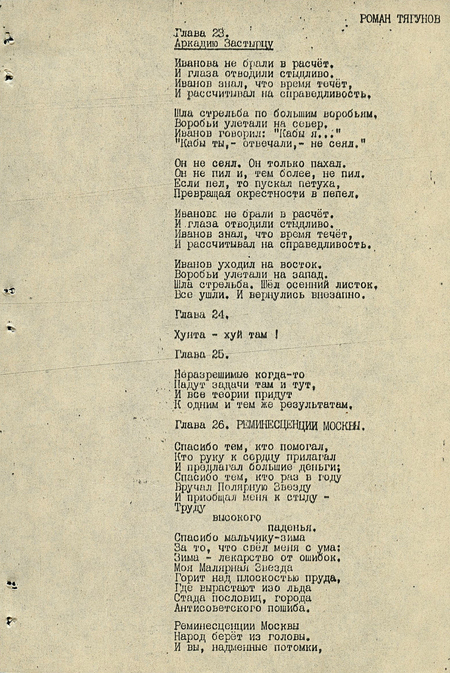
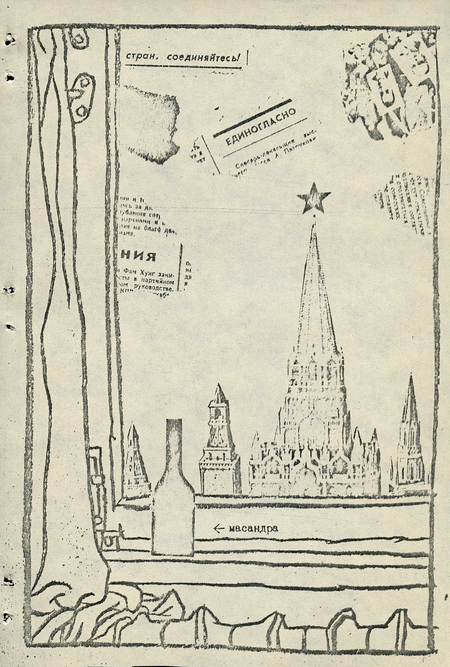
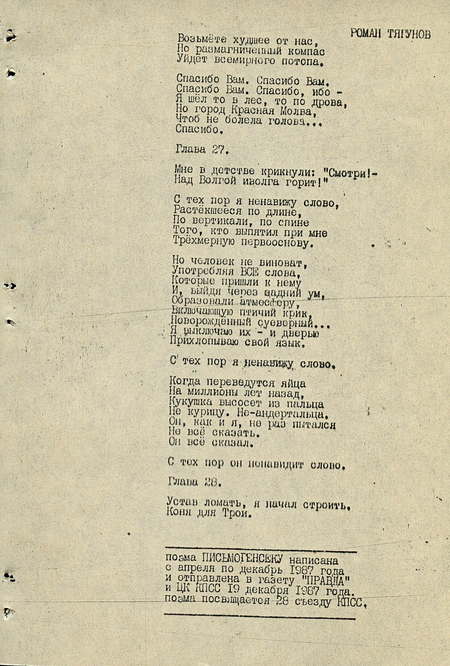
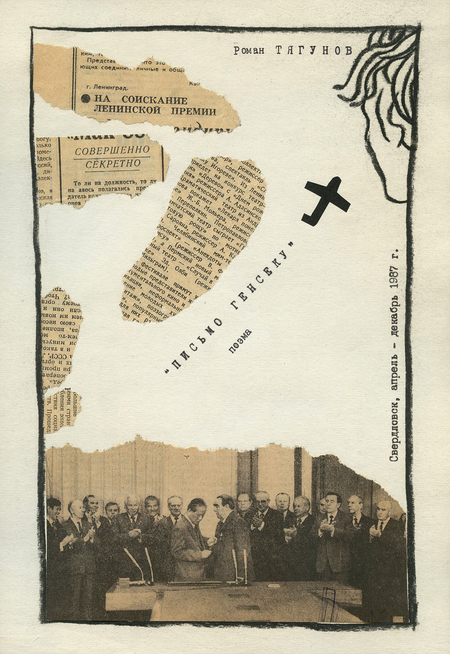
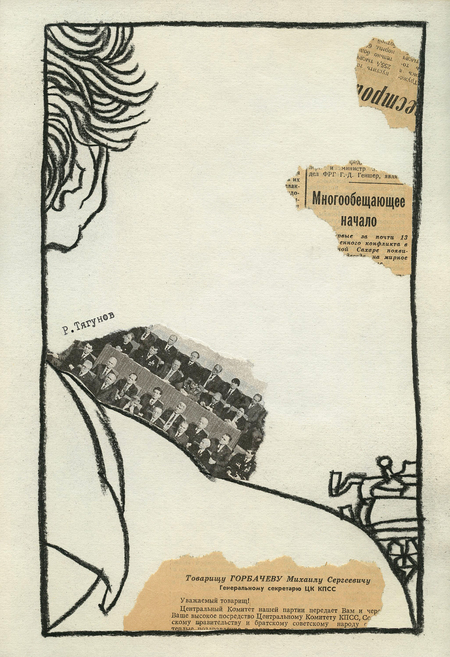
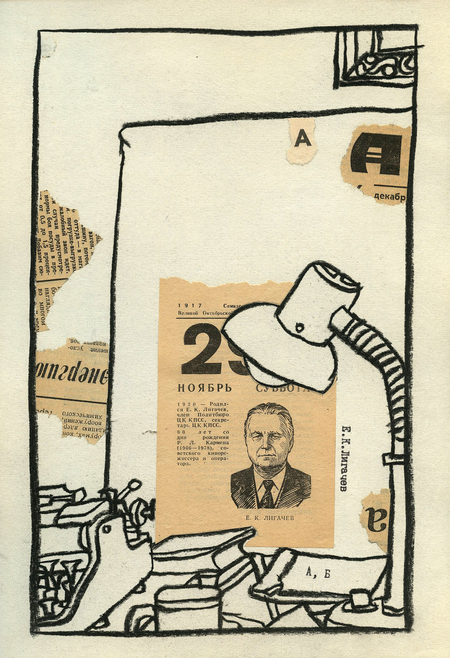
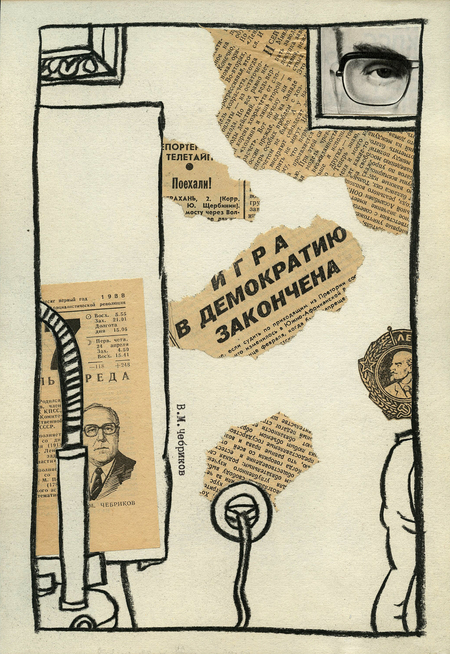
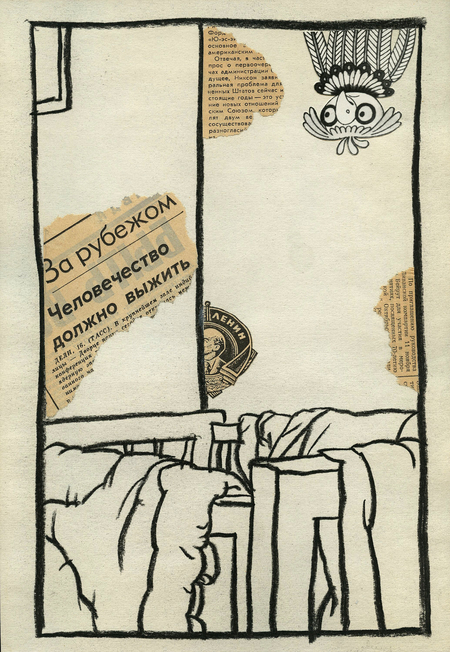
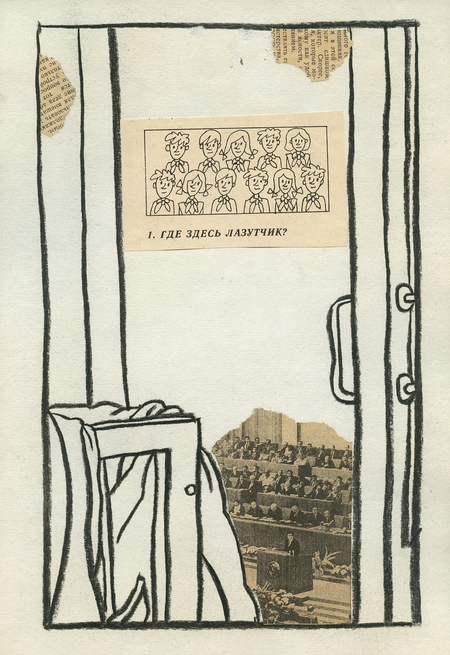
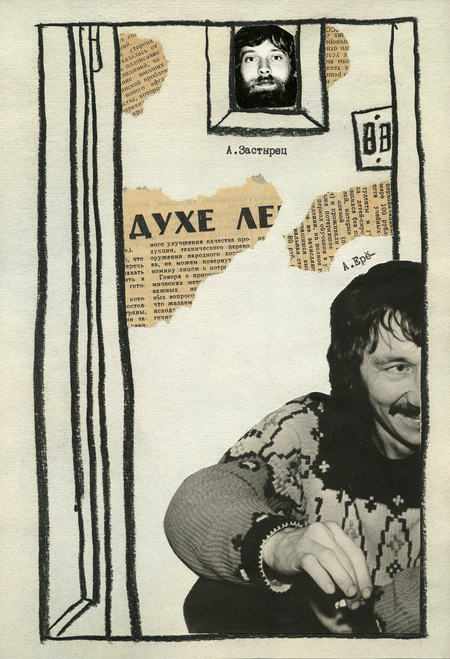
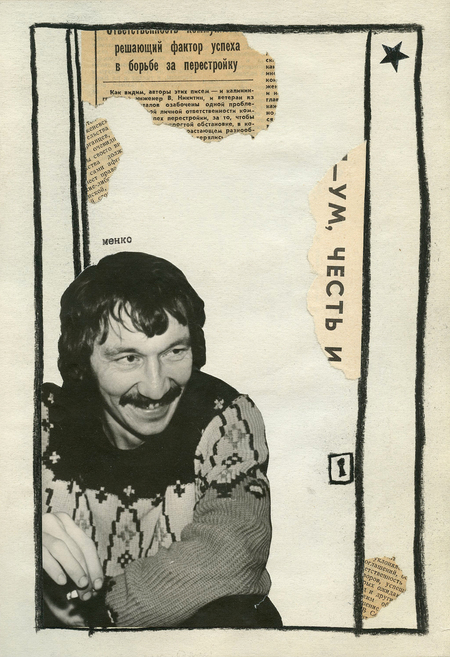
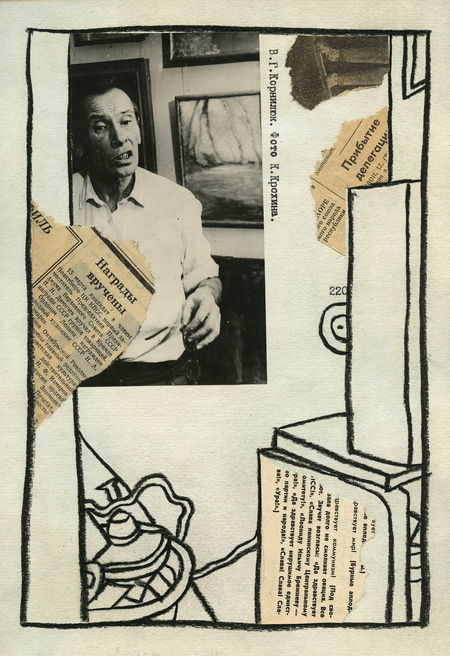
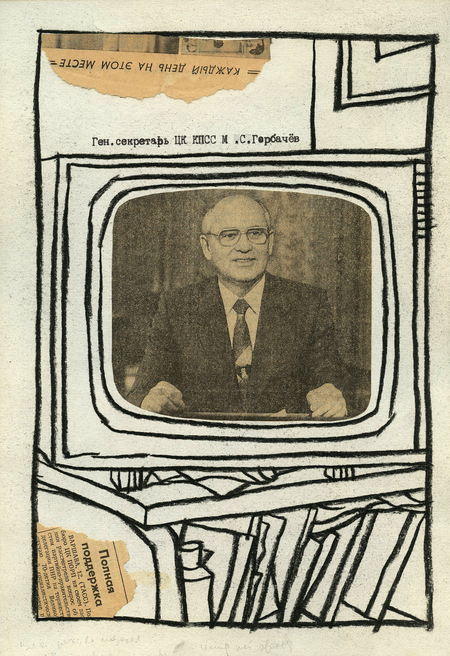
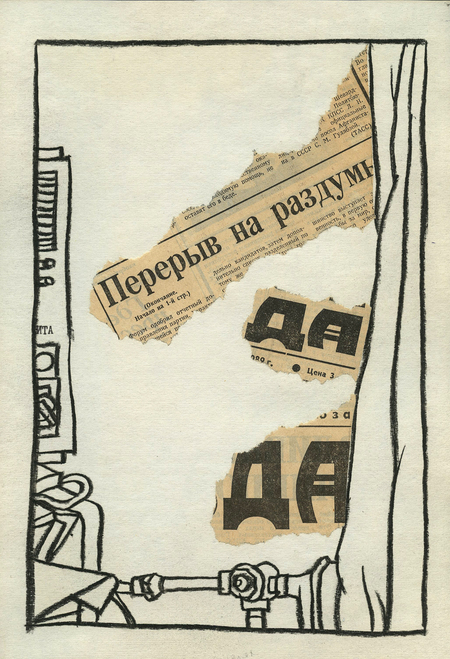
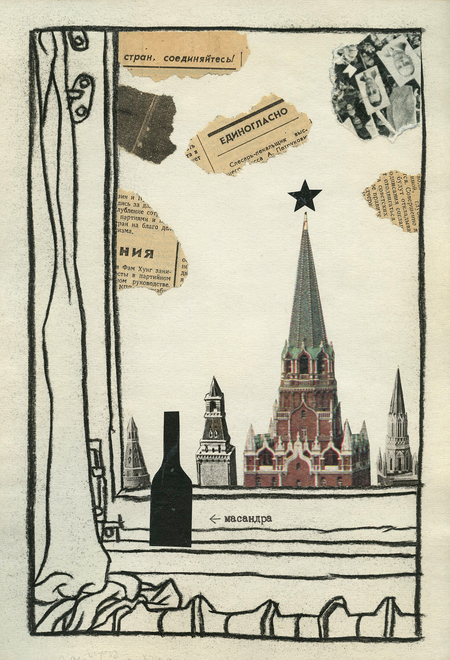
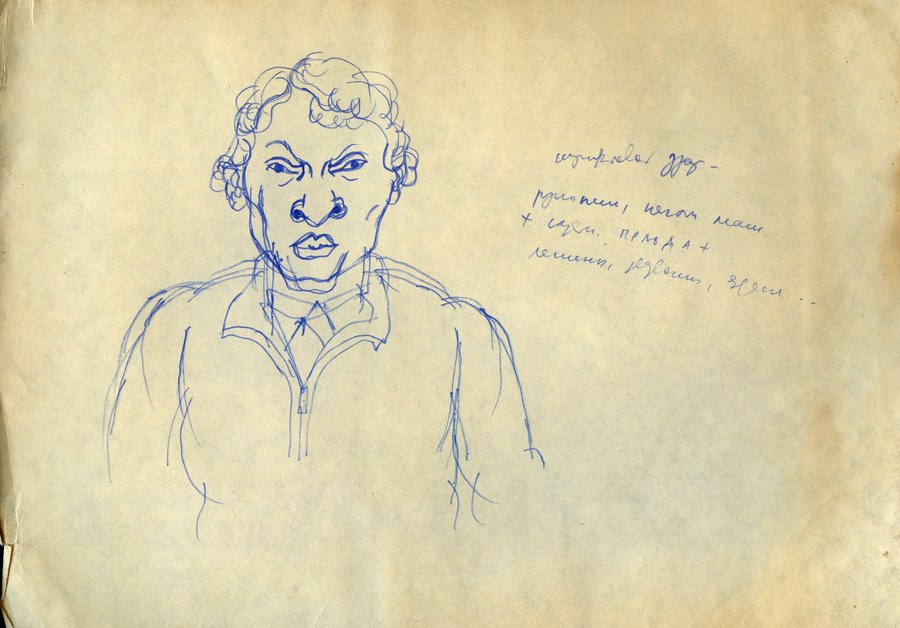
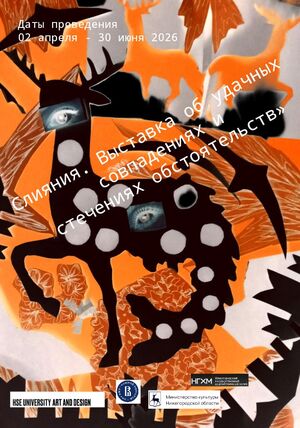
Pictures to Roman Trugunov’s poem «Write to Gensek», 1989
Художник Александр Шабуров создал иллюстрации к поэме Романа Тягунова «Письмо генсеку», написанной в 1989 году. Проект включает в себя воспоминания о самиздатской деятельности Тягунова и его сотрудничестве с Шабуровым в 1990-х годах.
Александра Фаталиева создала проект «Спутники», представляющий собой серию текстов о взаимосвязях и символике. Проект включает пояснения к картам, где каждая масть олицетворяет собой стихию, а персонажные карты отражают эволюцию от человека к божеству.
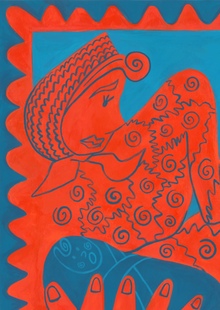
Диана Скуркова создала серию платков, вдохновлённых пушкинской сказкой «О попе и работнике его Балде». В проекте использованы два контрастных цвета и один нюансный оттенок для эксперимента с цветовой гаммой.
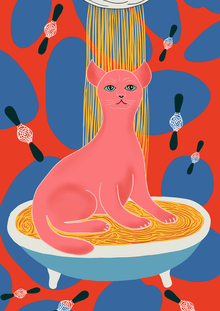
София Мильготина создала серию праздников для груминга, где уход за животными показан как абсурдные сны. Проект использует замену привычных материалов и форм на нелогичные образы, чтобы передать внутренний мир животных.
start.hsedesign
The HSE Art and Design School spans 4 campuses, offering 9 bachelor's programs and approximately 40 specialized tracks. To apply, you must not only submit your documents on time but also upload your creative project—if required by your chosen program.
We use cookies to improve the operation of the HSE website and to enhance its usability. More detailed information on the use of cookies can be fou...
Show more
Press space bar to start a drag.
When dragging you can use the arrow keys to move the item around and escape to cancel.
Some screen readers may require you to be in focus mode or to use your pass through key
Press space bar to start a drag.
When dragging you can use the arrow keys to move the item around and escape to cancel.
Some screen readers may require you to be in focus mode or to use your pass through key
Press space bar to start a drag.
When dragging you can use the arrow keys to move the item around and escape to cancel.
Some screen readers may require you to be in focus mode or to use your pass through key
Press space bar to start a drag.
When dragging you can use the arrow keys to move the item around and escape to cancel.
Some screen readers may require you to be in focus mode or to use your pass through key
Press space bar to start a drag.
When dragging you can use the arrow keys to move the item around and escape to cancel.
Some screen readers may require you to be in focus mode or to use your pass through key
Press space bar to start a drag.
When dragging you can use the arrow keys to move the item around and escape to cancel.
Some screen readers may require you to be in focus mode or to use your pass through key
Press space bar to start a drag.
When dragging you can use the arrow keys to move the item around and escape to cancel.
Some screen readers may require you to be in focus mode or to use your pass through key
Press space bar to start a drag.
When dragging you can use the arrow keys to move the item around and escape to cancel.
Some screen readers may require you to be in focus mode or to use your pass through key
Press space bar to start a drag.
When dragging you can use the arrow keys to move the item around and escape to cancel.
Some screen readers may require you to be in focus mode or to use your pass through key
Press space bar to start a drag.
When dragging you can use the arrow keys to move the item around and escape to cancel.
Some screen readers may require you to be in focus mode or to use your pass through key
Press space bar to start a drag.
When dragging you can use the arrow keys to move the item around and escape to cancel.
Some screen readers may require you to be in focus mode or to use your pass through key
Press space bar to start a drag.
When dragging you can use the arrow keys to move the item around and escape to cancel.
Some screen readers may require you to be in focus mode or to use your pass through key
Press space bar to start a drag.
When dragging you can use the arrow keys to move the item around and escape to cancel.
Some screen readers may require you to be in focus mode or to use your pass through key
Press space bar to start a drag.
When dragging you can use the arrow keys to move the item around and escape to cancel.
Some screen readers may require you to be in focus mode or to use your pass through key
Press space bar to start a drag.
When dragging you can use the arrow keys to move the item around and escape to cancel.
Some screen readers may require you to be in focus mode or to use your pass through key
Press space bar to start a drag.
When dragging you can use the arrow keys to move the item around and escape to cancel.
Some screen readers may require you to be in focus mode or to use your pass through key
Press space bar to start a drag.
When dragging you can use the arrow keys to move the item around and escape to cancel.
Some screen readers may require you to be in focus mode or to use your pass through key
Press space bar to start a drag.
When dragging you can use the arrow keys to move the item around and escape to cancel.
Some screen readers may require you to be in focus mode or to use your pass through key