Анна Подисова создала курс, в котором студенты изучают основы работы с графическими инструментами и составления коллажей. Курс включает подробное изучение слоев, масок, цветокоррекции и инструментов ретуши в среде Adobe Photoshop.
Анна Подисова разработала логотип, афишу, этикетаж, навигацию, бейджи и сувенирную продукцию для выставочного проекта векторной графикой и типографикой. Каждый элемент визуальной идентики был создан в формате .ai и .pdf, соответствовал заданным размерам, цветовой палитре и стилистически согласовывался с концепцией выставки.
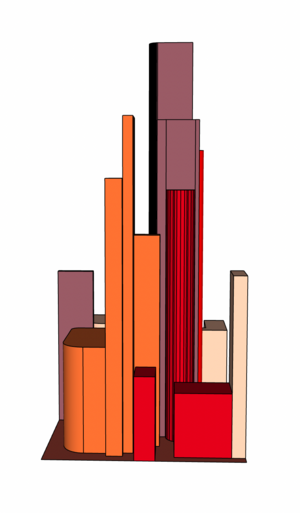
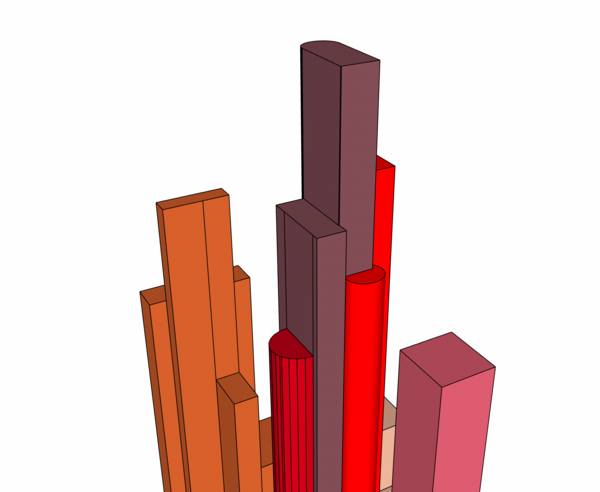
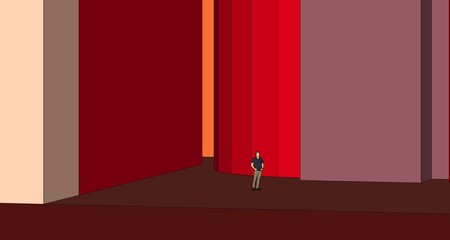
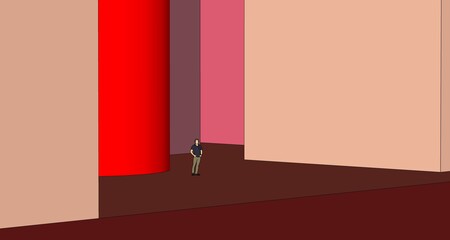
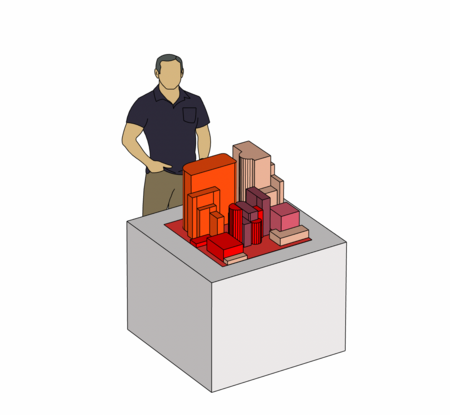
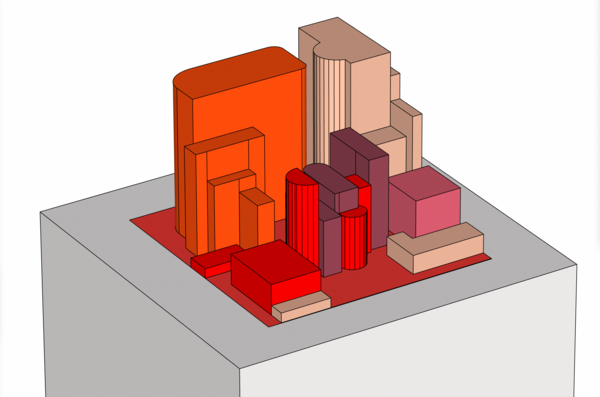
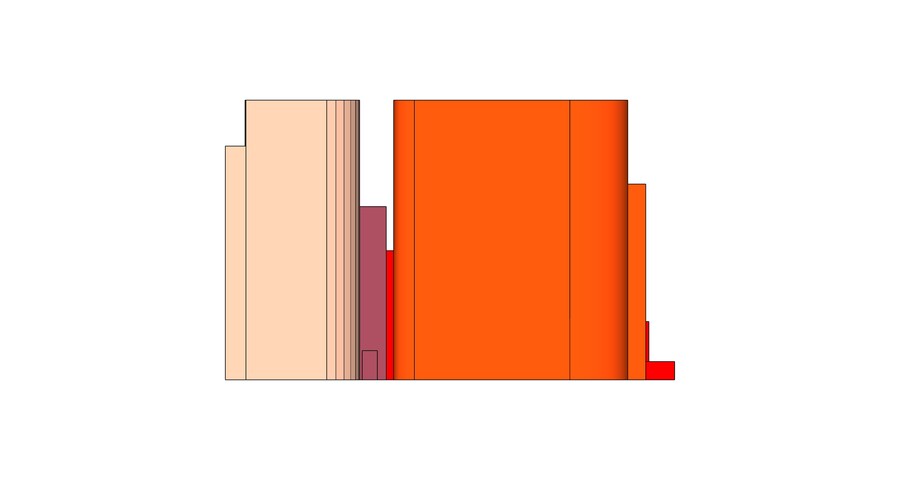
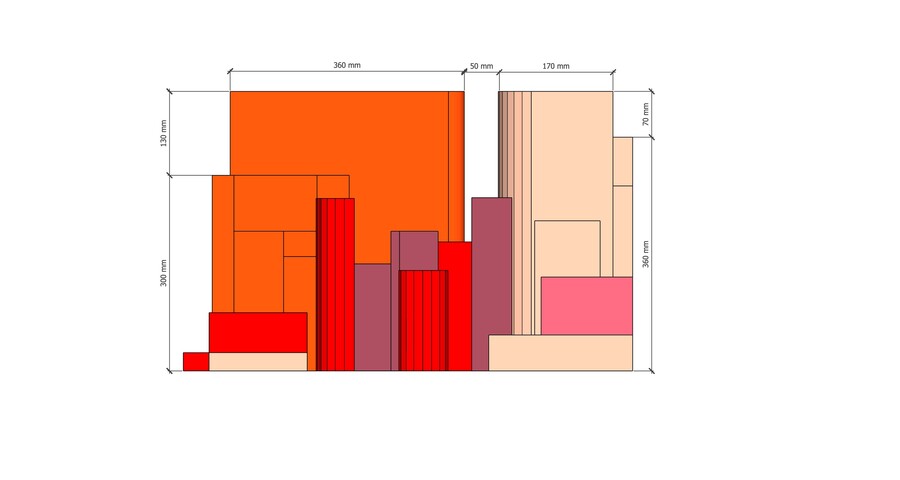
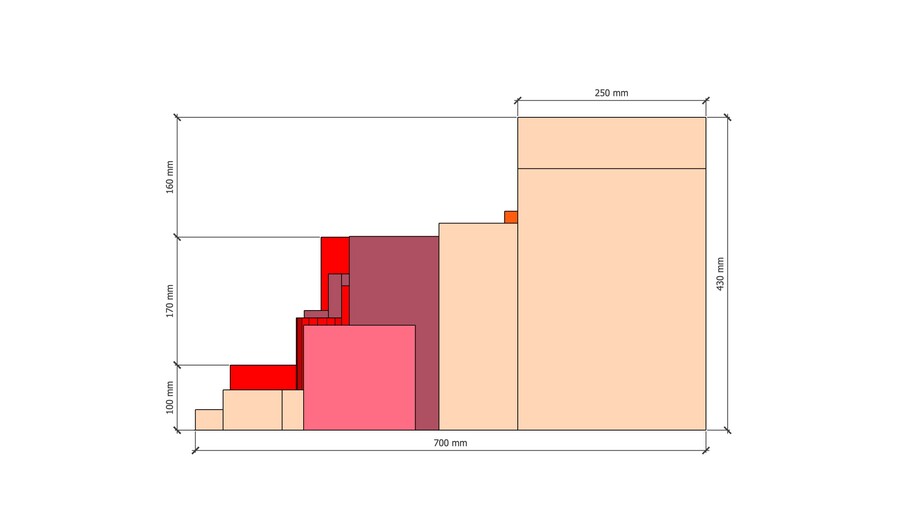
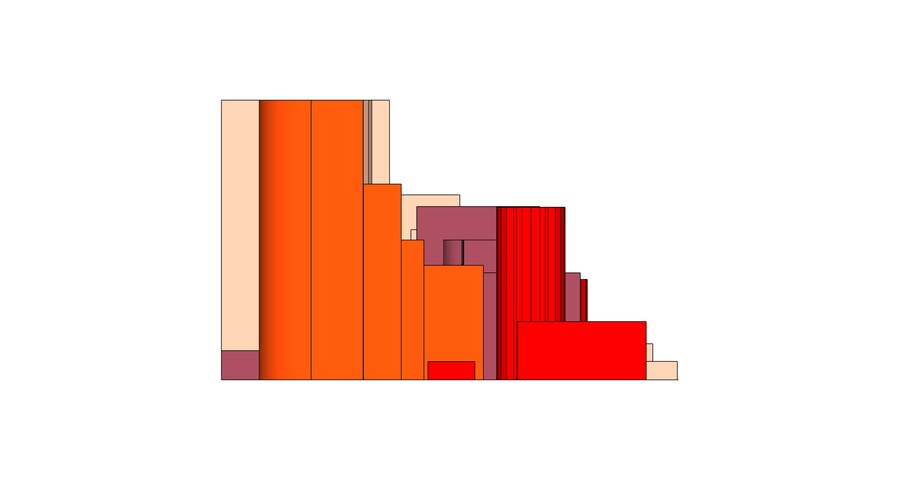
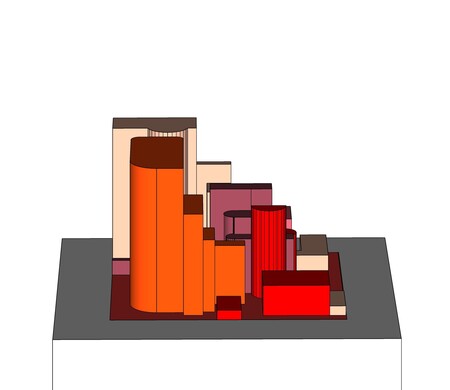
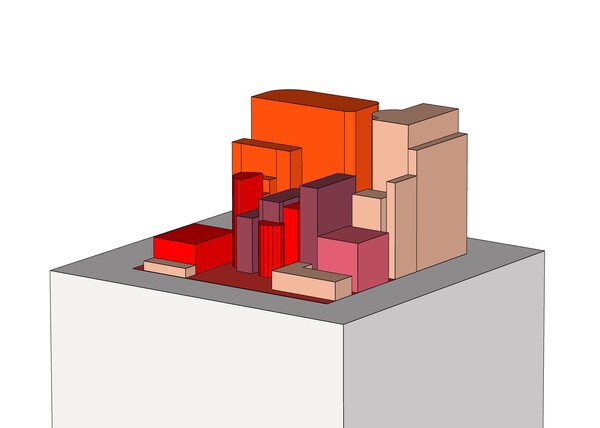
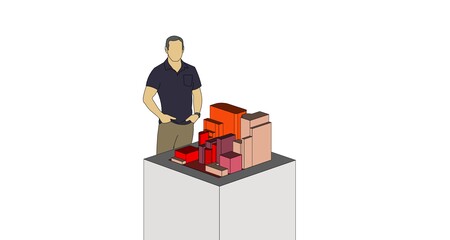
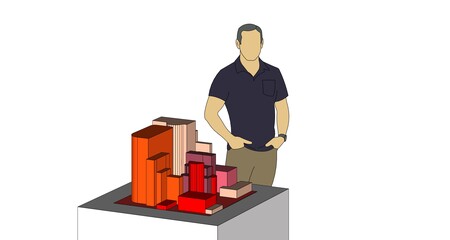
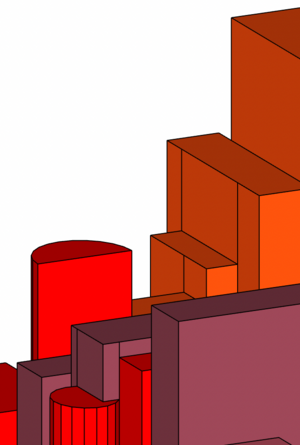
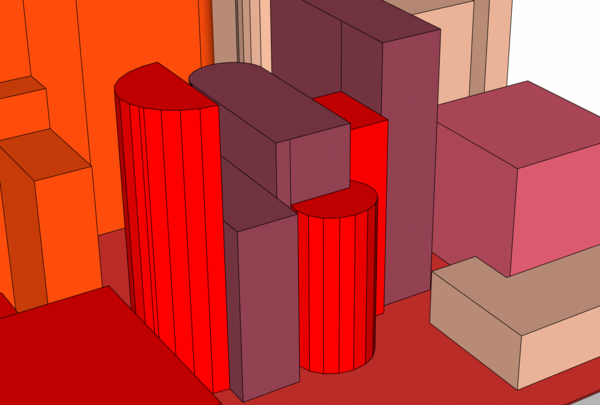
Анна Подисова подготовила учебный курс по работе с SketchUp для студентов первого курса, охватывающий основы создания 3D-моделей и интерфейса программы. Курс включает практические задания по построению геометрических форм, редактированию объектов и применению материалов к 3D-моделям мебели, таких как стул.
The HSE Art and Design School spans 4 campuses, offering 9 bachelor's programs and approximately 40 specialized tracks. To apply, you must not only submit your documents on time but also upload your creative project—if required by your chosen program.
applicants’ projects
faculty of pre-university training
lyceum
online school
children's school
We use cookies to improve the operation of the HSE website and to enhance its usability. More detailed information on the use of cookies can be fou...
Show more
Press space bar to start a drag.
When dragging you can use the arrow keys to move the item around and escape to cancel.
Some screen readers may require you to be in focus mode or to use your pass through key
Press space bar to start a drag.
When dragging you can use the arrow keys to move the item around and escape to cancel.
Some screen readers may require you to be in focus mode or to use your pass through key
Press space bar to start a drag.
When dragging you can use the arrow keys to move the item around and escape to cancel.
Some screen readers may require you to be in focus mode or to use your pass through key
Press space bar to start a drag.
When dragging you can use the arrow keys to move the item around and escape to cancel.
Some screen readers may require you to be in focus mode or to use your pass through key
Press space bar to start a drag.
When dragging you can use the arrow keys to move the item around and escape to cancel.
Some screen readers may require you to be in focus mode or to use your pass through key
Press space bar to start a drag.
When dragging you can use the arrow keys to move the item around and escape to cancel.
Some screen readers may require you to be in focus mode or to use your pass through key
Press space bar to start a drag.
When dragging you can use the arrow keys to move the item around and escape to cancel.
Some screen readers may require you to be in focus mode or to use your pass through key
Press space bar to start a drag.
When dragging you can use the arrow keys to move the item around and escape to cancel.
Some screen readers may require you to be in focus mode or to use your pass through key
Press space bar to start a drag.
When dragging you can use the arrow keys to move the item around and escape to cancel.
Some screen readers may require you to be in focus mode or to use your pass through key