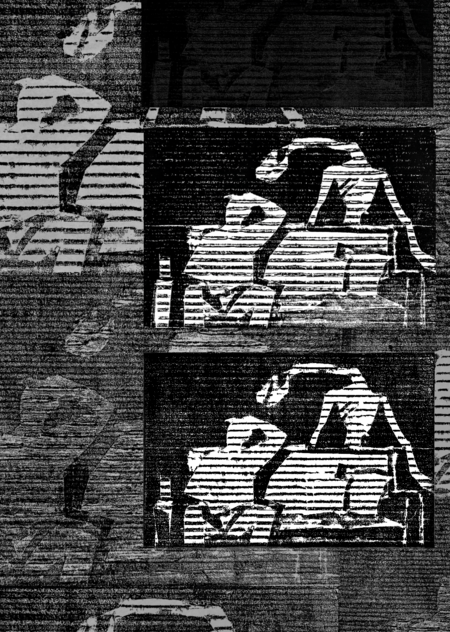
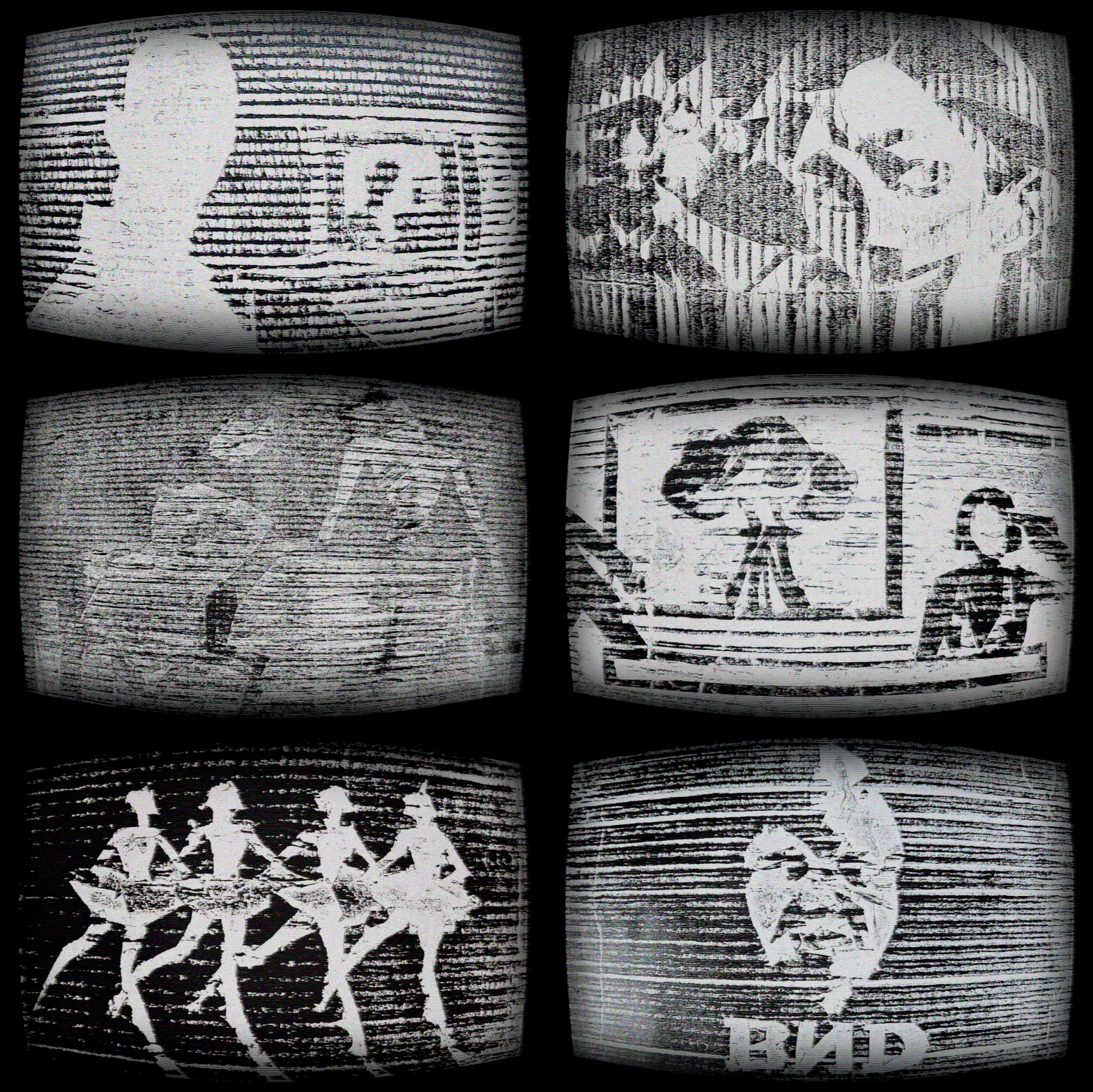
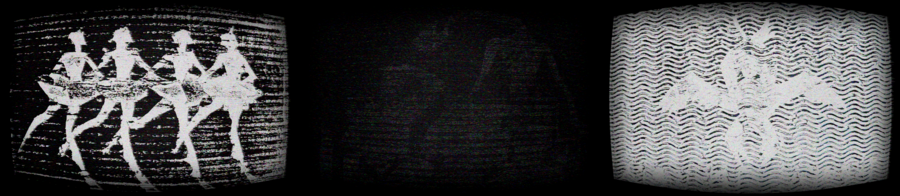
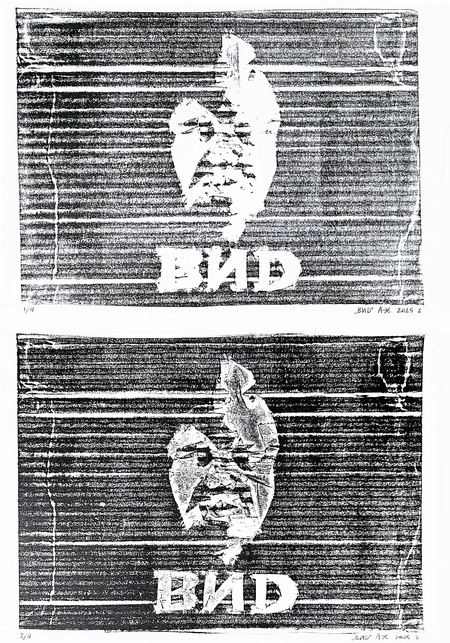
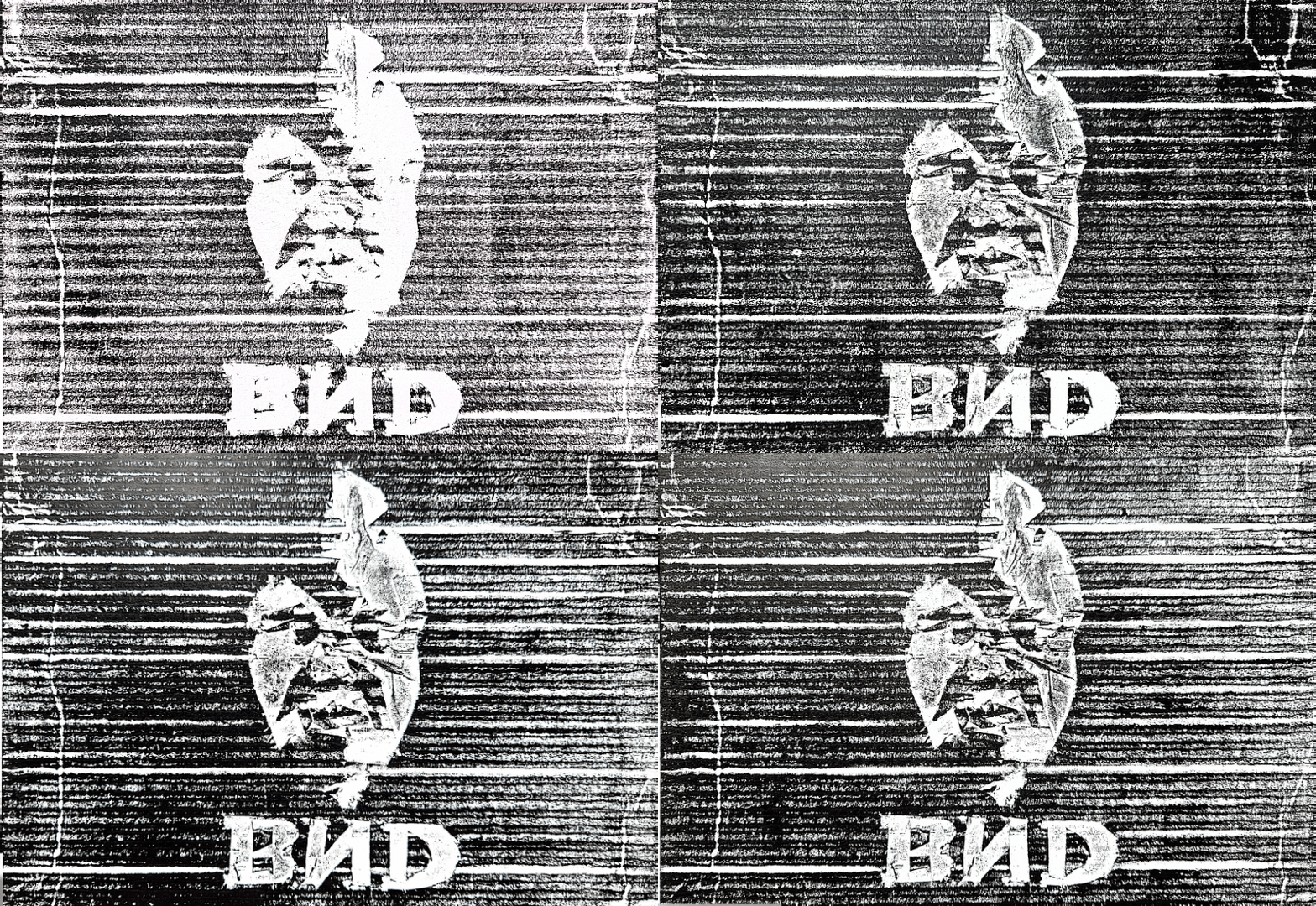
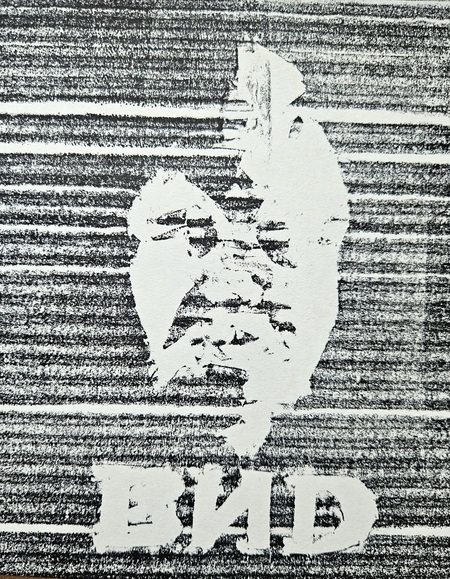
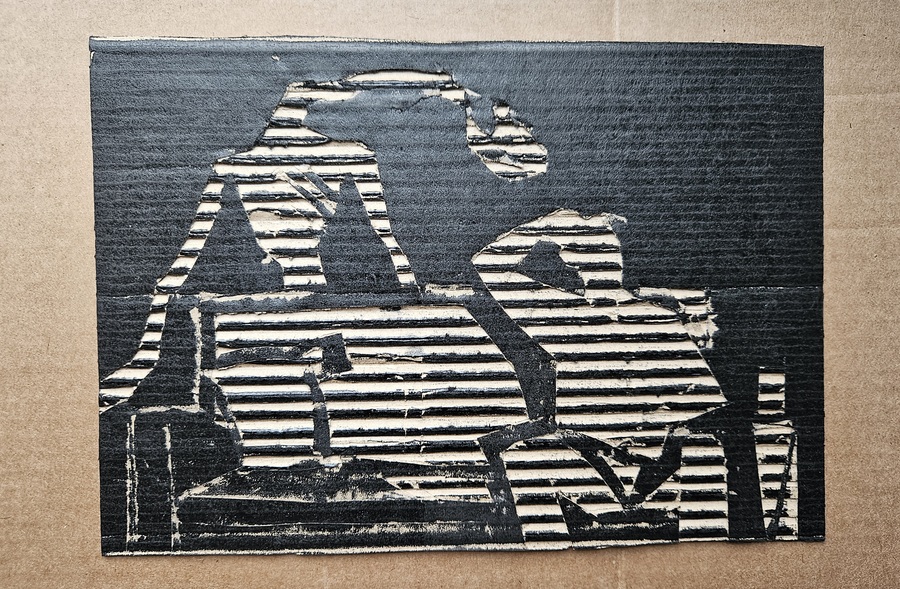
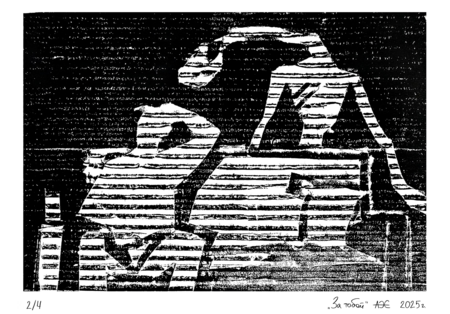
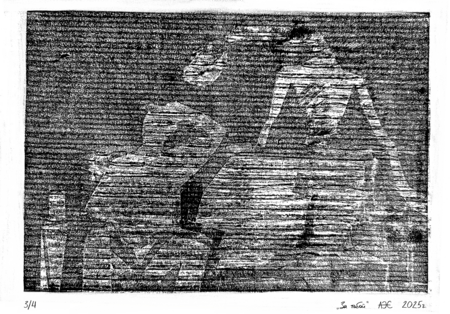
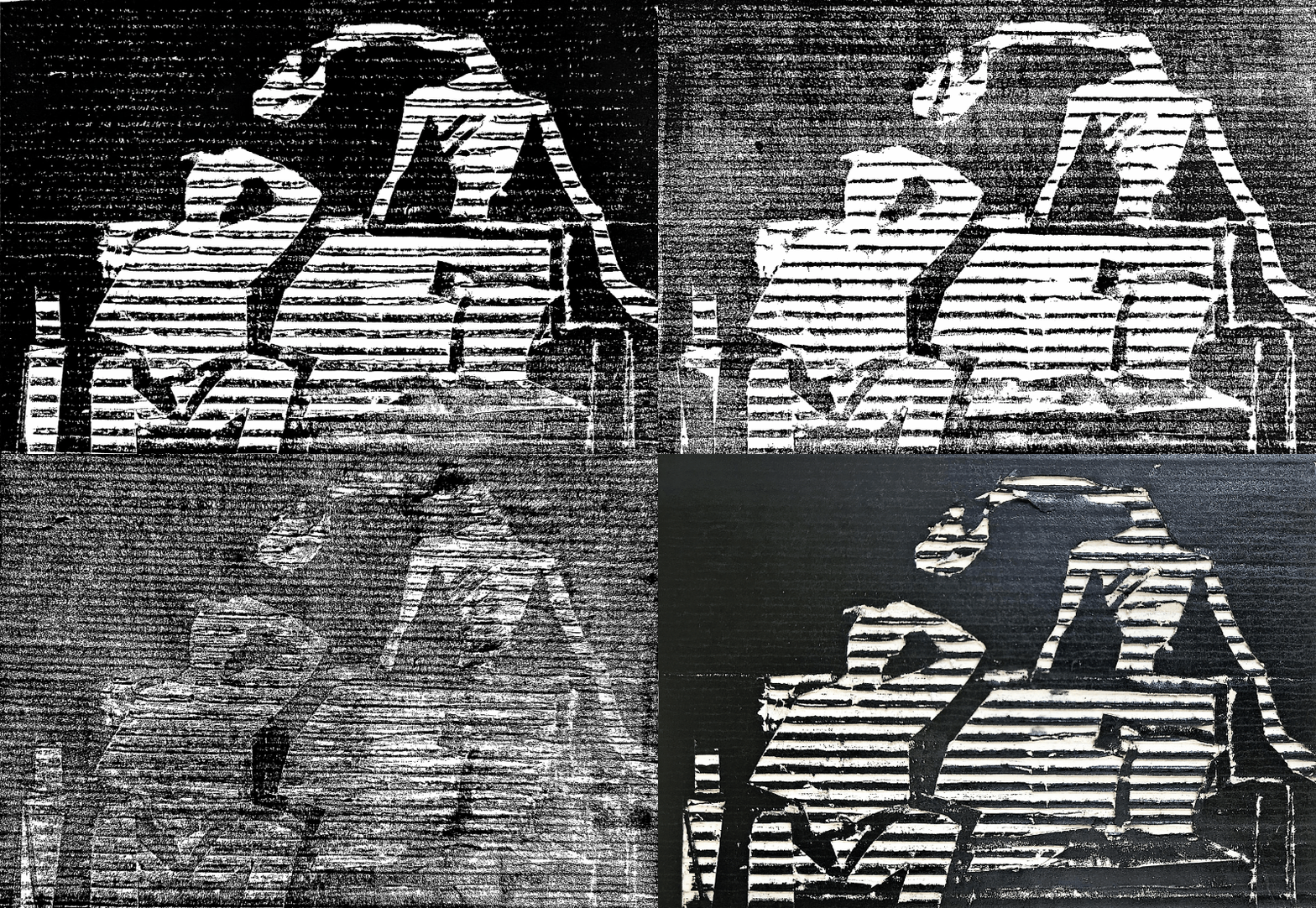
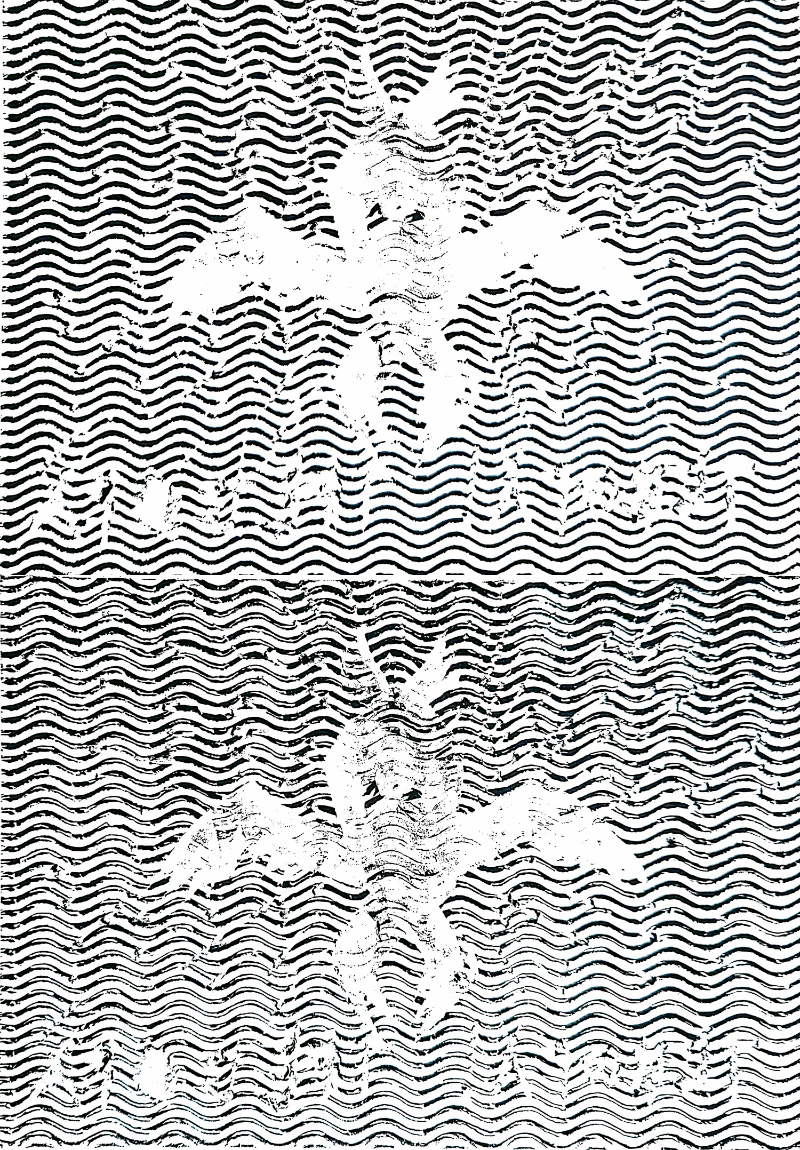
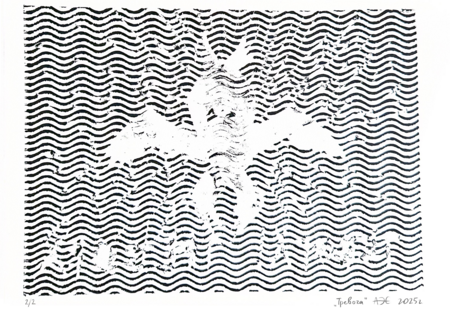
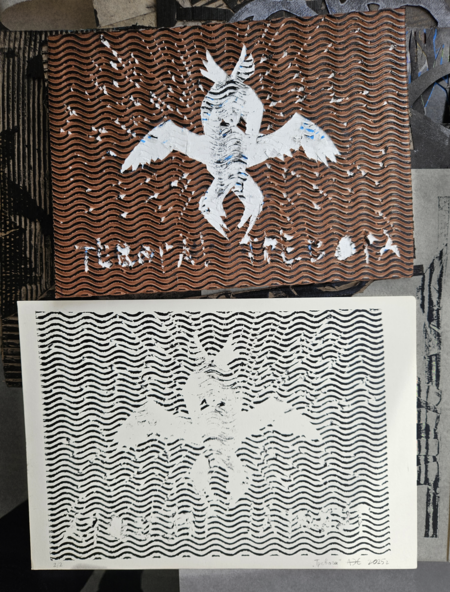
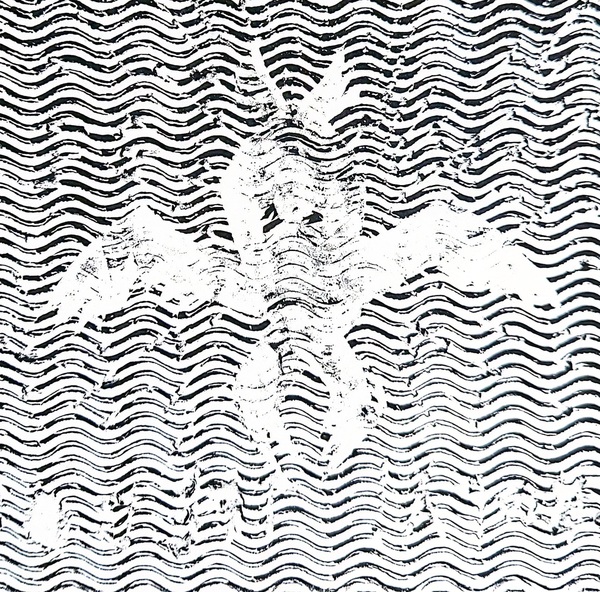
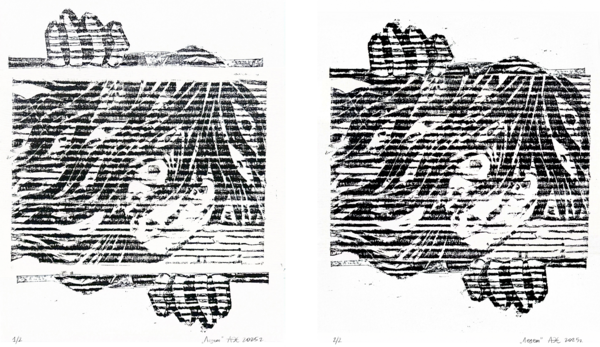
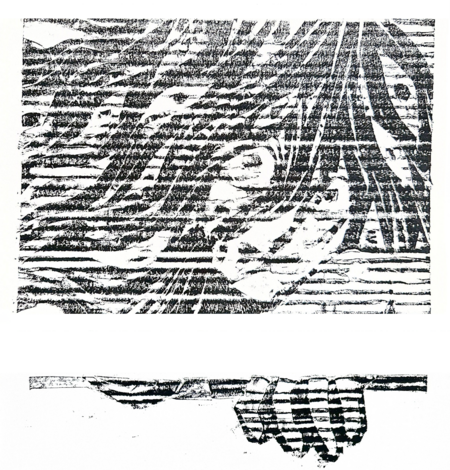
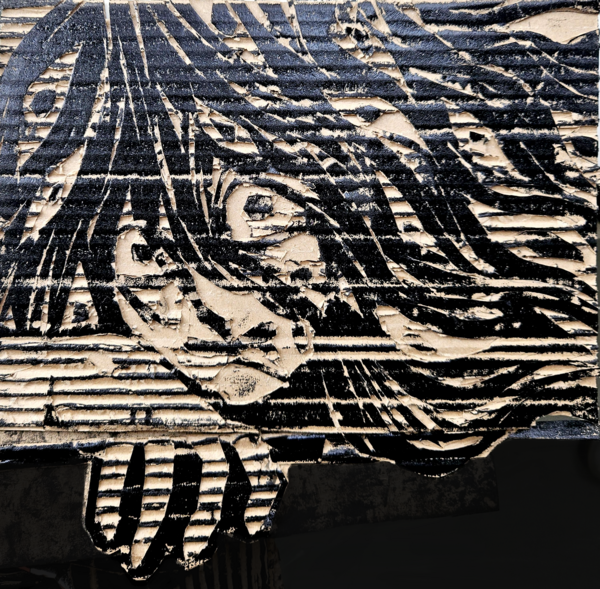
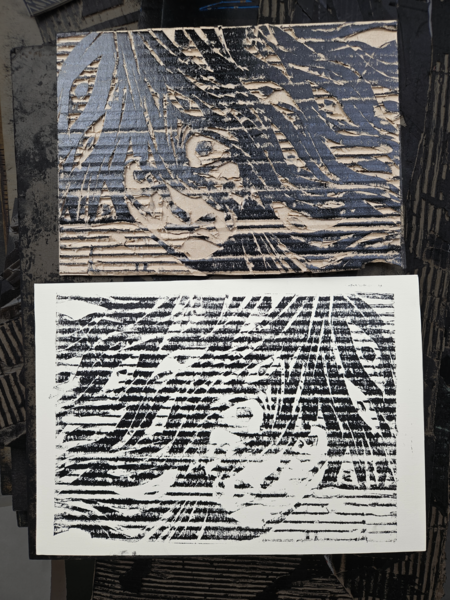
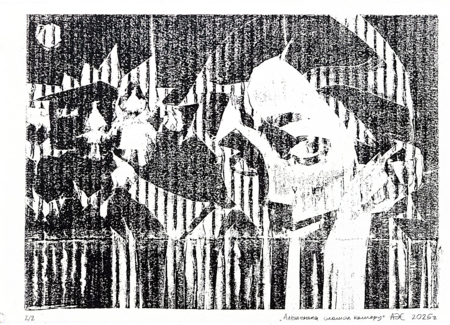
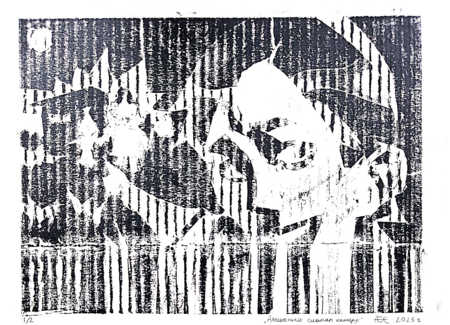
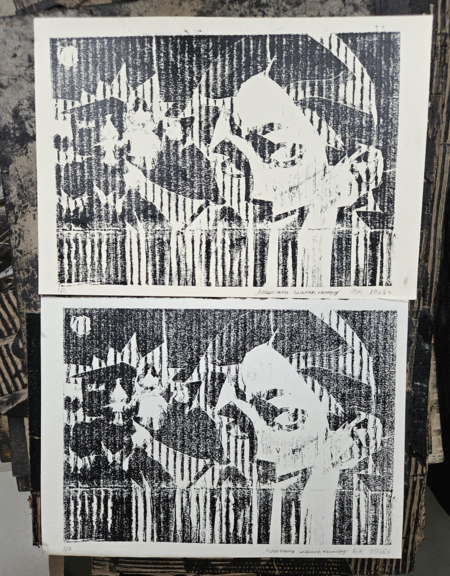
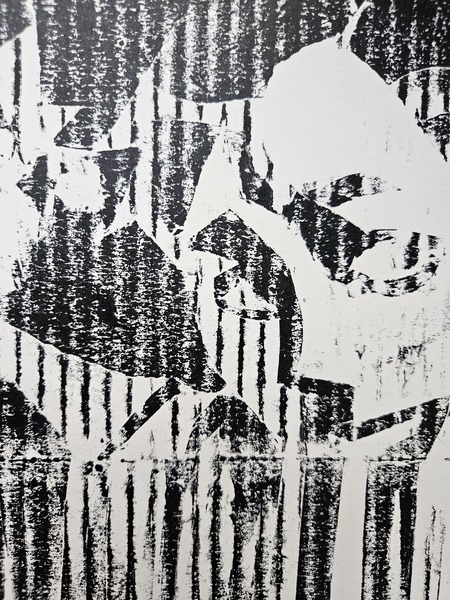
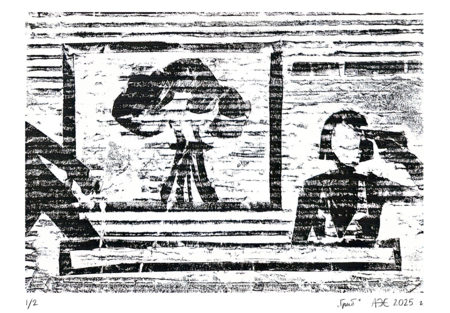
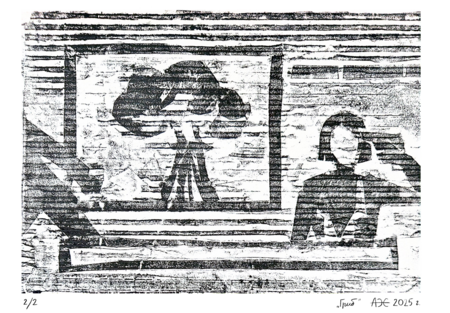
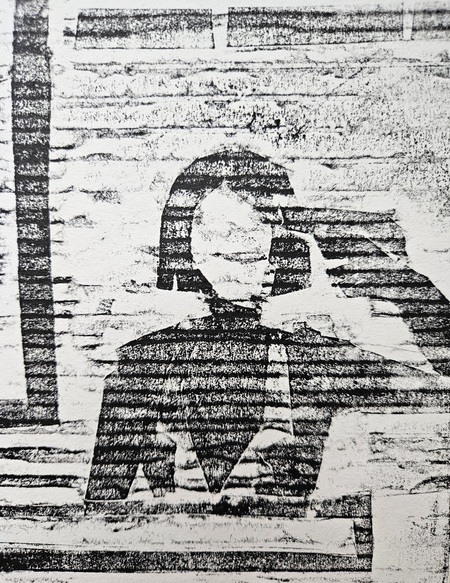
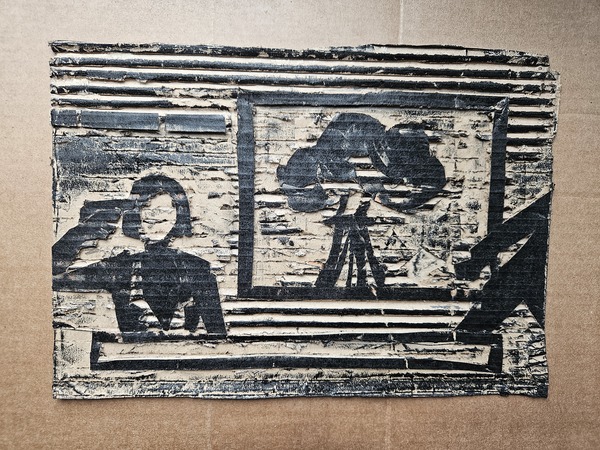
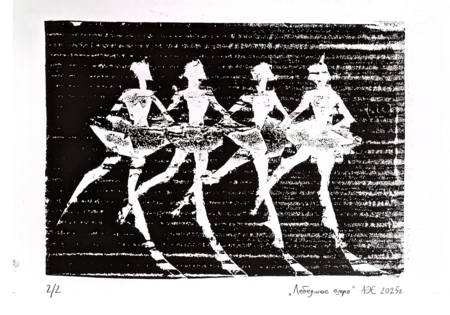
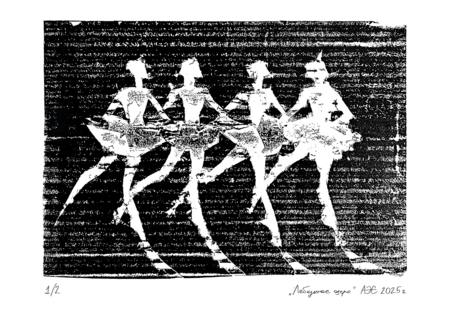
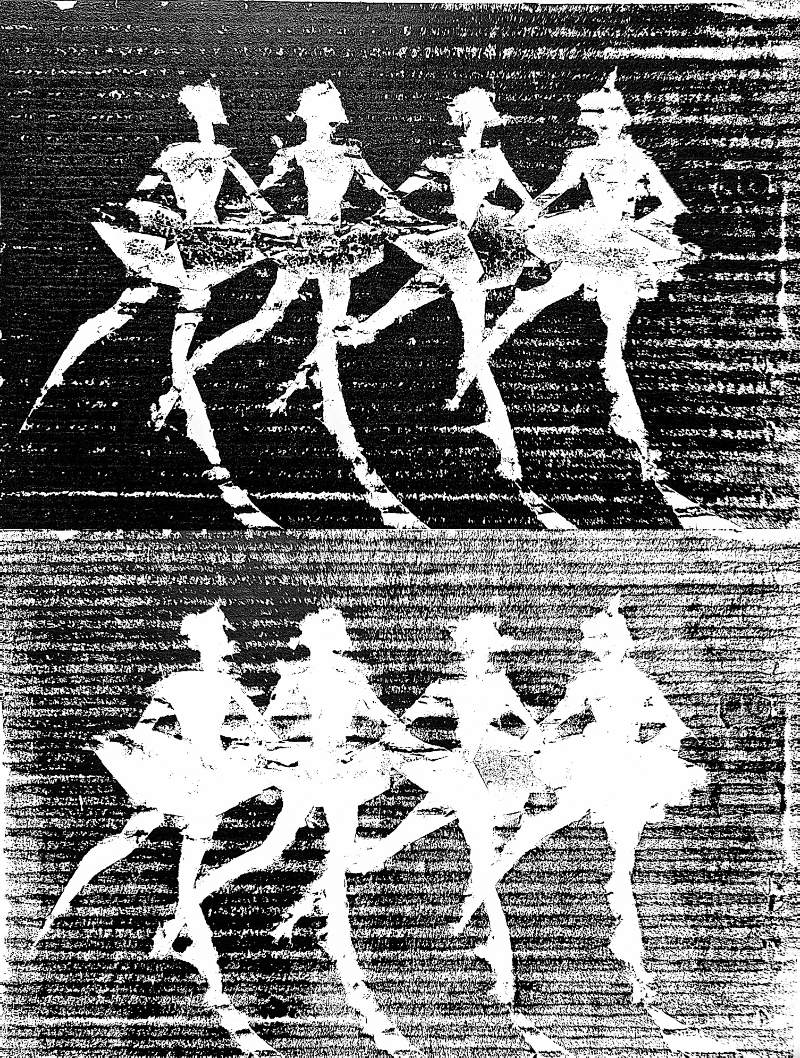
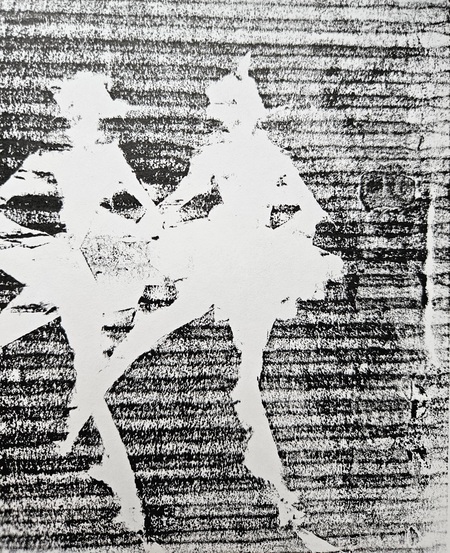
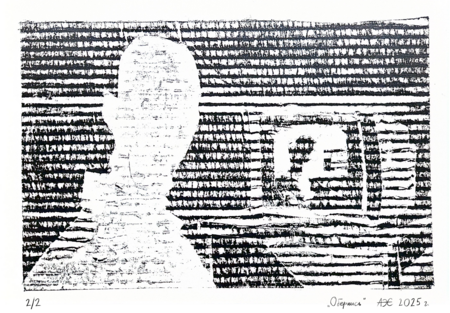
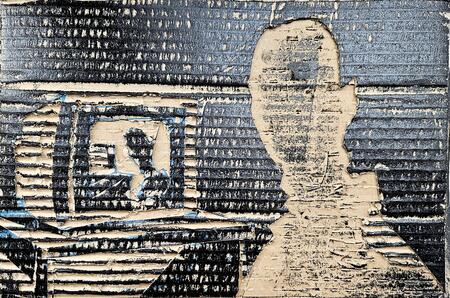
Серия из восьми гравюр на картоне на тему «Телевизионный ужас».
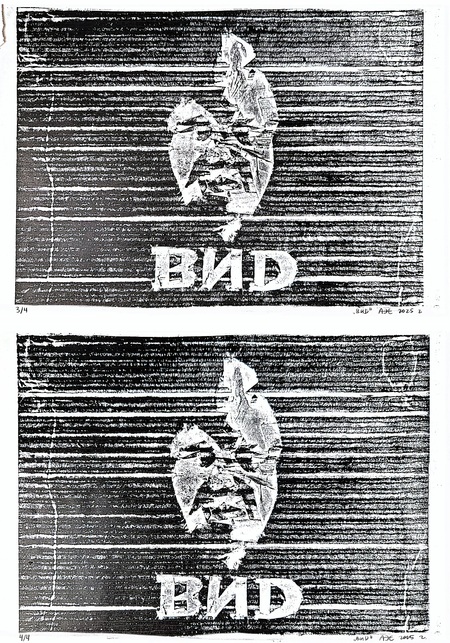
В этой серии работ мне хотелось немного поразмышлять над тем, какие тревожные образы можно увидеть по телевизору — мистические и более реальные, существующие и выдуманные, ностальгические и более актуальные.
ВИД. Размер: 26×19,5 см. 2025 г.
Original size 3696x2417
За тобой. Размер: 26×18,5 см. 2025 г.
Original size 800x553
Original size 3077x2144
Тревога! Размер: 26×17 см. 2025 г.
Лезет. Размер: 34×20 см. 2025 г.
Алешенька сломал камеру. Размер: 26×19 см. 2025 г.
Элеонора Анисимова создала серию из восьми гравюр на картоне под названием «Телевизионный ужас». Проект исследует тревожные образы, которые можно увидеть на телевидении, сочетая мистику с реальностью и ностальгию с актуальностью.
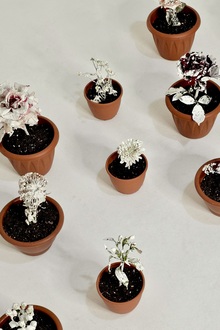
Анастасия Шумилина создала проект «Сад (не)живых цветов», в котором растения, купленные в магазине, покрыты гипсом и застыли в состоянии увядания. Проект поднимает проблему коммерческого использования цветов, приводящего к массовой гибели растений ради временных эмоций.
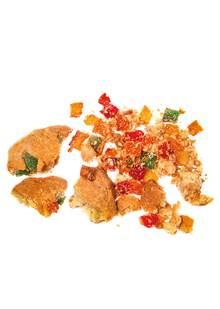
Александра Першеева создала текстовый проект, в котором представляет небо над Зоной из фильма «Сталкер». Проект включает в себя изображения, сгенерированные нейросетью Sora, на основе сценария оператора, обращающего камеру к облакам.
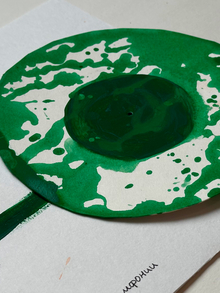
Варвара Савинова создала арт-проект, в котором бытовые звуки превращаются в визуальные образы с помощью воды и краски. Проект включает в себя рисунки на бумаге, созданные с помощью вибраций звуковых волн, и оформляется в виде виниловых пластинок в конвертах.
start.hsedesign
The HSE Art and Design School spans 4 campuses, offering 9 bachelor's programs and approximately 40 specialized tracks. To apply, you must not only submit your documents on time but also upload your creative project—if required by your chosen program.
We use cookies to improve the operation of the HSE website and to enhance its usability. More detailed information on the use of cookies can be fou...
Show more
Press space bar to start a drag.
When dragging you can use the arrow keys to move the item around and escape to cancel.
Some screen readers may require you to be in focus mode or to use your pass through key
Press space bar to start a drag.
When dragging you can use the arrow keys to move the item around and escape to cancel.
Some screen readers may require you to be in focus mode or to use your pass through key
Press space bar to start a drag.
When dragging you can use the arrow keys to move the item around and escape to cancel.
Some screen readers may require you to be in focus mode or to use your pass through key
Press space bar to start a drag.
When dragging you can use the arrow keys to move the item around and escape to cancel.
Some screen readers may require you to be in focus mode or to use your pass through key
Press space bar to start a drag.
When dragging you can use the arrow keys to move the item around and escape to cancel.
Some screen readers may require you to be in focus mode or to use your pass through key
Press space bar to start a drag.
When dragging you can use the arrow keys to move the item around and escape to cancel.
Some screen readers may require you to be in focus mode or to use your pass through key
Press space bar to start a drag.
When dragging you can use the arrow keys to move the item around and escape to cancel.
Some screen readers may require you to be in focus mode or to use your pass through key
Press space bar to start a drag.
When dragging you can use the arrow keys to move the item around and escape to cancel.
Some screen readers may require you to be in focus mode or to use your pass through key
Press space bar to start a drag.
When dragging you can use the arrow keys to move the item around and escape to cancel.
Some screen readers may require you to be in focus mode or to use your pass through key
Press space bar to start a drag.
When dragging you can use the arrow keys to move the item around and escape to cancel.
Some screen readers may require you to be in focus mode or to use your pass through key
Press space bar to start a drag.
When dragging you can use the arrow keys to move the item around and escape to cancel.
Some screen readers may require you to be in focus mode or to use your pass through key
Press space bar to start a drag.
When dragging you can use the arrow keys to move the item around and escape to cancel.
Some screen readers may require you to be in focus mode or to use your pass through key
Press space bar to start a drag.
When dragging you can use the arrow keys to move the item around and escape to cancel.
Some screen readers may require you to be in focus mode or to use your pass through key
Press space bar to start a drag.
When dragging you can use the arrow keys to move the item around and escape to cancel.
Some screen readers may require you to be in focus mode or to use your pass through key