Границы самоидентификации через партнёра: где заканчивается «Я» и начинается «Он»?
Original size 4000x3000
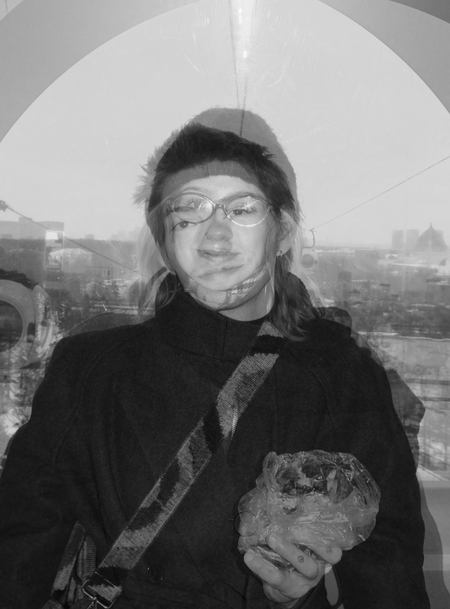
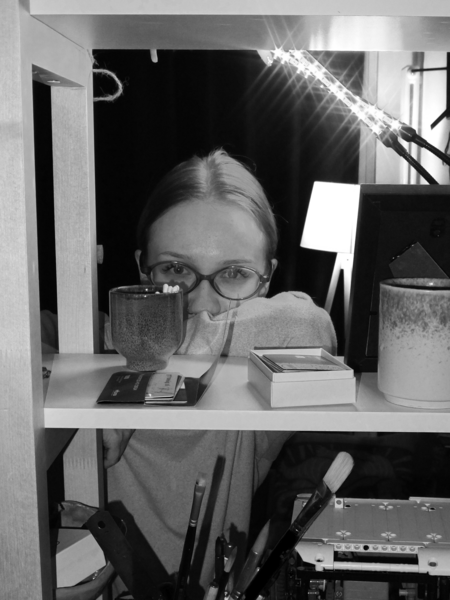
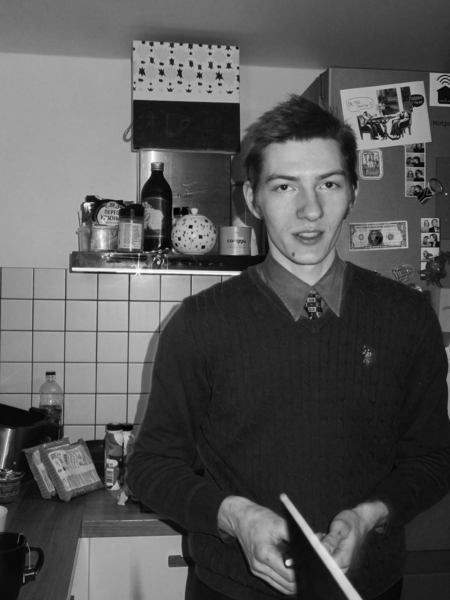
В современном мире, насыщенном автопортретами и разными социальными масками, вопрос самоидентификации обретает особую остроту: как партнёр раскрывает те грани «Я», которые мы сами не замечаем?
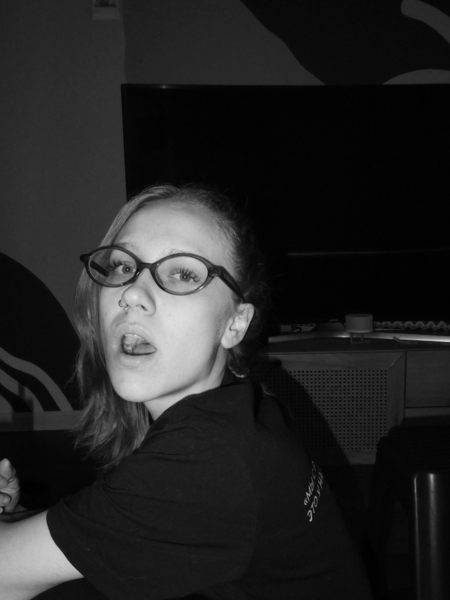
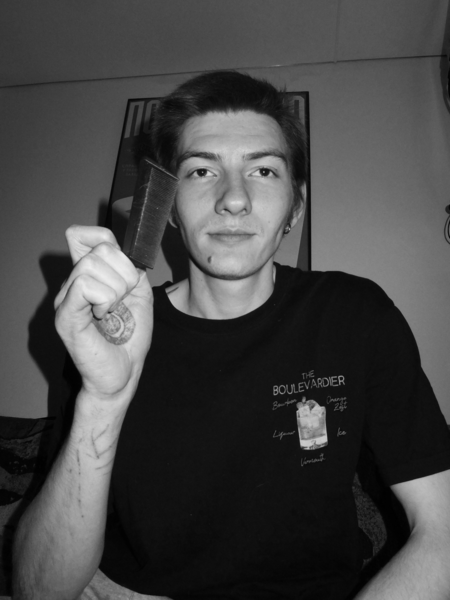
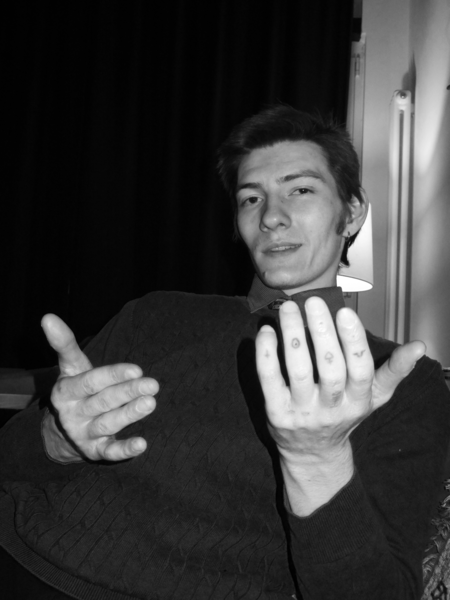
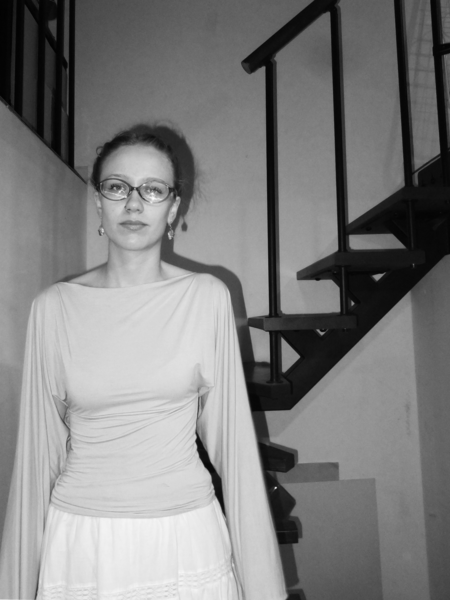
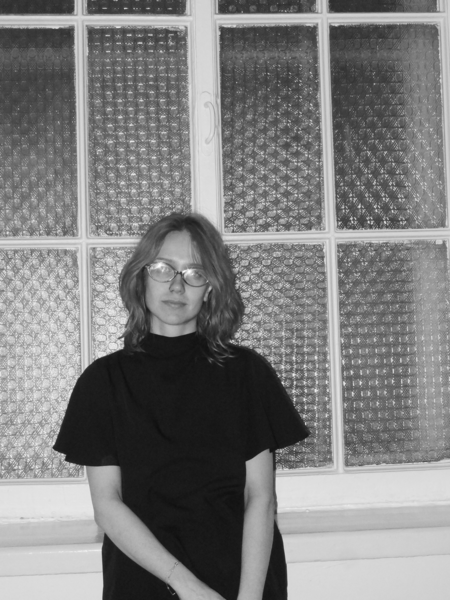
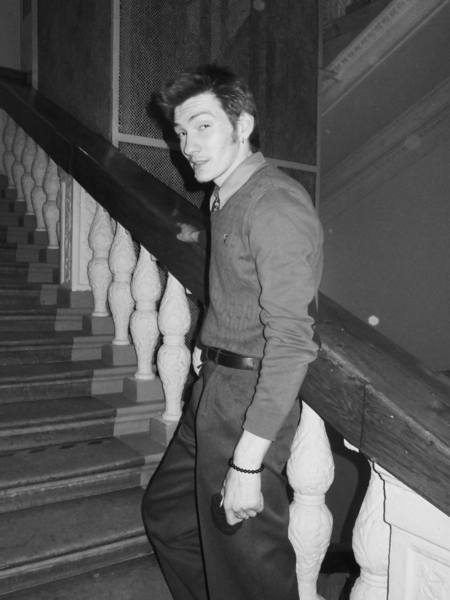
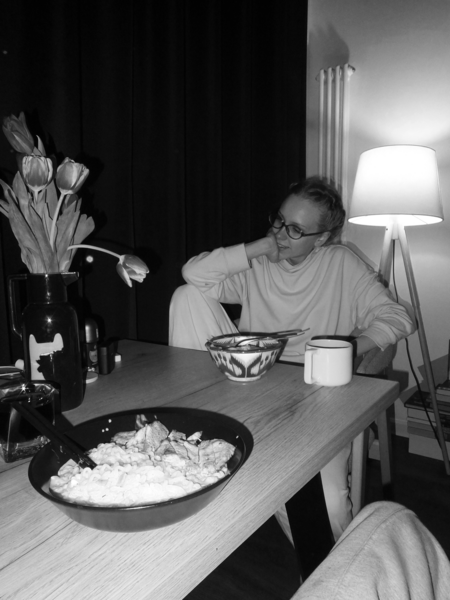
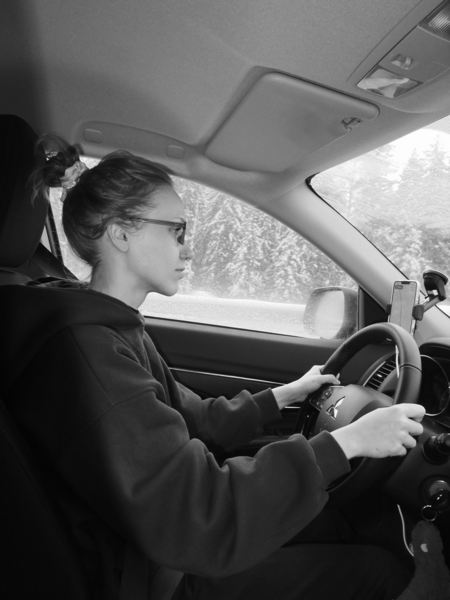
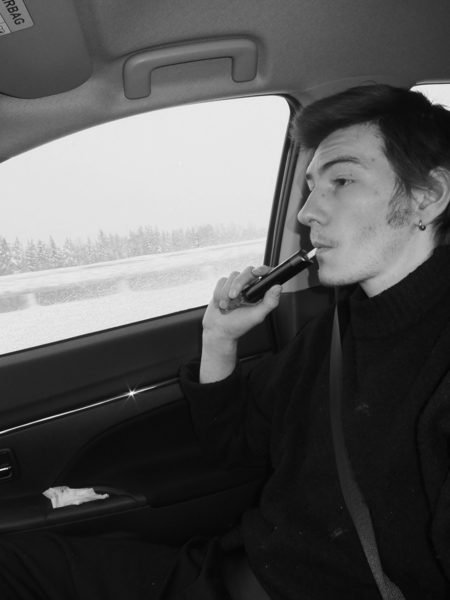
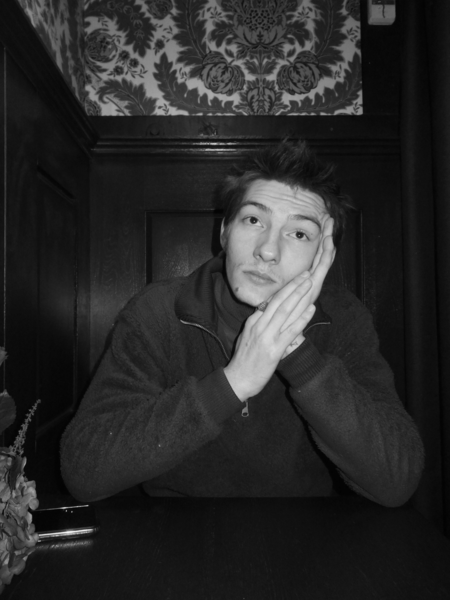
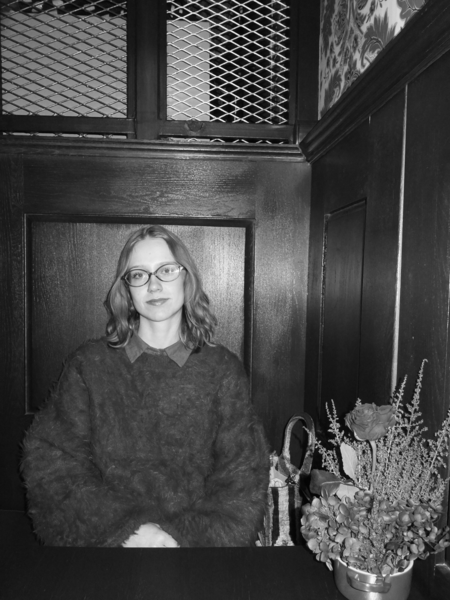
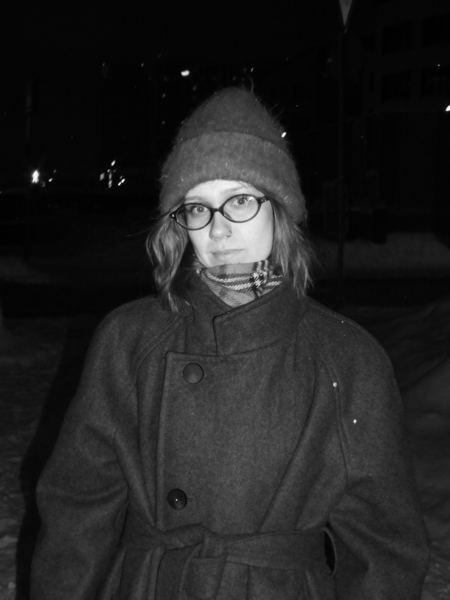
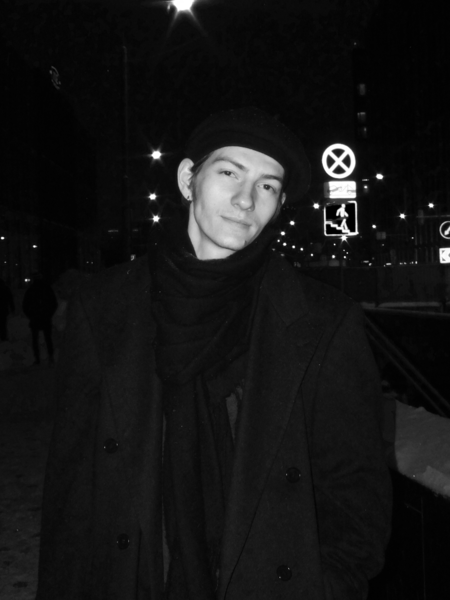
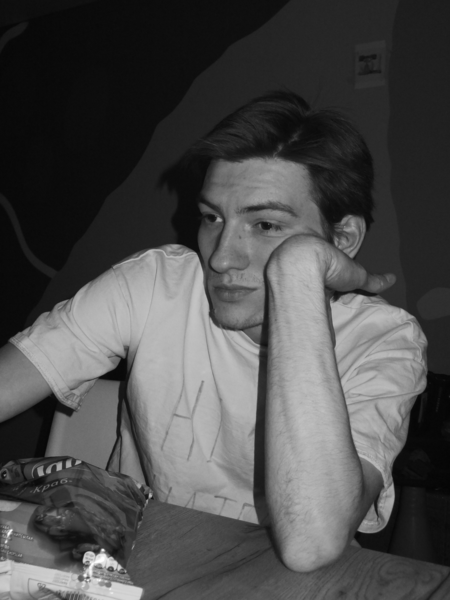
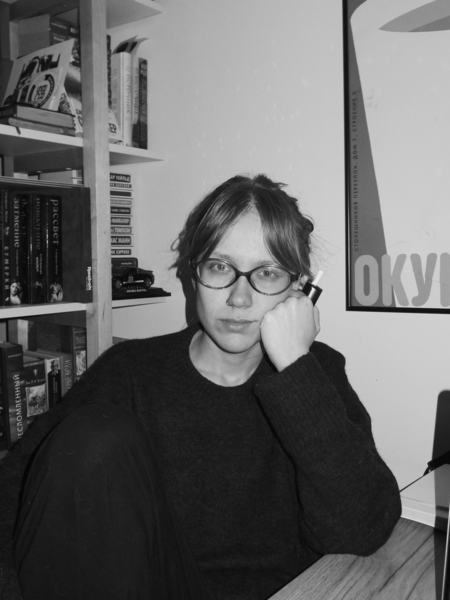
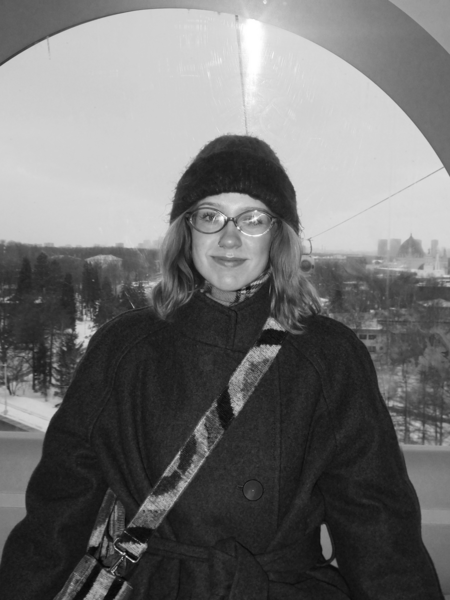
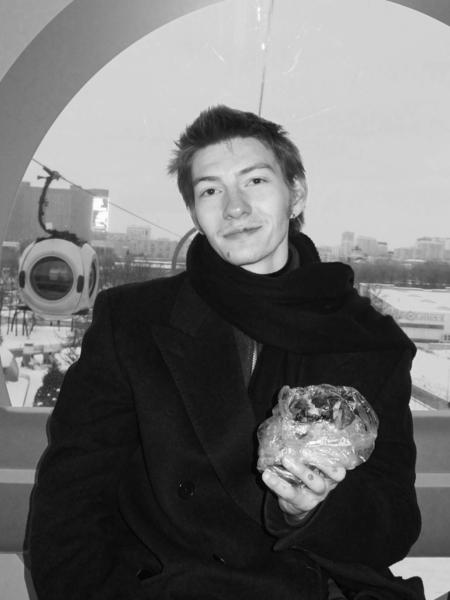
Проект строится на одновременных диптихах — я снимаю его со своей перспективы, он — меня со своей, создавая визуальный диалог границ.
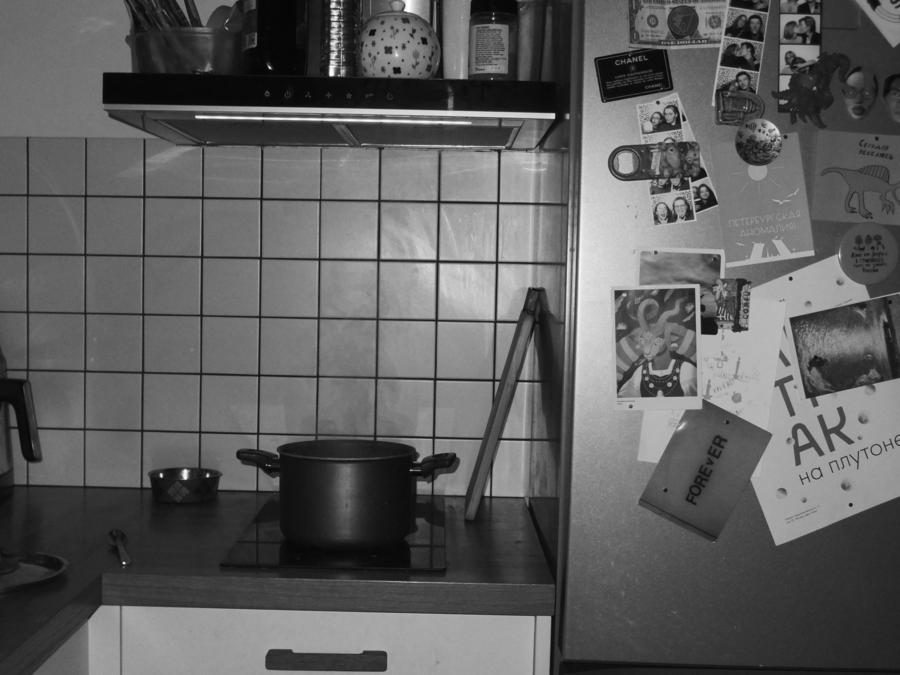
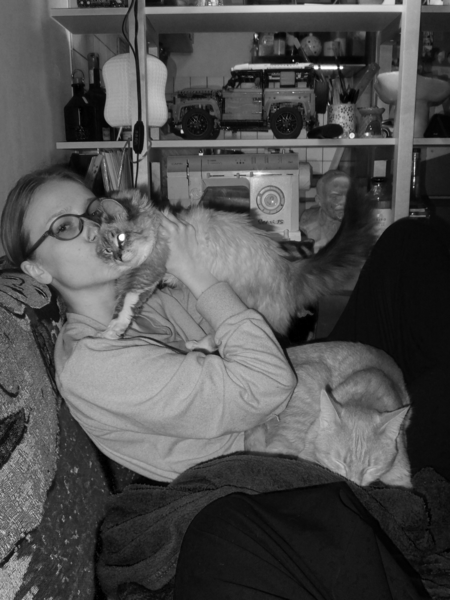
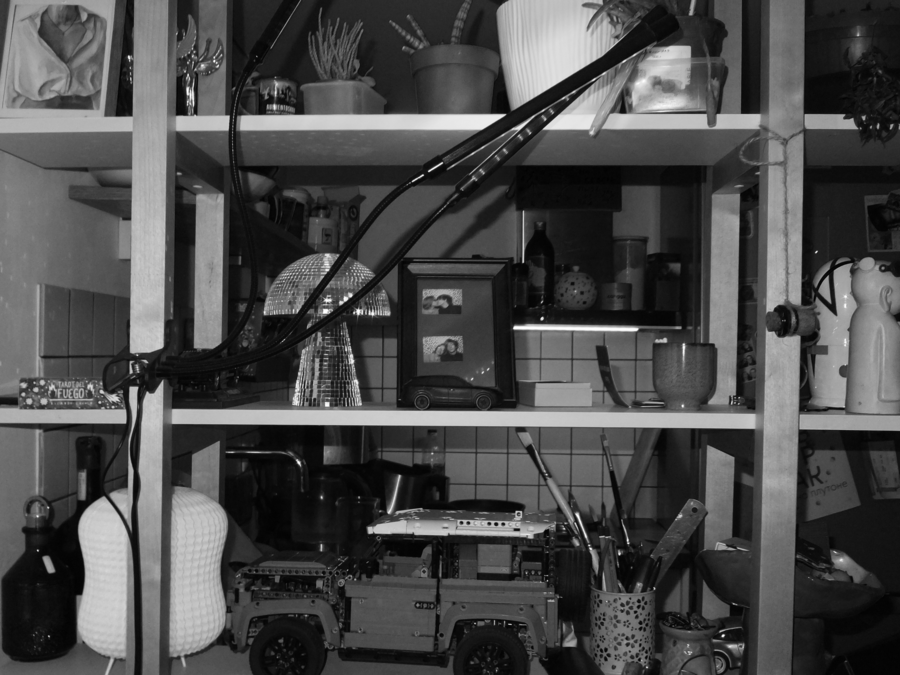
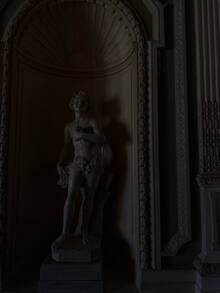
Проект также разбавляется фотографиями обстановки, в которой мы находимся при съемке диптихов для создания объема ситуации съемки.
Original size 4000x3000
Original size 4000x3000
Original size 4000x3000
Партнёр — не объект объектива, а зеркало, в котором «Я» обретает новые контуры. Границы идентичности не статичны — они рождаются в акте взаимного взгляда.
Юлия Кудашкина создала проект в формате визуального эссе, исследующего самоидентификацию через взаимодействие с партнёром. Проект использует одновременные диптихи, где автор и партнёр снимают друг друга, формируя визуальный диалог границ.
The HSE Art and Design School spans 4 campuses, offering 9 bachelor's programs and approximately 40 specialized tracks. To apply, you must not only submit your documents on time but also upload your creative project—if required by your chosen program.
We use cookies to improve the operation of the HSE website and to enhance its usability. More detailed information on the use of cookies can be fou...
Show more
Press space bar to start a drag.
When dragging you can use the arrow keys to move the item around and escape to cancel.
Some screen readers may require you to be in focus mode or to use your pass through key
Press space bar to start a drag.
When dragging you can use the arrow keys to move the item around and escape to cancel.
Some screen readers may require you to be in focus mode or to use your pass through key
Press space bar to start a drag.
When dragging you can use the arrow keys to move the item around and escape to cancel.
Some screen readers may require you to be in focus mode or to use your pass through key
Press space bar to start a drag.
When dragging you can use the arrow keys to move the item around and escape to cancel.
Some screen readers may require you to be in focus mode or to use your pass through key
Press space bar to start a drag.
When dragging you can use the arrow keys to move the item around and escape to cancel.
Some screen readers may require you to be in focus mode or to use your pass through key
Press space bar to start a drag.
When dragging you can use the arrow keys to move the item around and escape to cancel.
Some screen readers may require you to be in focus mode or to use your pass through key
Press space bar to start a drag.
When dragging you can use the arrow keys to move the item around and escape to cancel.
Some screen readers may require you to be in focus mode or to use your pass through key
Press space bar to start a drag.
When dragging you can use the arrow keys to move the item around and escape to cancel.
Some screen readers may require you to be in focus mode or to use your pass through key
Press space bar to start a drag.
When dragging you can use the arrow keys to move the item around and escape to cancel.
Some screen readers may require you to be in focus mode or to use your pass through key
Press space bar to start a drag.
When dragging you can use the arrow keys to move the item around and escape to cancel.
Some screen readers may require you to be in focus mode or to use your pass through key
Press space bar to start a drag.
When dragging you can use the arrow keys to move the item around and escape to cancel.
Some screen readers may require you to be in focus mode or to use your pass through key